
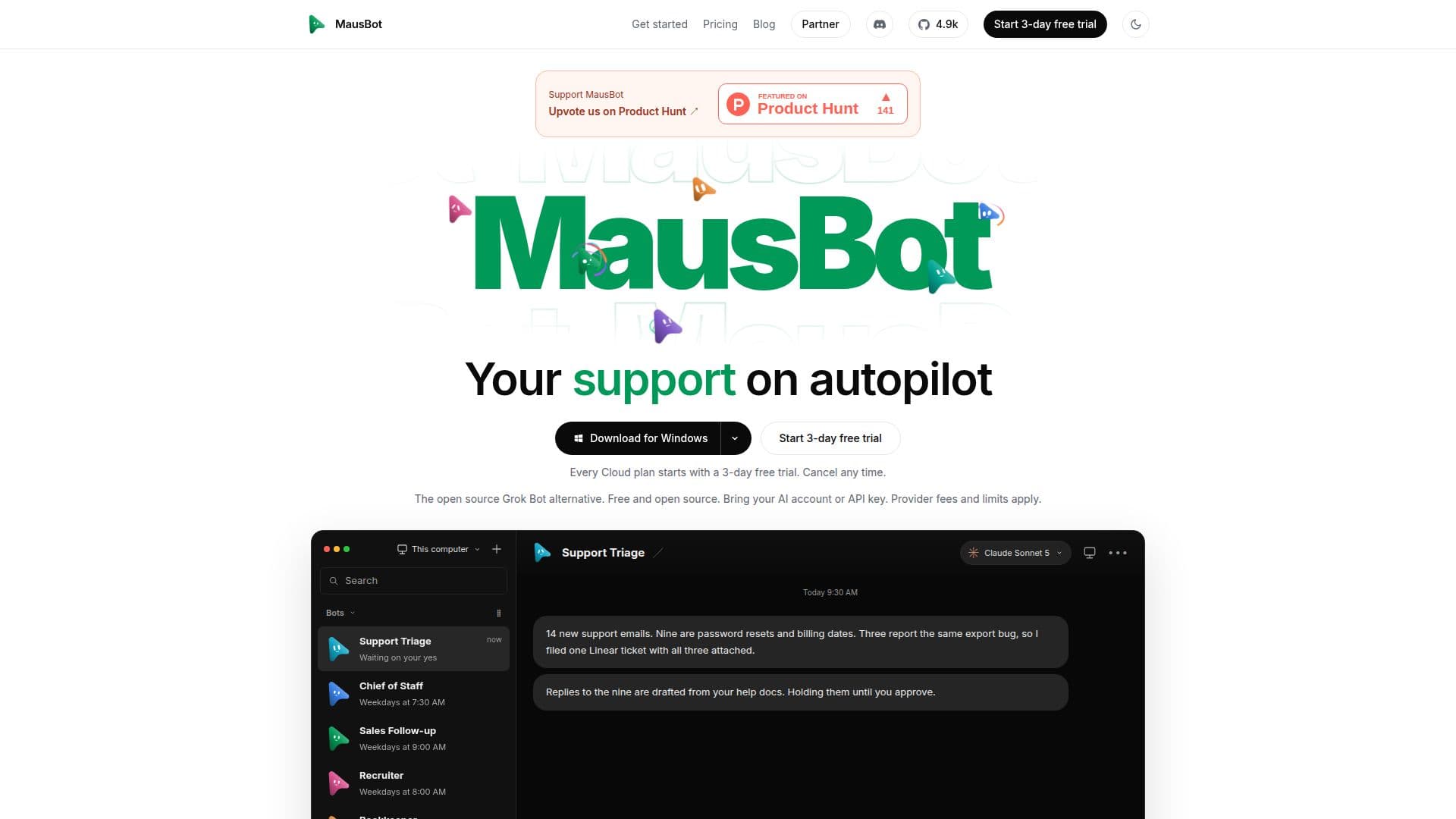
Description
MausBot is an open-source alternative to Grok Bot, designed to provide users with a team of AI agents that operate locally on their own machines. This desktop application is available for macOS, Windows, and Linux, and it allows users to utilize their existing AI accounts or API keys. By running locally, MausBot ensures that all data and processes remain on the user's machine, providing a secure and private environment for AI operations.
Read More
The application supports various AI models, including Claude, Codex, and Grok, and integrates with numerous applications such as Gmail, Slack, GitHub, and Notion through Composio. Users can assign specific tasks to each bot, such as planning daily schedules, summarizing notes, or drafting emails. The bots can also perform more complex tasks like managing invoices, recruiting, and bug fixing.
MausBot offers a free tier that allows unlimited bots to run on the user's computer. For those who prefer cloud hosting, there are paid plans available, including Personal, Pro, and Max, which provide additional features such as always-on cloud workspaces, voice replies, and priority support. Each plan starts with a 3-day free trial.
The application is designed for individuals and teams looking to automate tasks without relying on external cloud services. It is particularly beneficial for freelancers, small business owners, and developers who want to maintain control over their AI processes. With its open-source nature, MausBot encourages community contributions and continuous improvement.
- CategoryAI Agent Builders
- Pricing ModelFreemium
- DeploymentLocal
- PlatformsmacOS, Windows, Linux
MausBot's Core Features
Open-source desktop application
Supports macOS, Windows, and Linux
Integrates with Gmail, Slack, GitHub, and more
Runs AI agents locally on user machines
Supports models like Claude, Codex, and Grok
Free tier with unlimited bots
Optional cloud hosting plans
Community-driven development
How to use MausBot?
Download: Choose the installer for your platform and install MausBot.
Connect: Use the onboarding engine to connect a supported AI provider.
Create: Set up your first bot by selecting a model and assigning tasks.
Use: Start with a small task and review the bot's output.
MausBot's Use Cases
- Daily Planning
- Email Drafting
- Invoice Management
- Recruitment
- Bug Fixing