
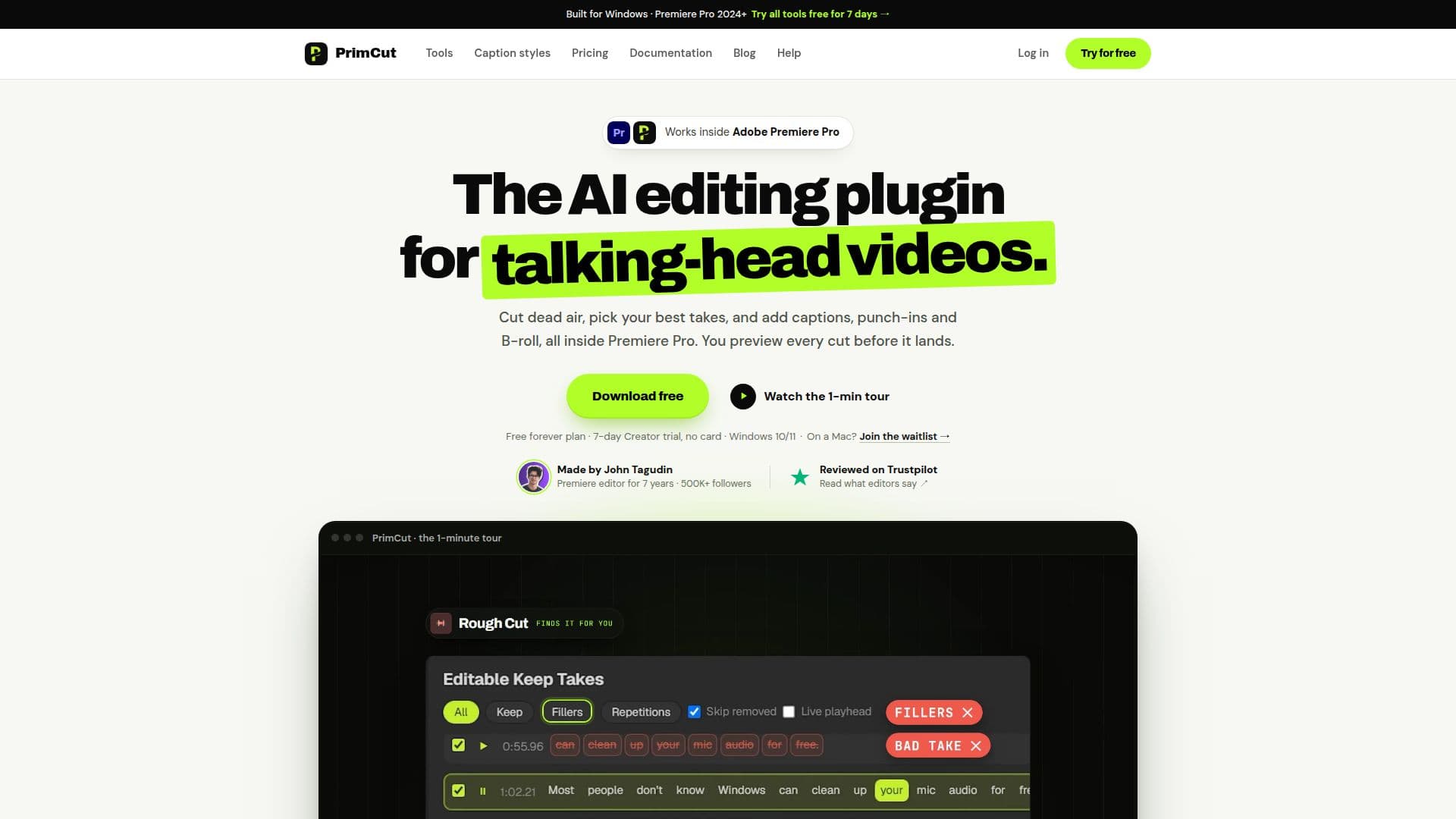
Description
PrimCut is a comprehensive plugin for Adobe Premiere Pro on Windows, designed to automate and simplify tedious post-production tasks for talking-head, podcast, and short-form videos. It integrates 15 distinct editing tools into a single panel within Premiere Pro, allowing editors to work more efficiently without leaving their timeline.
Read More
The plugin's core functionality revolves around AI-driven automation. It can automatically remove silences, filler words, and bad takes from footage, or cut videos to a script. For captions, PrimCut generates animated, word-by-word captions with 27 built-in styles or custom .mogrt templates. It also offers advanced features like automatic punch-in zooms that keep subjects' eyes locked in place, and a Podcast Editor that automatically switches camera angles based on who is speaking.
Beyond core editing, PrimCut includes tools like B-Roll Finder and SFX Finder, which allow users to search and import millions of free stock clips and sound effects from Pexels, Pixabay, and CC0 libraries directly within Premiere Pro. The Creator plan enhances these with Auto B-Roll and automatic SFX placement based on transcripts. An Assets Library helps manage MOGRT templates, SFX, overlays, and LUTs, including a free Starter Pack of 90+ MOGRTs.
PrimCut also features a Background Remover for stills, one-click J-cuts and L-cuts, Keyframe Drag Assist for smoother keyframe manipulation, and Curve Zoom for precise motion control. The Viral Clips tool can transform long videos into short, engaging clips complete with titles, captions, and hashtags. For advanced users, PrimCut MCP (beta) allows Claude Code to utilize most of the plugin's tools, including motion graphics rendering and placement.
Transcription for many tools runs locally on the user's computer by default, ensuring privacy and avoiding per-minute costs. While some AI features require an internet connection, PrimCut AI offers built-in processing hours (2 hours on trial, 20 hours/month on Creator), or users can connect their own Claude or ChatGPT plans. The plugin is built by John Tagudin, a former full-time video editor, addressing common pain points in the editing workflow. It offers a Free Forever tier with several essential tools and a Creator plan at $15/month or $109/year, with a 7-day free trial for all tools.
- CategoryAI Video Editors
- Pricing ModelFreemium
- DeploymentCloud
- PlatformsWindows
PrimCut's Core Features
Remove silences and filler words automatically
Generate word-by-word animated captions with 27 styles
Auto zooms with eye-lock and easing curves
Search and import free B-roll from Pexels and Pixabay
Search and import free CC0 sound effects
Automatic B-roll and SFX placement from transcript (Creator plan)
Auto multicam podcast editing based on speaker detection
Convert long videos into short clips with titles, captions, and hashtags
Remove image backgrounds offline without uploads or credits
One-click J-cuts and L-cuts (split edits)
Keyframe drag assist for precise motion control
Search and apply effects, transitions, and presets
MOGRT, SFX, and asset library management
Watch folder auto-import for new assets
Connects Claude Code to almost every PrimCut tool (beta)
How to use PrimCut?
Install & Sign In: Download and install the PrimCut plugin for Adobe Premiere Pro on Windows, then sign in.
Complete Setup: Follow the guided setup to download local speech, speaker, and background removal engines for offline use.
Transcribe & Review: Use the Caption Generator to transcribe your timeline locally, then review and AI proofread the transcript.
Automate Edits: Apply Silence Cutter to remove dead air, Rough Cut to clean up filler words, or Podcast Editor for multicam switching.
Enhance Visuals: Utilize Curve Zoom for automatic punch-ins, B-Roll Finder for stock footage, and Background Remover for stills.
Generate Captions: Select a style or use your own MOGRT to generate animated word-by-word captions.
Export & Share: Finalize your edit with PrimCut's tools and export your polished video from Premiere Pro.
PrimCut's Use Cases
- Talking-Head Video Editing
- Podcast Video Production
- Short-Form Content Creation
- Animated Caption Generation
- B-Roll and SFX Integration
- Image Background Removal
- Automated Zoom Effects
- Script-Based Editing