Description
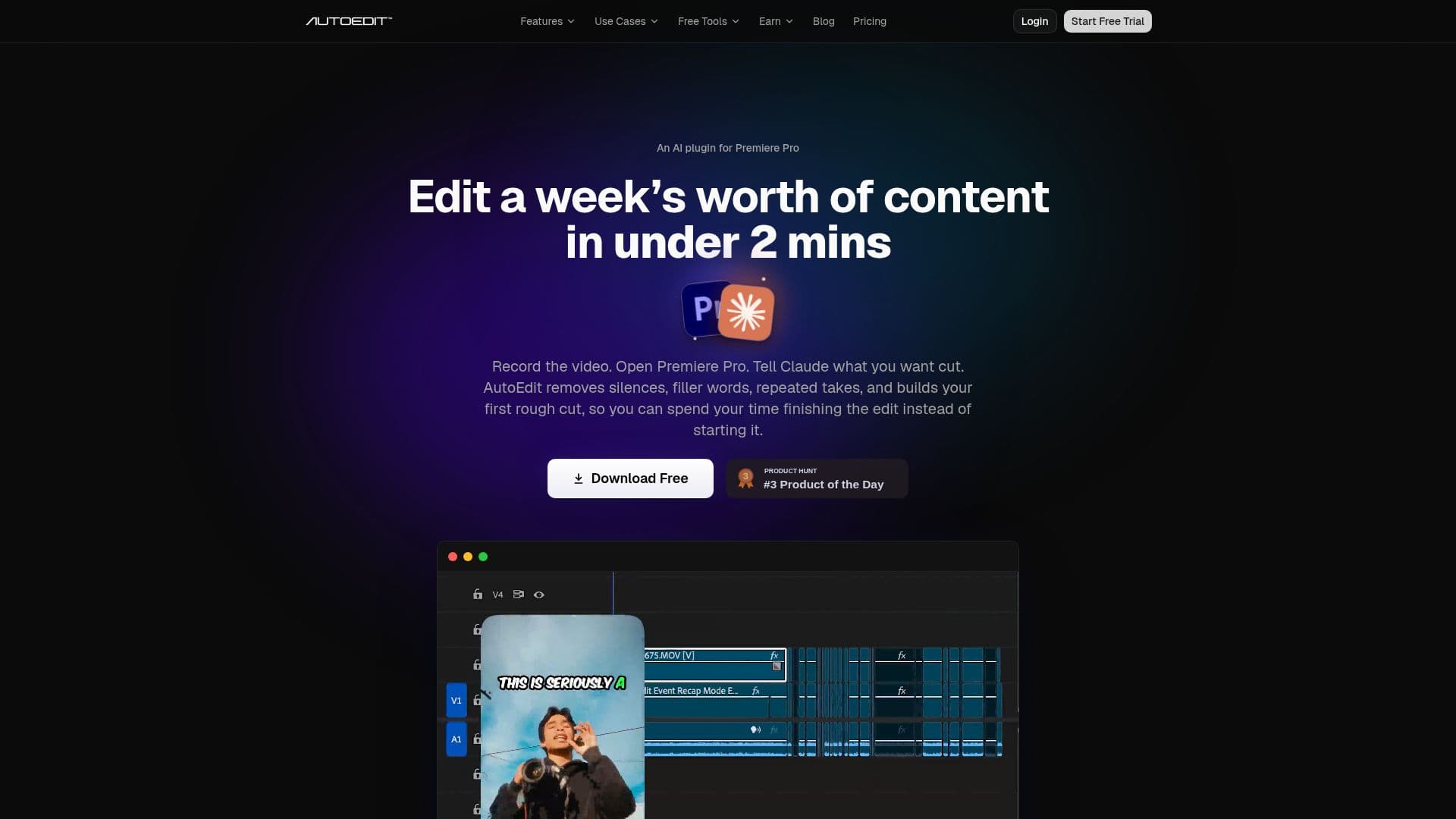
AutoEdit is a powerful AI-driven plugin designed to streamline the video editing process within Adobe Premiere Pro. By automating the initial stages of editing, AutoEdit significantly reduces the time spent on repetitive tasks, such as removing silences, filler words, and bad takes. This allows creators to focus more on the creative aspects of their projects.
Read More
The plugin is particularly beneficial for editing YouTube videos, podcasts, reels, TikToks, interviews, and any talking-head or voiceover content. AutoEdit's Creator Mode understands the content and builds a rough cut automatically, making it an invaluable tool for content creators who need to produce high-quality videos quickly.
AutoEdit offers a range of features, including automatic caption generation in over 99 languages, AI context editing powered by Claude AI, and the ability to resize videos for different formats without manual keyframing. The plugin also includes a Podcast Mode, which detects active speakers and switches camera angles automatically for multicam podcasts.
Pricing for AutoEdit starts with a free trial, with paid plans ranging from $9.99 to $199 per month, depending on the level of AI editing minutes required. This flexible pricing model allows users to choose a plan that best fits their editing needs and budget.
Despite its advanced capabilities, AutoEdit does not replace human editors. It is designed to handle the repetitive setup steps, allowing editors to maintain control over storytelling and creative decisions. Trusted by over 15,000 editors worldwide, AutoEdit is a game-changer for those looking to enhance their video editing efficiency.
- CategoryAI Video Editors
- Pricing ModelFreemium
- DeploymentCloud
- PlatformsAdobe Premiere Pro
AutoEdit's Core Features
AI-powered auto-editing
Silence removal
Filler word removal
Bad take removal
Automatic caption generation
AI context editing
Podcast Mode for multicam editing
Video resizing for different formats
How to use AutoEdit?
Open the Plugin: Launch AutoEdit directly inside Premiere Pro.
Type a Prompt: Tell the AI what you want or just hit Auto-Edit.
AI Cuts Bad Takes: AI removes silences, filler, and weak takes automatically.
Apply Edits: Review and apply your rough cut.
AutoEdit's Use Cases
- YouTube Videos
- Podcasts
- Social Media Content
- Interviews
- Voiceover Content