Description
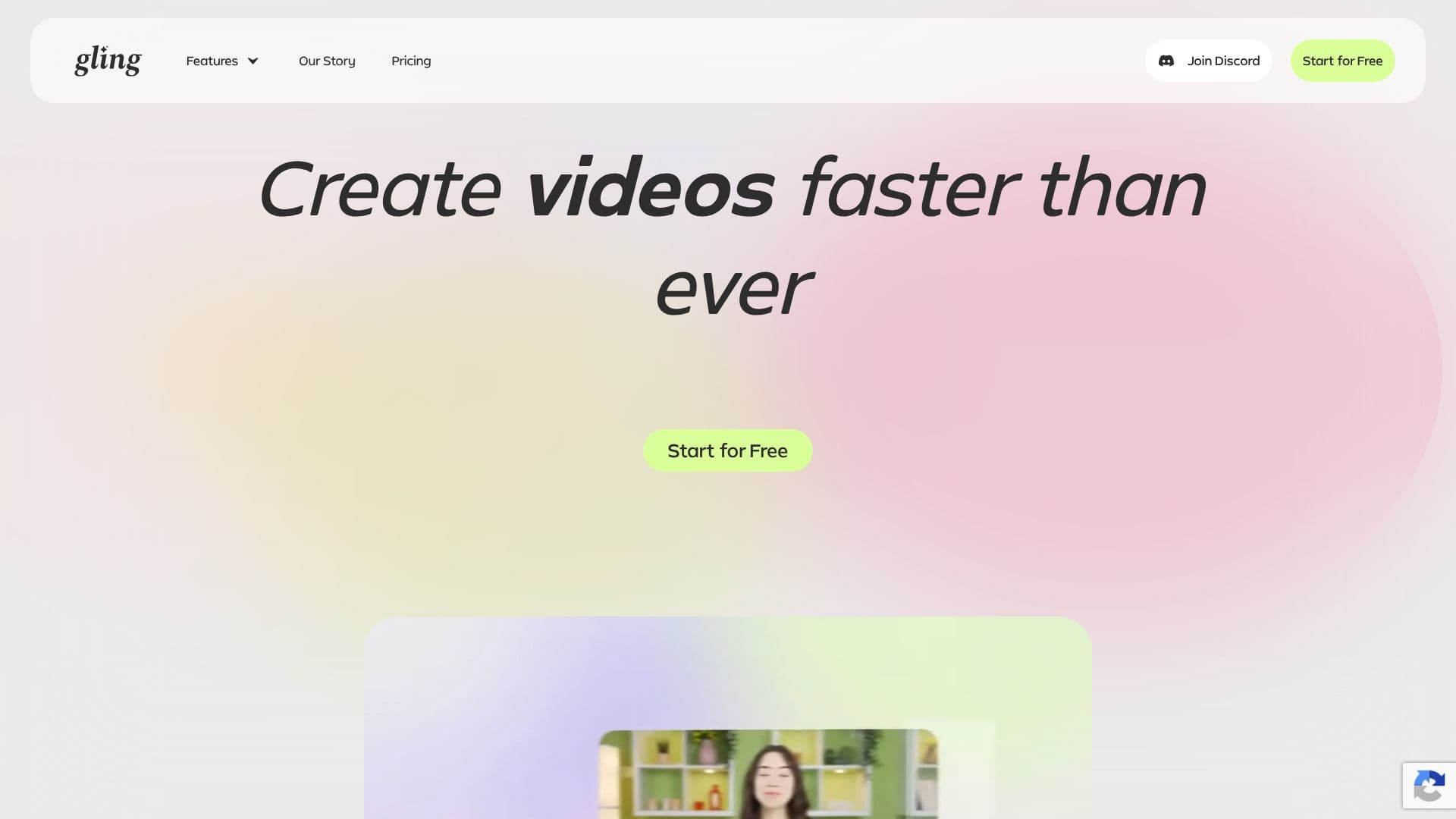
Gling is an AI-powered video editing software specifically built to streamline the workflow for YouTube creators. The platform aims to significantly reduce the time spent on tedious post-production tasks, allowing creators to focus more on content creation and audience engagement. By uploading raw footage, users receive a clean cut that automatically removes unwanted segments.
Read More
Gling's core functionality revolves around intelligent automation. It identifies and eliminates bad takes, silences, and filler words, ensuring a polished and professional final product. This AI-driven approach transforms the often time-consuming process of editing into a much faster and more efficient experience. The tool is designed to be intuitive, making advanced editing capabilities accessible even to those with less technical expertise.
Beyond basic editing, Gling offers features to enhance YouTube performance. It can generate optimized titles and chapter markers that are likely to perform well on the platform, increasing discoverability. Additionally, Gling assists in brainstorming video ideas that are designed to capture audience attention. This holistic approach positions Gling as a comprehensive partner for content creators looking to maximize their reach and impact on YouTube.
The editing process with Gling is broken down into three simple steps. First, creators upload their raw video or audio recordings. Gling then transcribes the content, automatically identifying and cutting out undesirable sections. Second, users can review the AI-edited video and make manual refinements by adjusting the text transcript or timeline. Finally, the edited video can be exported in various formats, including MP4/MP3 with SRT captions, or directly to popular editing software like Final Cut, DaVinci Resolve, or Premiere Pro.
Gling also provides tools to ensure videos always look and sound professional. Features include AI captions, automated zoom-ins and outs (auto framing), and noise removal. These capabilities help creators express themselves confidently and deliver high-quality content that stands out. The platform is positioned as an ultimate content creation sidekick, empowering creators to work smarter, not harder.
- CategoryAI Video Editors
- Pricing ModelFreemium
- DeploymentCloud
- PlatformsWeb
Gling AI Video Editing's Core Features
Automatic cutting of bad takes
Removal of silences and filler words
AI-powered transcription
Noise removal
AI captions and subtitles generation
Automated zoom in/out (auto framing)
YouTube title generator
Automated video chapters
Next video suggestions
Export to Final Cut, DaVinci, Premiere
Download as MP4/MP3 with SRT captions
How to use Gling AI Video Editing?
Upload Recording: Drop your raw video or audio file into Gling.
AI Editing: Gling transcribes, identifies bad takes, silences, and cuts them automatically.
Edit & Refine: Review the AI-edited video and make manual adjustments via text or timeline.
Export: Download your polished video as MP4/MP3 with captions, or export to professional editing software.
Gling AI Video Editing's Use Cases
- Streamline YouTube Editing
- Enhance Video Quality
- Boost YouTube Performance
- Content Idea Generation
- Professional Content Creation
- Time-Saving Post-Production