Description
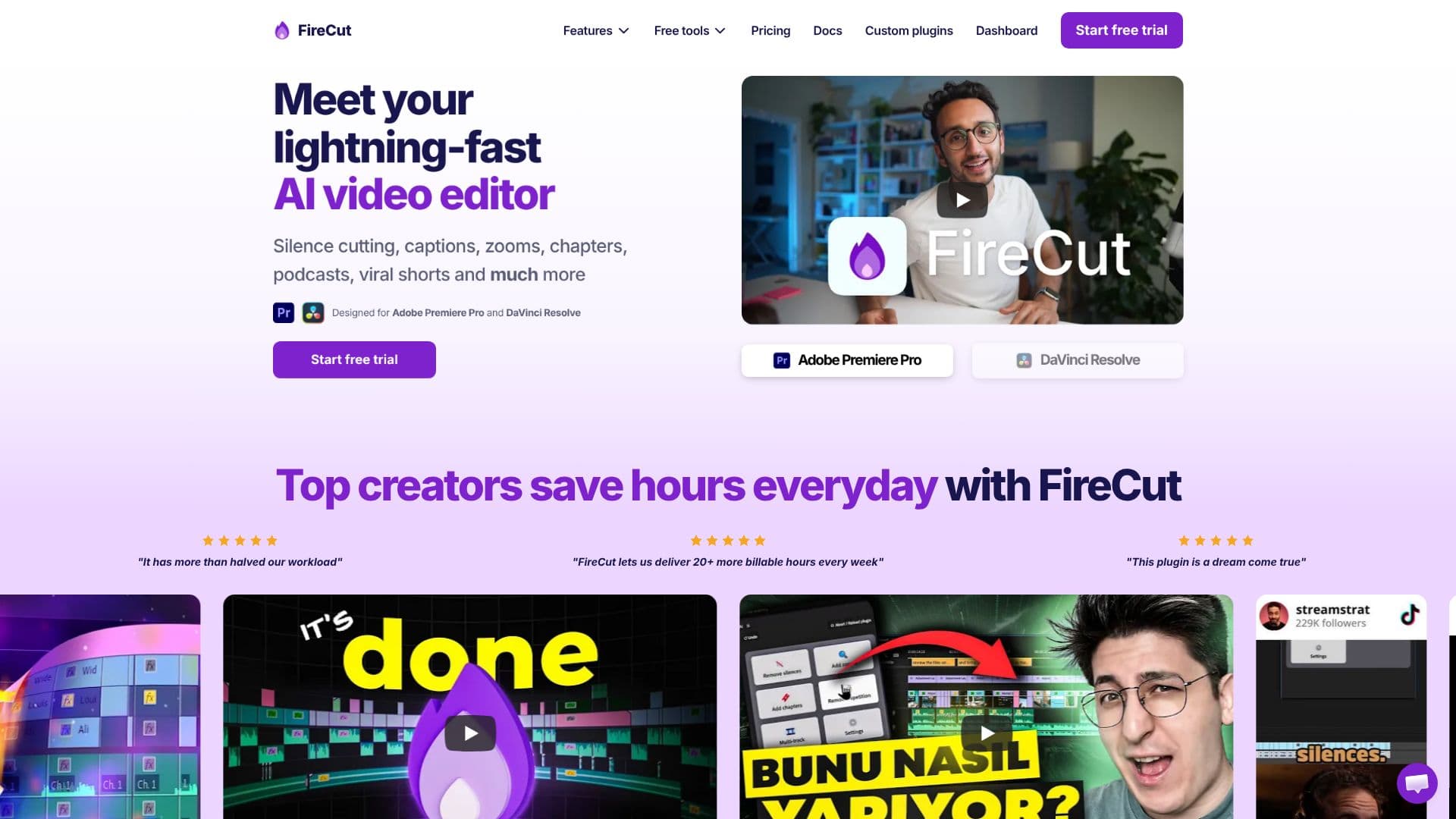
FireCut positions itself as a lightning-fast AI video editor, aiming to revolutionize video editing workflows by integrating artificial intelligence to accelerate repetitive tasks. The tool is specifically designed for professionals using industry-standard software like Adobe Premiere Pro and DaVinci Resolve, promising a seamless integration into their existing pipelines.
Read More
At its core, FireCut leverages AI to automate time-consuming processes that often bog down video editors. This includes intelligent footage cleaning, which can automatically enhance or correct raw video material. The editor also offers AI-powered features for adding dynamic zoom cuts, which can create a more engaging viewing experience, especially for content like podcasts or viral shorts. Furthermore, FireCut can automatically detect and segment content into chapters, simplifying navigation and organization for longer videos.
The primary benefit highlighted by FireCut is the significant boost in editing productivity. By offloading tasks such as silence cutting, caption generation, and chapter detection to AI, editors can focus more on creative aspects of their work. The tool's compatibility with popular editing software ensures that users don't need to learn entirely new systems, making the transition to AI-assisted editing smoother. The promise of speed and efficiency makes FireCut an attractive option for content creators, podcasters, social media managers, and video production houses looking to streamline their post-production processes.
FireCut is presented as a solution for anyone looking to speed up their video editing workflow. Whether you are producing long-form content, short-form viral clips, or professional documentaries, the AI-driven automation can lead to faster turnaround times and improved output quality. The availability of a free trial suggests an accessible entry point for users to experience the benefits firsthand before committing to a paid plan.
- CategoryAI Video Editors
- Pricing ModelFreemium
- DeploymentCloud
- PlatformsAdobe Premiere Pro, DaVinci Resolve
FireCut AI Video Editor's Core Features
AI-powered silence cutting
Automated caption generation
AI-driven zoom cut creation
Automatic chapter detection
Footage cleaning and enhancement
Designed for Adobe Premiere Pro
Designed for DaVinci Resolve
Boosts editing productivity
Speeds up repetitive tasks
Seamless AI integration into workflow
Supports podcast editing
Supports viral shorts creation
How to use FireCut AI Video Editor?
Configure: Integrate FireCut with Adobe Premiere Pro or DaVinci Resolve.
Automate: Utilize AI features for silence cutting, captions, and chapter detection.
Enhance: Apply AI-powered footage cleaning and zoom cuts.
Export: Finalize and export your efficiently edited video content.
FireCut AI Video Editor's Use Cases
- Podcast Editing
- Viral Shorts Creation
- Content Chaptering
- Footage Cleanup
- Caption Generation
- Workflow Acceleration
- Premiere Pro Integration
- DaVinci Resolve Integration