Description
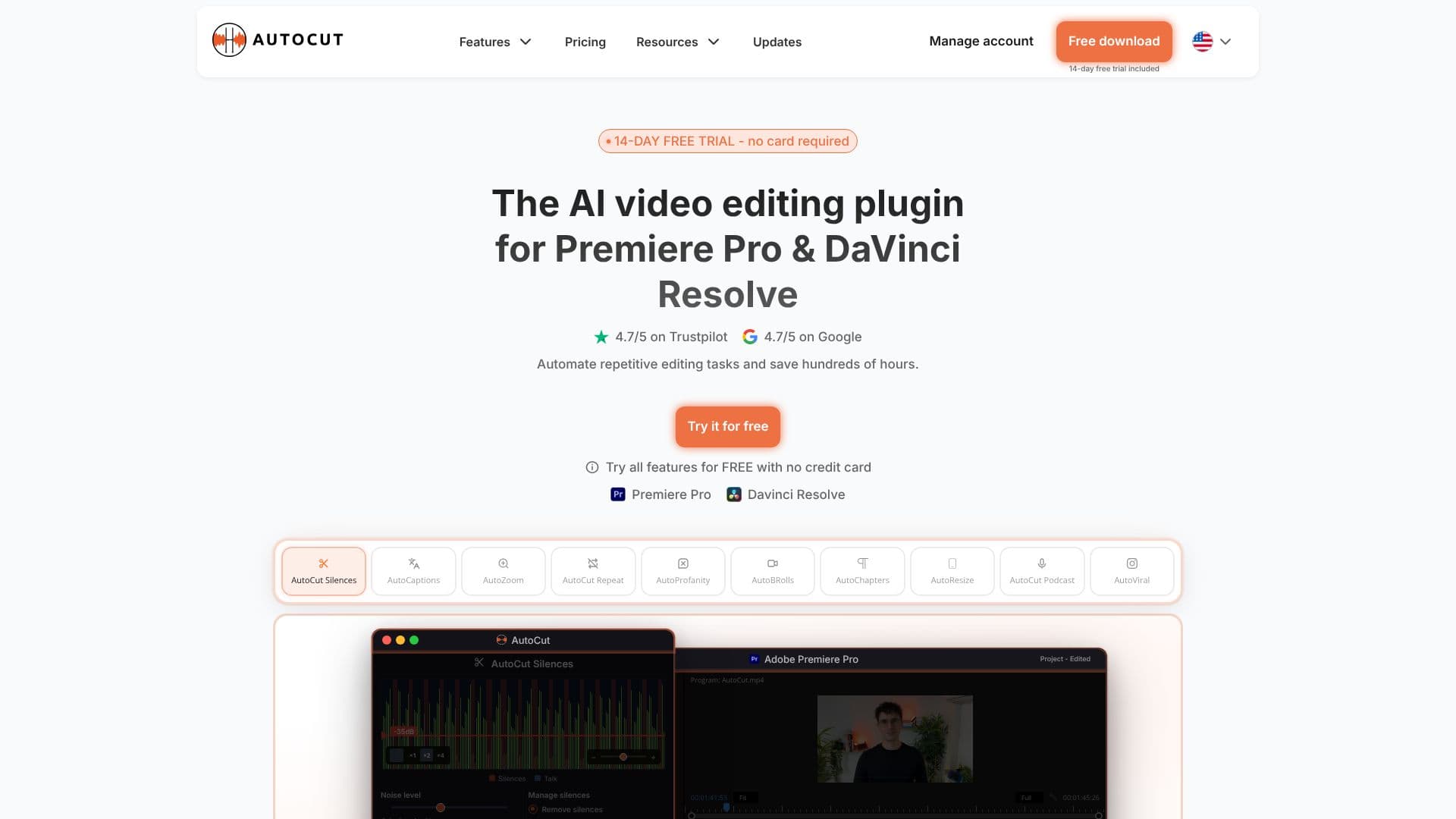
AutoCut is a powerful AI-driven plugin designed to significantly streamline video editing workflows within Adobe Premiere Pro and DaVinci Resolve. It automates time-consuming and repetitive tasks, enabling editors to save hundreds of hours per project. The plugin offers a suite of intelligent features that enhance efficiency and creative output.
Read More
Key capabilities include the automatic removal of silences, which boosts video dynamics and engagement by eliminating dead air. AutoCaptions generates dynamic, animated captions and can translate them in seconds, improving accessibility and viewer retention. For podcast creators, AutoCut Podcast automates speaker recognition and camera switching in multicam setups, drastically reducing editing time. The AutoZoom feature adds perfectly timed smart zooms to enhance storytelling and keep viewers engaged.
AutoCut also offers features like AutoViral for creating short-form content from longer videos, AutoB-Rolls for enriching edits with AI-selected stock footage, and AutoCut Repeat to identify and preserve only the best takes. Content integrity is maintained with the AutoProfanity Filter, which masks profanities with sound effects. Furthermore, AutoChapters automatically segments videos into export-ready YouTube chapters, and AutoResize adapts sequences for various social media formats while keeping subjects centered.
The plugin is targeted at video editors, content creators, YouTubers, podcasters, and professionals working with Premiere Pro and DaVinci Resolve who are looking to optimize their editing process. By automating tedious tasks, AutoCut allows users to dedicate more time to the creative aspects of video production, leading to faster turnaround times and higher quality content. The value proposition lies in its ability to transform the editing experience from laborious to efficient and intuitive.
AutoCut is available for both Premiere Pro and DaVinci Resolve, with a 14-day free trial offered without requiring a credit card. This allows users to explore all features and experience the time-saving benefits firsthand before committing to a subscription. The plugin is praised for its ease of use, seamless integration, and impressive accuracy, making it a game-changer for professionals and beginners alike.
- CategoryAI Video Editors
- Pricing ModelSubscription
- DeploymentCloud
- PlatformsPremiere Pro, DaVinci Resolve
AutoCut AI Plugin's Core Features
AI-powered silence removal
Automated caption generation and translation
Multicam podcast editing automation
Smart auto-zoom functionality
Short-form content creation from long videos
AI-assisted B-roll integration
Repetitive take identification and removal
Profanity filtering with sound effects
Automatic video chapter generation
Adaptive resizing for social media formats
Available for Premiere Pro and DaVinci Resolve
14-day free trial
How to use AutoCut AI Plugin?
Install: Download and install the AutoCut plugin for your chosen software (Premiere Pro or DaVinci Resolve).
Configure: Select your software and activate your free trial or subscription key.
Automate: Apply AI features like silence removal, auto-captions, or auto-zoom to your timeline.
Refine: Review and adjust AI-generated edits as needed for creative control.
Export: Export your efficiently edited video content.
AutoCut AI Plugin's Use Cases
- Silence Removal
- Automated Captions
- Podcast Editing
- Engagement Boost
- Short-Form Content
- Content Curation
- YouTube Optimization
- Social Media Adaptation