Description
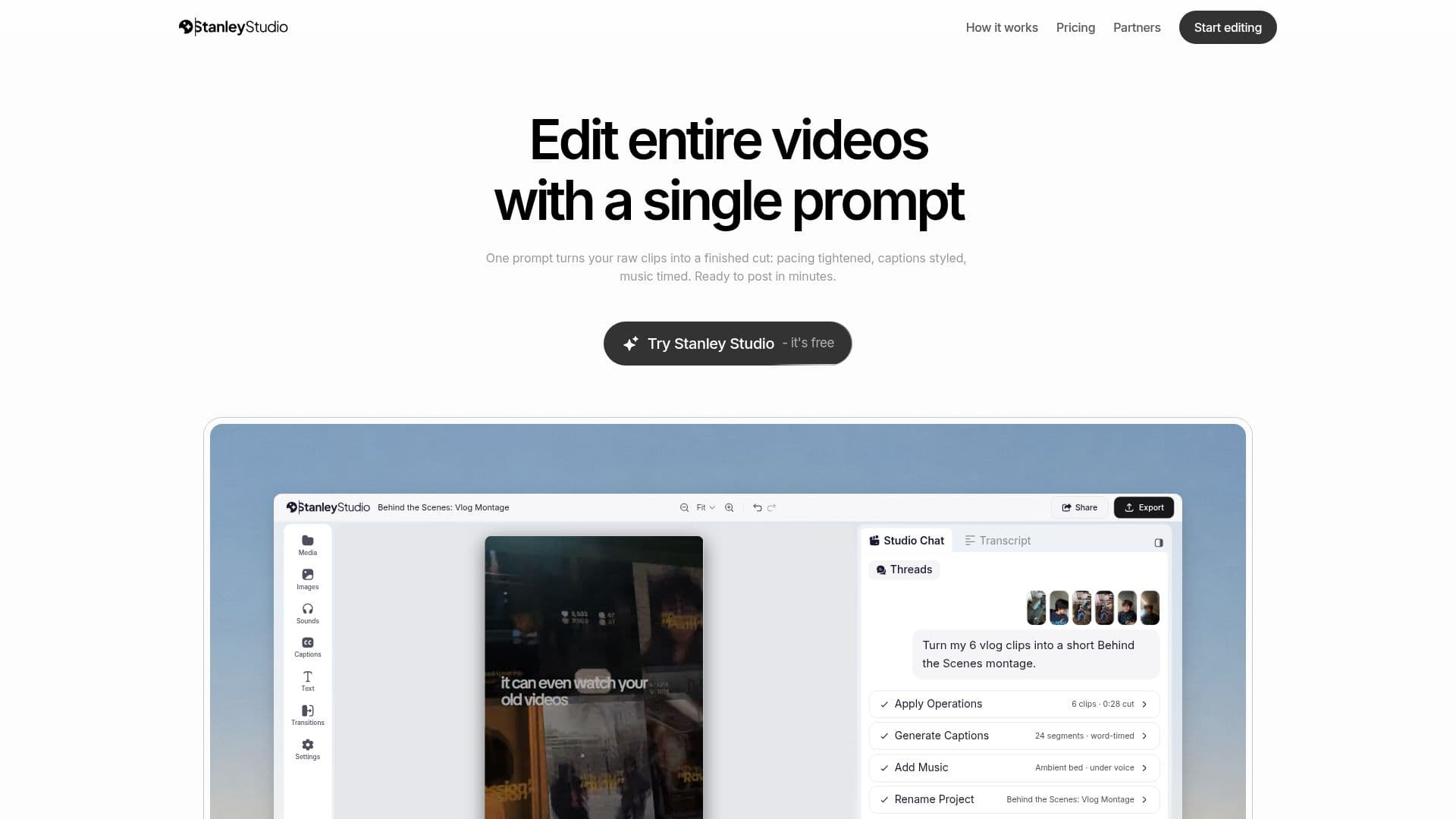
Stanley Studio is a powerful yet simple video editing tool that operates directly in your browser. Designed to streamline the editing process, it allows users to transform raw video clips into finished products with just a single prompt. This innovative approach to video editing means that users can specify their editing needs in plain language, such as "cut the dead air and caption every word," and Stanley Studio will execute these instructions on the timeline.
Read More
The tool is particularly favored by content creators who need to post videos frequently. Testimonials from creators like Nick Tarmossin, Omar Zeineddine, and Winnie Chen highlight how Stanley Studio has significantly reduced their editing time, allowing them to focus on other tasks. The tool's ability to handle tasks such as cutting silences, styling captions, and timing music makes it an invaluable asset for those who produce content regularly.
Stanley Studio offers a freemium pricing model. Users can start with a free tier that includes unlimited watermarked 720p exports, unlimited projects, and $50 in AI credits. For those who require more advanced features, a paid tier is available, offering unlimited HD and 4K exports without watermarks, $1,000 in AI credits each month, and additional collaborative features.
The tool is designed for ease of use, allowing users to drop in clips and receive a first cut within minutes. It supports a wide range of editing features, including cuts, captions, music, reframing, and transitions. This makes it suitable for various industries and roles, particularly those involved in content creation and digital marketing.
- CategoryAI Video Editors
- Pricing ModelFreemium
- DeploymentCloud
- PlatformsBrowser
Stanley Studio's Core Features
Edit videos with a single prompt
Browser-based video editor
Caption styling and music timing
Unlimited projects
Freemium pricing model
Unlimited HD and 4K exports
Collaborative features
AI credits for advanced features
How to use Stanley Studio?
Upload: Drop in your video clips
Edit: Specify your editing needs in a prompt
Review: Receive the first cut in minutes
Export: Download your finished video
Stanley Studio's Use Cases
- Daily Vlogs
- Social Media Content
- Marketing Videos
- Educational Content
- Event Highlights