
Description
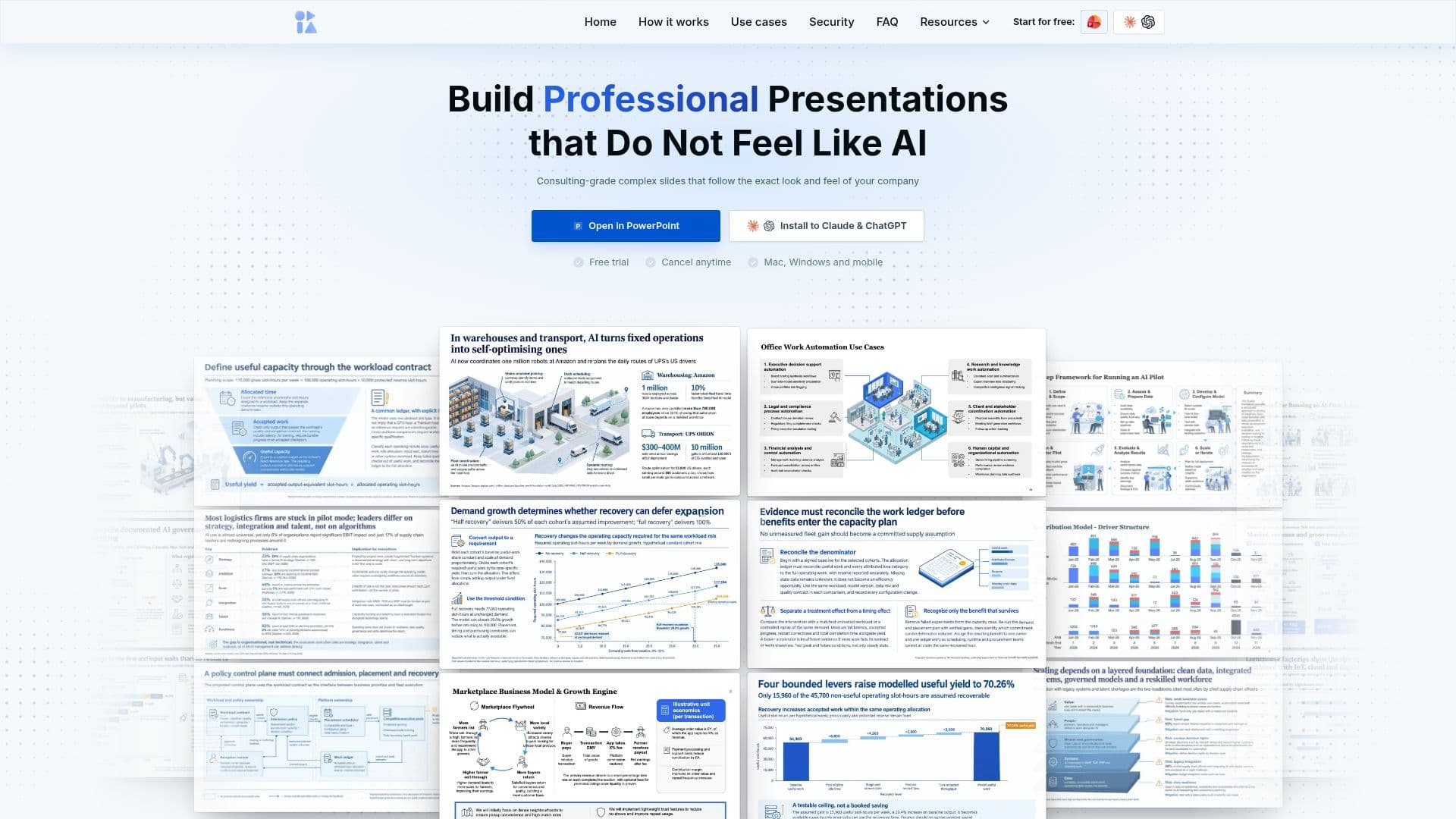
Oria is an advanced AI-powered PowerPoint add-in specifically engineered for creating complex, professional-grade slides. It caters to the demanding needs of consultants, bankers, and strategy teams who regularly build boardroom-style presentations. The core functionality of Oria lies in its ability to transform rough slide concepts into highly polished, executive-ready presentations with a single click.
Read More
The tool integrates directly into PowerPoint, offering features like one-click AI design, multiple design options to choose from, and strict adherence to corporate templates and brand guidelines. Users can define their corporate colors, fonts, and design preferences, ensuring every slide perfectly matches their brand standards while incorporating professional design elements. Oria also supports voice-to-slide control and allows for design reference uploads, providing flexibility in how users initiate their slide creation process.
Oria is built to handle various slide scenarios, from converting rough ideas or audio notes into impactful presentations to transforming structured output from AI assistants like ChatGPT or Claude into stunning designs. It can also improve the design of existing slides, elevating their quality to an executive level. The output consists of fully editable, native PowerPoint shapes, not static images, allowing users to refine every element as they normally would.
Security is a top priority for Oria, with all data encrypted in transit and at rest. The platform adheres to industry best practices and explicitly states that it does not use user presentations or data to train its AI models. Working artifacts self-destruct within one hour, and outputs are wiped on a short rolling window, ensuring zero data retention.
Founded by ex-consultants and world-class AI engineers, Oria addresses the pain points of time-consuming presentation design. It supports multiple languages, including English, Spanish, French, German, and Russian. Pricing plans start at $19 per month, with a 7-day trial or 20 free tokens available for new users to test the technology.
- CategoryAI Presentation Makers
- Pricing ModelFreemium
- DeploymentPowerPoint Add-in
- PlatformsMac, Windows, Claude & ChatGPT (mobile/desktop)
Oria's Core Features
One-click AI design transformation
Multiple design options for comparison
Adherence to corporate templates and branding
Voice-to-slide control for content input
Design reference uploads for consistency
Vector icon library integration
Enterprise deployment capabilities
Fully editable, native PowerPoint output
Conversion of AI assistant output to slides
Improvement of existing slide designs
Enterprise-grade security with data encryption
Zero data retention policy
No user content used for AI model training
Multi-language support
How to use Oria?
Install Oria: Connect Oria to your AI workspace via Claude & ChatGPT, or install the add-in directly into PowerPoint on Mac or Windows.
Input Content: Share rough ideas, audio notes, loose prompts, or paste structured output from AI assistants like ChatGPT or Claude.
Apply Design: Utilize the one-click AI design feature to transform your content into professional slides.
Select Options: Choose from multiple distinct design options generated by Oria.
Refine & Edit: Customize and refine every element of the fully editable, native PowerPoint output as needed.
Maintain Branding: Ensure slides follow your corporate colors, fonts, and design preferences set within Oria.
Oria's Use Cases
- Professional Presentation Design
- Consulting Deck Creation
- Financial Report Slides
- Strategy Team Presentations
- AI Assistant Output Conversion
- Existing Slide Enhancement
- Brand Guideline Adherence