


Description
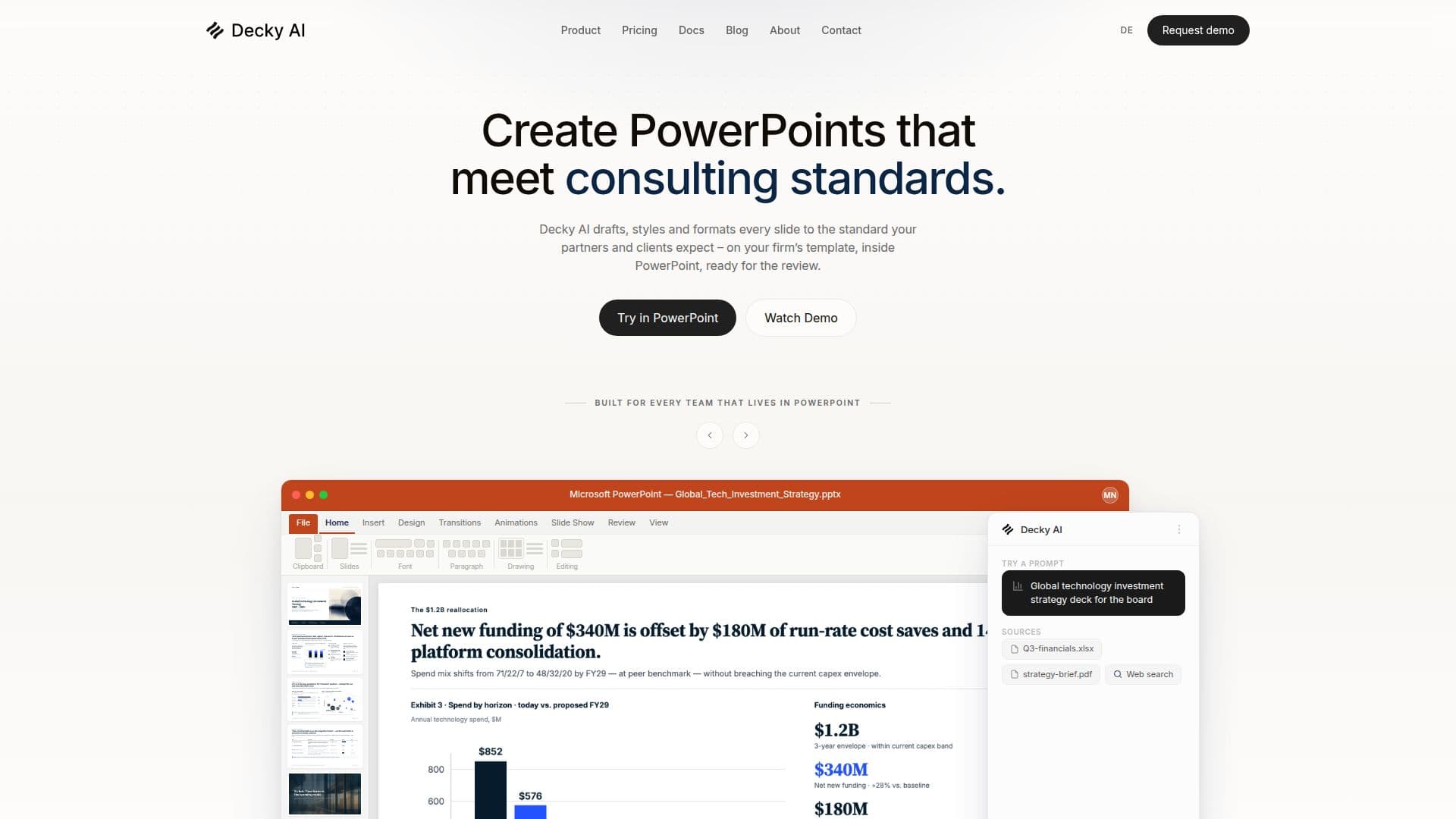
Decky AI is a specialized AI tool designed to streamline the creation of PowerPoint presentations for consultants and corporate teams. As a native Office Add-in, it integrates seamlessly with Microsoft PowerPoint on Windows and macOS, enhancing productivity by automating slide formatting and content checks. Decky AI ensures that slides are aligned with brand guidelines, correcting typos, grammar issues, and formatting inconsistencies. It also supports data integration, allowing users to pull relevant information from company knowledge sources and the web.
The tool offers a Slide Library feature, enabling users to save and reuse slides across different presentations. This library scales with the user's plan, offering capacities from 20 slides on the Free plan to 1,000 slides for Enterprise teams. Decky AI provides various pricing tiers, including Free, Starter, Pro, and Max for individuals, and Business and Enterprise plans for teams, with custom pricing available on request.
Decky AI is built with security in mind, offering GDPR-compliant data processing and zero data retention. It requires an internet connection to function, as it leverages a large language model for real-time slide processing. The tool is particularly beneficial for consultants who need to produce high-quality presentations quickly, reducing the time spent on slide production by up to 70%.
Overall, Decky AI is a valuable asset for professionals who rely heavily on PowerPoint for client deliverables, offering features that enhance efficiency and ensure presentations meet high standards.
Decky AI's Core Features
AI-powered slide formatting
Real-time content checks
Brand guideline enforcement
Slide Library for reuse
Data integration from web and company sources
Native Office Add-in for PowerPoint
GDPR-compliant processing
Custom pricing for Enterprise plans
Internet connection required
Zero data retention policy
Supports Windows and macOS
Multiple pricing tiers
Credits for AI actions
Single sign-on support
Role-based access control
How to use Decky AI?
Install: Add Decky AI from Microsoft AppSource
Configure: Set up Slide Library and brand guidelines
Use: Generate and format slides within PowerPoint
Optimise: Integrate data sources for enhanced insights
Decky AI's Use Cases
- Strategy Decks
- Board Updates
- Client Deliverables
- New Business Proposals
- Operational Improvement