
Description
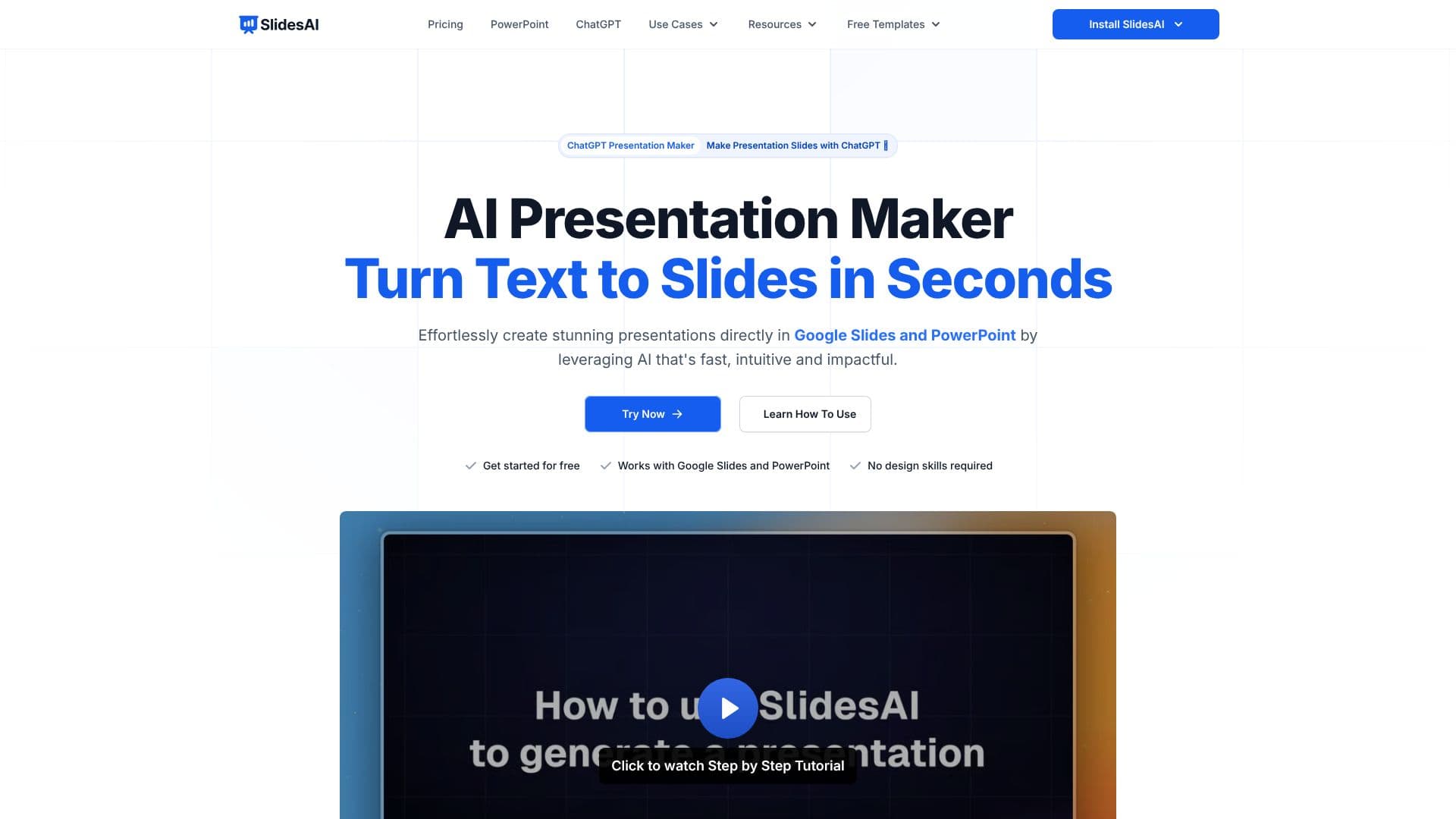
SlidesAI offers a powerful yet intuitive AI presentation maker designed to streamline the creation of professional-looking slides. By leveraging artificial intelligence, the tool converts text content, such as notes or prompts, into visually appealing presentations directly within Google Slides and PowerPoint. This eliminates the need for manual design work, saving users significant time and effort.
Read More
The core functionality of SlidesAI revolves around its ability to understand user input and generate structured slide decks. Users can input a topic or paste their existing notes, and the AI will organize sections, write content, and build slides instantly. The platform supports over 100 languages, making it accessible to a global audience. Customization options allow users to refine the generated content, adjust layouts, and select from a library of professional templates.
SlidesAI is built for seamless integration. It functions as an add-on for Google Slides and PowerPoint, meaning users can create and edit presentations without switching between applications. For those who prefer to work with ChatGPT, SlidesAI also offers a ChatGPT plugin that allows for instant presentation generation directly from conversations. The tool also supports adding AI-generated visuals or stock images to presentations.
This AI presentation maker is particularly beneficial for educators, students, and professionals. Educators can quickly turn lecture notes into engaging presentations for their students. Students can efficiently create project presentations, and professionals can develop reports, proposals, and marketing materials with ease. The value proposition lies in its speed, ease of use, and the professional quality of the output, all while requiring no prior design expertise.
SlidesAI provides a free tier for users to get started, with paid plans offering increased limits and advanced features like document uploads. The refund policy is managed by Paddle.com, the official Merchant Of Record. The platform emphasizes user-friendliness, with a straightforward installation process and readily available support through a chat button on their website.
- CategoryAI Presentation Makers
- Pricing ModelFreemium
- DeploymentCloud
- PlatformsGoogle Slides, PowerPoint, Web App
SlidesAI's Core Features
AI-powered slide generation from text
Seamless integration with Google Slides
Seamless integration with Microsoft PowerPoint
ChatGPT plugin for instant presentation creation
Supports over 100 languages
Automatic content organization and writing
Customizable templates and layouts
AI-generated visuals and stock image integration
Exportable in PPTX format
No design skills required
Free tier available
Document upload feature on paid plans
How to use SlidesAI?
Install: Add SlidesAI from the Google Workspace Marketplace or PowerPoint Add-ins Store.
Launch: Open SlidesAI from the Extensions menu in Google Slides or Add-ins in PowerPoint.
Generate: Enter a topic or paste your notes, and let the AI build slides.
Customize: Refine content, adjust layouts, and select templates to match your style.
Enhance: Add AI-generated images or stock photos.
Export: Download your presentation as a PPTX file for sharing or further editing.
SlidesAI's Use Cases
- Text to Slides
- Content Summarization
- Presentation Design
- Rapid Prototyping
- Multilingual Presentations
- Educator Tools
- Student Projects
- Professional Reports