


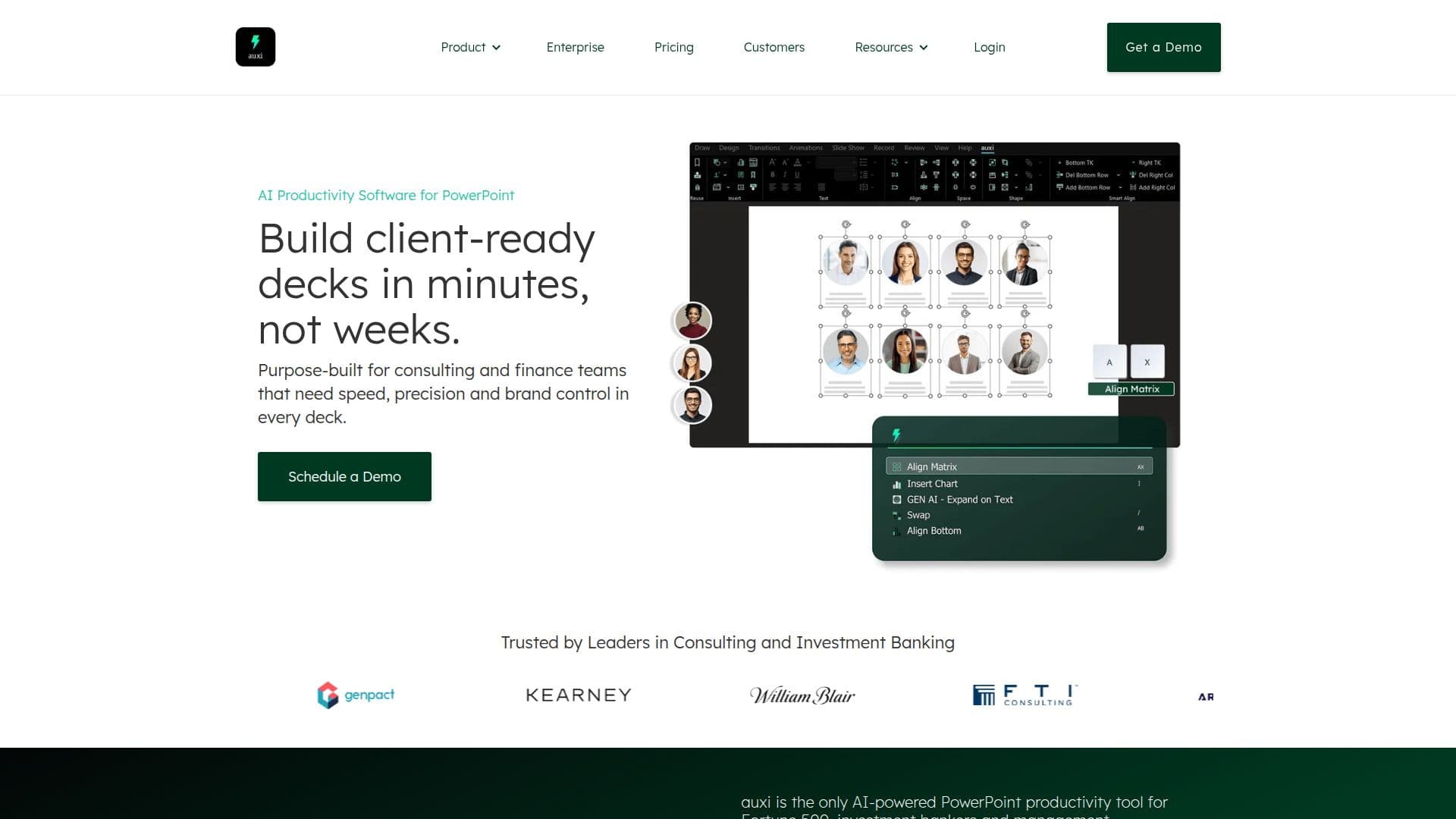
Description
auxi is an AI-powered PowerPoint add-in specifically designed for consulting firms, banks, and capital markets. It aims to streamline the presentation creation process by automating design, formatting, and slide creation. Trusted by 8 of the top 10 consulting firms, auxi offers over 250 features built directly into PowerPoint.
Key features include brand compliance automation, smart alignment, AI editing, and translation into over 50 languages. Users can generate, edit, and translate decks within seconds, ensuring presentations are client-ready in minutes rather than weeks. The tool is designed to enhance productivity and speed, allowing users to format, scan decks for errors, and generate agendas and proposals from templates.
auxi supports Microsoft PowerPoint on Windows and MacOS, requiring PowerPoint 2016 or later. It offers two main plans: the Pro Plan for solo consultants and small firms, and the Enterprise Plan for larger firms, which includes enhanced AI capabilities and dedicated support.
The platform is secure, with GDPR compliance and SOC 2 certification, and is backed by Microsoft Azure. auxi integrates with tools like Sharepoint, Google Gemini, and OpenAI, making workflows efficient. It is ideal for knowledge workers, management consultants, and visual graphics designers who need to deliver high-quality decks quickly.
auxi's Core Features
AI-powered design automation
Brand compliance automation
Smart alignment and selection
AI editing and recommendations
Translation into 50+ languages
Agenda and proposal generation
Custom automations
Enterprise-level compliance
How to use auxi?
Configure: Set up auxi in PowerPoint
Use: Automate slide creation and formatting
Translate: Convert decks into multiple languages
Optimise: Ensure brand compliance and error-free presentations
auxi's Use Cases
- Consulting
- Investment Banking
- Merger & Acquisitions
- Advisory Firms
- Asset Management