
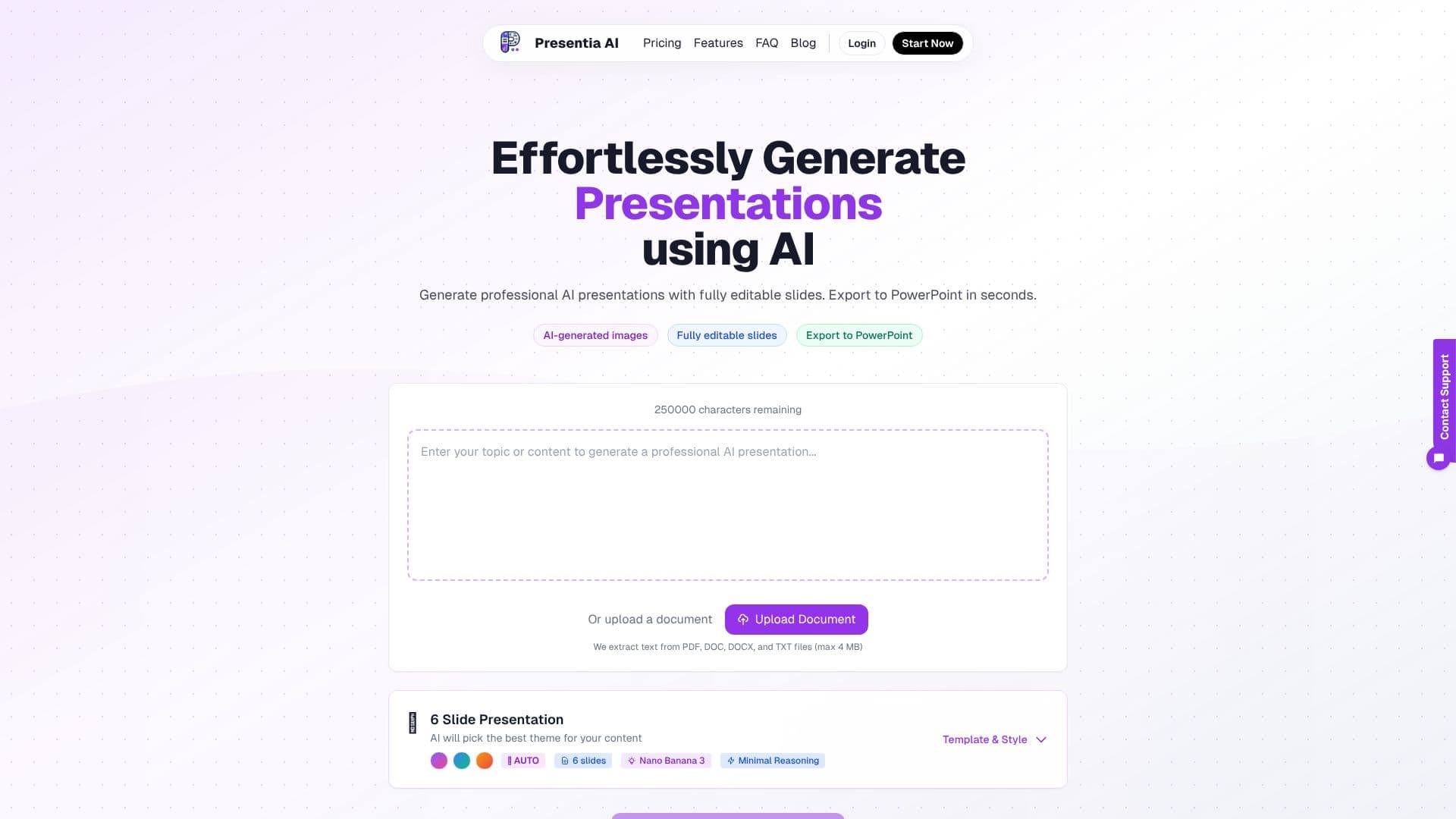
Description
Presentia AI streamlines the presentation creation process by leveraging artificial intelligence to generate complete slide decks from user input. Users can simply describe a topic, paste content, or upload documents (PDF, DOCX, TXT) to have AI craft structured presentations with professional visual design and content hierarchy.
Read More
The tool excels in creating context-aware AI-generated visuals for each slide, ensuring images align with the theme, topic, and slide type, rather than using generic stock photos. A significant benefit is the ability to export presentations as fully editable PowerPoint (.pptx) files, allowing users to make native edits to text, images, layouts, and formatting without any locked graphics.
Presentia AI provides a selection of 12 professional themes with curated color palettes, typography, and SVG backgrounds, along with over 6 templates ranging from quick 6-slide decks to more comprehensive 50-slide presentations. Users can also opt for AI to auto-select the most suitable theme based on their content. The platform features a built-in slide editor that supports natural language commands for batch editing, enabling quick modifications to fonts, images, layouts, or entire presentations.
This AI presentation generator is designed for a wide range of users, including business professionals needing pitch decks and reports, educators and students creating lecture slides and thesis defenses, and marketers and sales teams developing product launches and client proposals. Startups can utilize it for investor decks and product demos. The platform offers a 7-day free trial on its Pro plan.
- CategoryAI Presentation Makers
- Pricing ModelSubscription
- DeploymentCloud
- PlatformsWeb
Presentia AI's Core Features
AI-powered slide generation from text or documents
AI-generated visuals tailored to slide content
Fully editable PowerPoint (.pptx) export
12 professional themes and 6+ templates
Document upload (PDF, DOCX, TXT) for content extraction
Built-in slide editor with natural language AI commands
Automatic theme selection based on content
Customizable presentation themes
Support for multiple languages
How to use Presentia AI?
Describe Topic or Upload Document: Input your presentation topic, paste content, or upload a document (PDF, DOCX, TXT).
AI Generates Slides: The AI creates structured slides with content, layouts, and AI-generated images.
Edit Slides: Use the built-in editor or AI commands to refine text, images, and layouts.
Export Presentation: Download your presentation as a fully editable PowerPoint (.pptx) file.
Presentia AI's Use Cases
- Business Presentations
- Educational Content
- Marketing & Sales Materials
- Startup Decks
- Document to Slides