Description
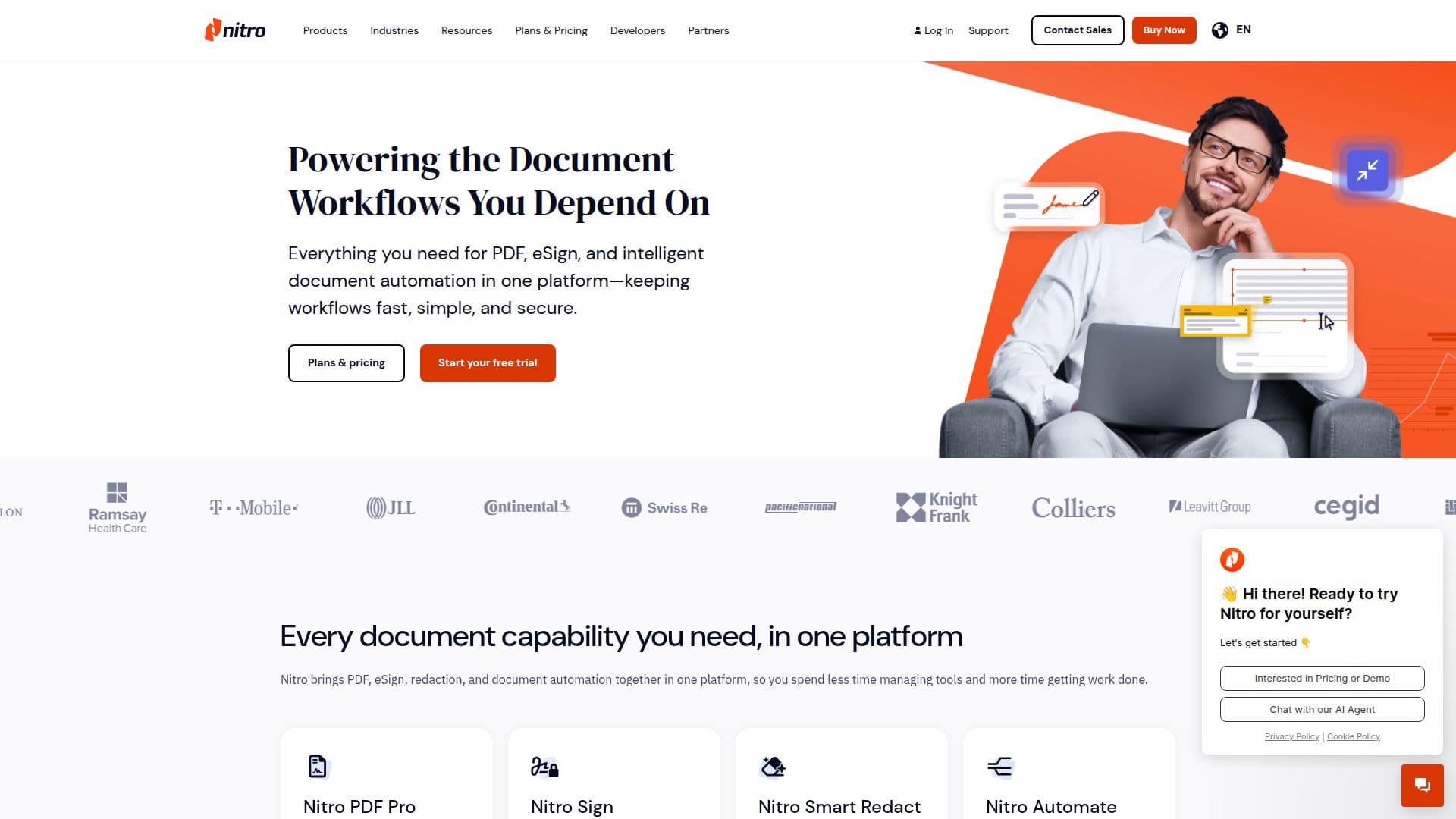
Nitro PDF is a powerful tool that provides a comprehensive suite of PDF and eSign solutions aimed at simplifying document workflows and boosting productivity. It offers a range of features including PDF creation, conversion, editing, and secure eSigning capabilities. Nitro PDF is designed to cater to various user needs, from individual professionals to large enterprises, with flexible pricing plans and robust support.
One of the standout features of Nitro PDF is its AI-powered Smart Redact tool, which uses advanced natural language processing to detect and remove sensitive information from documents. This feature ensures compliance with privacy standards such as ISO 27001 and SOC 2, making it a reliable choice for businesses handling sensitive data.
Nitro PDF integrates seamlessly with popular business applications like Microsoft 365, Salesforce, and Google Workspace, allowing users to incorporate its functionalities into their existing workflows. The platform also offers an API for custom integrations, enabling businesses to embed eSign functionality into their applications.
The platform supports a wide range of use cases, including document creation, editing, collaboration, and secure sharing. It also provides tools for automating document workflows, reducing manual work, and accelerating document turnaround times.
Nitro PDF is suitable for various industries, including finance, healthcare, and legal sectors, where document security and compliance are critical. With its user-friendly interface and extensive support options, Nitro PDF is a valuable tool for businesses looking to enhance their document management processes.
Nitro PDF's Core Features
AI-powered Smart Redact for sensitive data removal
Comprehensive PDF creation and editing tools
Secure eSigning with audit trails
Integration with Microsoft 365, Salesforce, and more
API for custom integrations
24/7 global customer support
Compliance with ISO 27001, SOC 2, and HIPAA
Flexible pricing plans for different user needs
Nitro Admin Portal for team management
Advanced document automation capabilities
Support for complex compliance requirements
Real-time notifications and workflow automation
Enterprise-grade security features
Dedicated customer success managers for enterprise accounts
AI document assistants for summarizing and extracting data
How to use Nitro PDF?
Configure: Set up your Nitro PDF account and preferences
Use: Create, edit, and manage PDFs and eSignatures
Integrate: Connect with existing tools like Microsoft 365
Optimize: Utilize AI features for enhanced productivity
Nitro PDF's Use Cases
- Document Creation
- Secure eSigning
- Data Redaction
- Workflow Automation
- Integration
- Compliance Management
- Collaboration
- Document Security
- Custom Integrations
- AI Document Assistance