Description
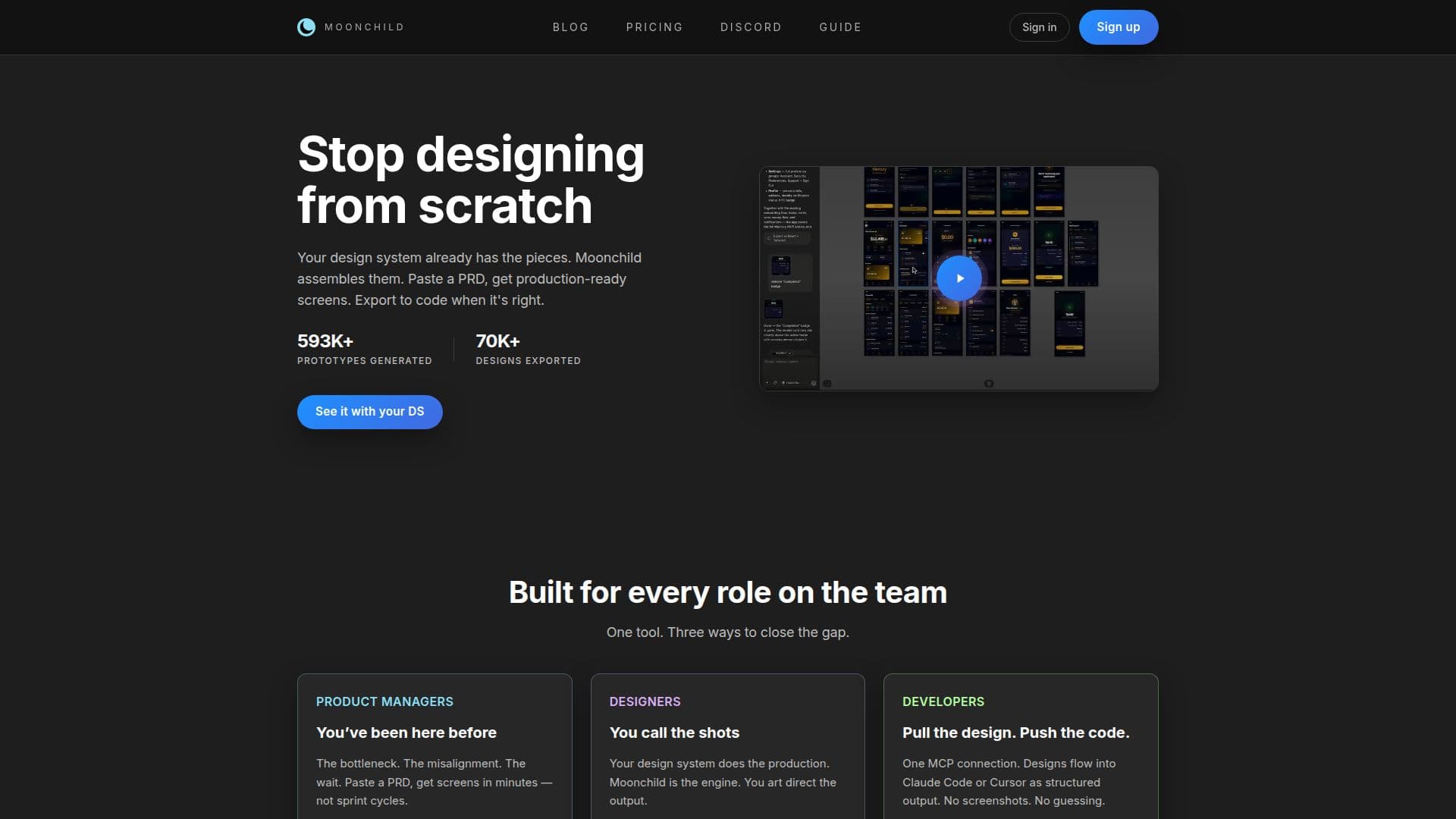
Moonchild AI is a powerful tool designed to revolutionize the product design process by leveraging existing design systems to create production-ready screens quickly. It is particularly beneficial for product managers, designers, and developers, offering a streamlined workflow that reduces bottlenecks and misalignment. By pasting a Product Requirements Document (PRD), users can generate screens in minutes, significantly speeding up the design process compared to traditional sprint cycles.
For designers, Moonchild AI acts as an engine that allows them to direct the output while the design system handles production. This ensures that the designs are consistent with the existing system, reducing the risk of off-brand screens. Developers benefit from Moonchild's ability to export designs as structured output to tools like Claude Code or Cursor, eliminating the need for screenshots and guesswork. This integration ensures that the design is the spec, allowing for seamless updates and reducing the time spent on rework.
Moonchild AI also supports collaboration across teams by providing a shared platform for UI exploration and iteration. It offers features like Figma export, visual edits, and design system templates, making it a versatile partner in the design creation process. The tool is available in different pricing tiers, including Pro and Max, with monthly credits and additional features like early access to new functionalities.
Overall, Moonchild AI is a valuable asset for teams looking to enhance their design workflow, offering a faster way to ideate and create functional designs. It is particularly useful for teams with established design systems, as it leverages these systems to generate high-quality, consistent designs.
Moonchild AI's Core Features
Generate production-ready screens from PRDs
Integrate with Figma for seamless design export
Export designs to Claude Code or Cursor
Support for design system templates
Visual edits and fast design iteration
Structured output for developers
Collaboration across product teams
Early access to new features
How to use Moonchild AI?
Configure: Set up your design system in Moonchild
Use: Paste PRDs to generate screens
Export: Send designs to Figma or Claude Code
Optimise: Iterate and refine designs collaboratively
Moonchild AI's Use Cases
- Rapid UI Generation
- Design System Integration
- Collaborative Design
- Developer Handoff
- Design Iteration