
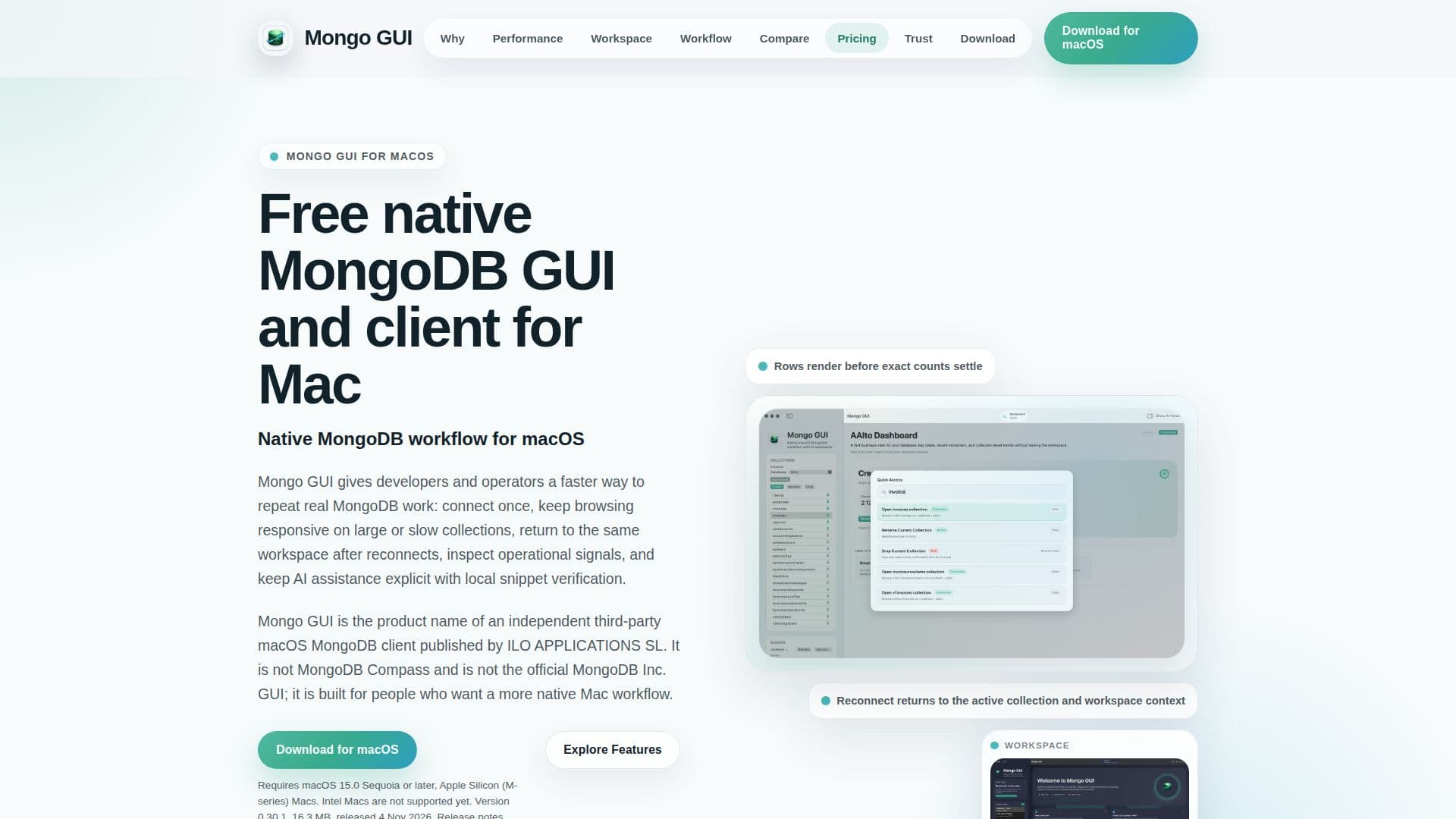
Description
Mongo GUI is an independent, third-party MongoDB client specifically built for macOS, published by ILO APPLICATIONS SL. It provides a native desktop experience for managing MongoDB databases, focusing on speed and efficiency for repeat tasks. The application is optimized for Apple Silicon Macs running macOS 15.0 Sequoia or later, ensuring a seamless integration with the Apple ecosystem.
Read More
The client's core design prioritizes a "rows first, exact stats later" approach, meaning visible documents, selection, query editing, and navigation remain responsive even with slow connections, while counts and optional collection metadata load in the background. Key features include saved connections for local and Atlas-style MongoDB deployments, support for Direct, SRV, and manual URI connection modes with TLS and authentication, and robust SSH password, private key, and agent workflows. Secrets are securely stored in the macOS Keychain, enhancing data privacy and security.
Mongo GUI offers comprehensive tools for browsing, inspecting, and monitoring MongoDB. Users can query, inspect, and monitor databases within a single workspace, draft aggregation pipelines, and browse results. It includes schema sampling with field summaries, index inspection and creation flows, and detailed collection statistics. Performance monitoring views, such as the Slow Query Advisor and long-running operation awareness, help identify and address performance bottlenecks. Live watch states are designed to cooperate with manual refresh and local edits, providing a dynamic view of database activity.
A significant feature is its optional AI side panel, which assists users without taking control away. It uses a user-owned OpenAI API key, stored securely in the macOS Keychain. The AI provides "review-first" proposals for queries, aggregations, updates, and general guidance, requiring explicit approval before execution. This approach allows for concrete drafts and one-click follow-up actions, making refinement faster while maintaining user control. Users can paste AI-generated `find()`, `findOne()`, `aggregate()`, or read-only analysis scripts for local review and verification. Write operations like `updateOne()` and `updateMany()` also follow a review-first process with preview and explicit confirmation. For privacy, sensitive values can be stripped when copying summaries or final queries back to AI.
Currently, Mongo GUI is free during its beta phase, with future pricing undecided. It is designed for developers, solo builders, consultants, and operators who perform frequent MongoDB work on macOS and prefer a native, responsive, and privacy-focused client over cross-platform alternatives like MongoDB Compass or Studio 3T. The application emphasizes local control, anonymous analytics by default, and no silent document export or autonomous database actions, ensuring user data remains private and secure.
- CategoryAI SQL & Database Tools
- Pricing ModelFree during Beta
- DeploymentDesktop app
- PlatformsmacOS (Apple Silicon)
Mongo GUI's Core Features
Native macOS MongoDB client
Row-first document browsing
Slow-link responsiveness
Workspace restoration
Database dashboards
Review-first AI verification
Keychain-backed secrets storage
Direct, SRV, and manual URI connection modes
TLS and authentication database support
SSH password, private key, and agent workflows
Aggregation pipeline drafting
Schema sampling with field summaries
Index inspection and creation
Performance monitoring with Slow Query Advisor
Optional AI side panel with user-owned OpenAI API key
CSV and JSON export for results
How to use Mongo GUI?
Download and Install: Obtain the signed and notarized direct download for macOS from the official website.
Connect to MongoDB: Configure saved connections for local or Atlas-style deployments using Direct, SRV, or manual URI modes, with TLS and SSH support.
Browse Documents: Utilize the dense document table, inspector, and search functionalities for efficient data exploration.
Write and Refine Queries: Use query completion, named presets, and recent draft replay for `find()`, `findOne()`, and `aggregate()` operations.
Monitor Performance: Access database dashboards, Slow Query Advisor, and live watch states to track operational metrics and identify slow queries.
Utilize AI Assistance: Activate the optional AI side panel with your OpenAI API key to receive review-first proposals for queries and aggregations.
Export Data: Export active results or selected rows to CSV or JSON formats, including aggregation results.
Manage Databases: Inspect and create indexes, view collection statistics, and perform batch actions safely.
Mongo GUI's Use Cases
- MongoDB Document Browsing
- Query Drafting and Refinement
- Database Performance Monitoring
- AI-Assisted Query Generation
- Secure Data Management
- Data Export for Analysis
- Mac-Native MongoDB Development
- Workspace Restoration