Description
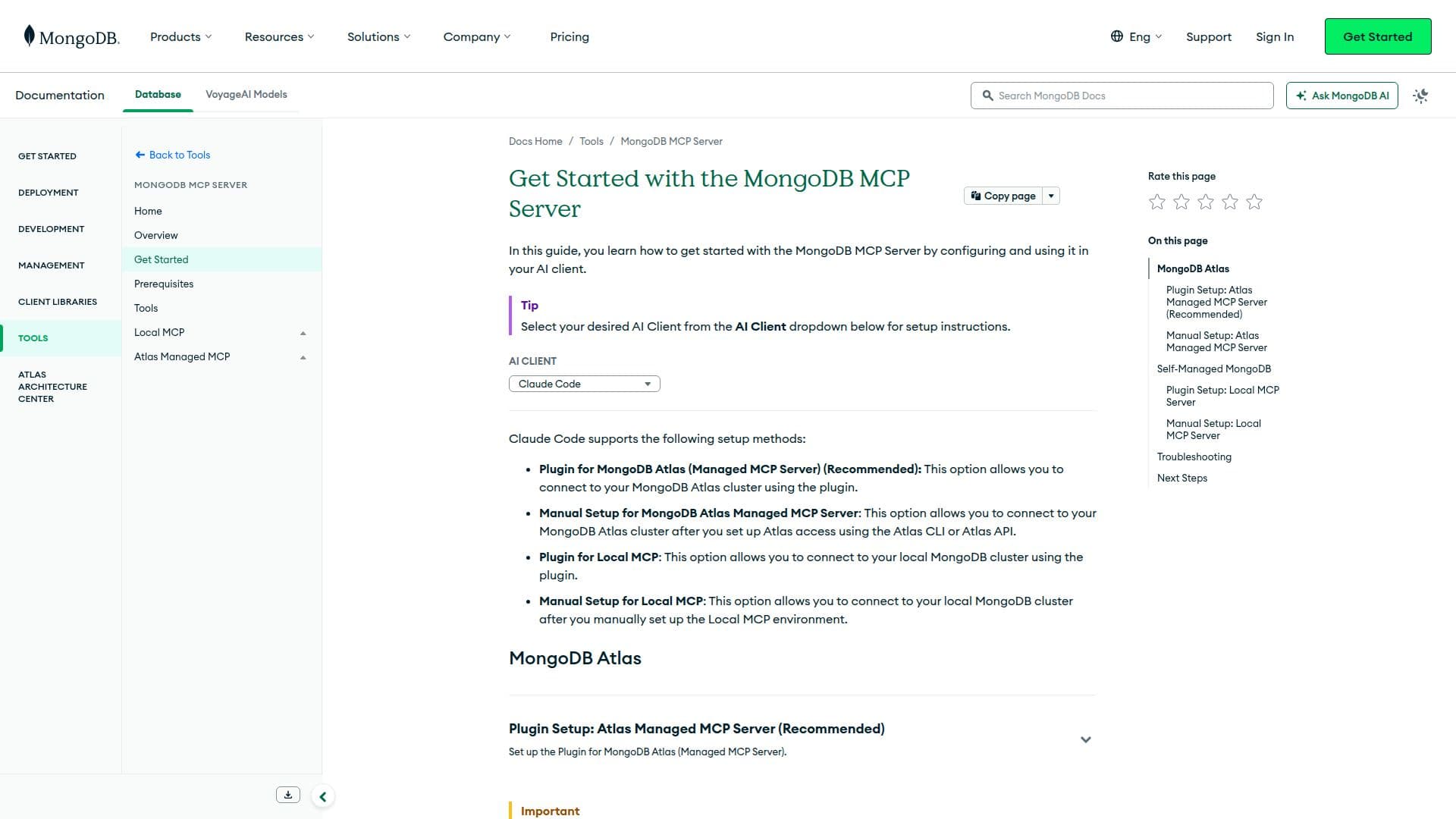
MongoDB MCP Server is designed to facilitate interaction between AI clients and MongoDB deployments. It supports both MongoDB Atlas and self-managed MongoDB clusters, providing flexibility for various deployment needs. Users can choose between plugin setups or manual configurations, depending on their preferences and technical requirements.
Read More
The server offers a plugin for MongoDB Atlas, which is recommended for its ease of use. This setup allows users to connect to their MongoDB Atlas cluster using a plugin, streamlining the integration process. For those who prefer manual setup, the server provides detailed instructions for configuring MongoDB Atlas Managed MCP Server, including setting up environment variables and creating MCP configurations.
For local deployments, the MongoDB MCP Server supports both plugin and manual setups. Users can connect to their local MongoDB cluster using a plugin or manually configure the Local MCP environment. The server also supports Docker, providing an alternative to installing Node.js directly on the system.
The MongoDB MCP Server is particularly beneficial for developers and organizations looking to integrate AI capabilities with their MongoDB databases. It allows for seamless data interaction, enabling AI clients to perform operations such as querying, updating, and managing data within MongoDB clusters.
Pricing for MongoDB services varies based on deployment needs, with options ranging from a free tier for learning and exploration to dedicated plans for production applications. MongoDB Atlas offers a free-forever tier, providing a great starting point for users to explore MongoDB's capabilities in a cloud environment.
- CategoryAI SQL & Database Tools
- Pricing ModelFreemium
- DeploymentCloud, Local
- PlatformsMongoDB Atlas, Self-Managed
MongoDB MCP Server's Core Features
Supports MongoDB Atlas and self-managed clusters
Plugin and manual setup options
Integration with AI clients
Docker support for Node.js
Environment variable configuration
MCP configuration management
Free tier available for MongoDB Atlas
Detailed setup instructions
How to use MongoDB MCP Server?
Configure: Set up environment variables and MCP configurations
Use: Connect AI clients to MongoDB deployments
Optimize: Choose between plugin or manual setup for best performance
Deploy: Utilize Docker for Node.js support
MongoDB MCP Server's Use Cases
- AI Data Interaction
- Cloud Deployment
- Local Deployment
- Docker Integration
- AI Client Configuration