


Description
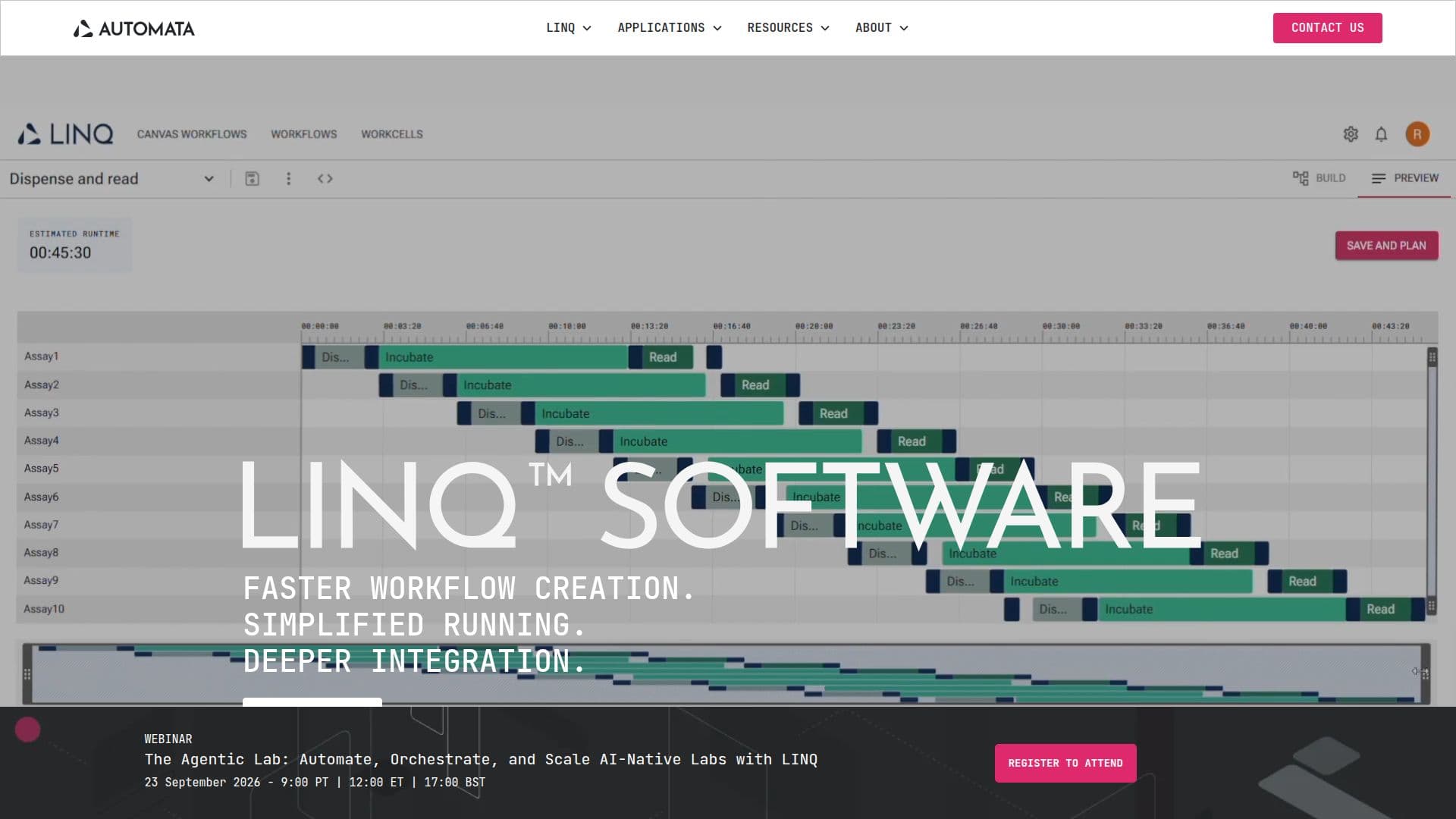
LINQ Cloud is a comprehensive lab automation platform that empowers scientists to build, run, and manage workflows with ease. The platform is designed to simplify complex lab processes through features such as the Workflow Canvas, which allows users to design experiments without coding, and the Python SDK for those who prefer code customization. LINQ Cloud supports plug-and-play MCP integrations, enabling seamless connectivity with AI models and lab instruments.
The platform's Studio feature allows for quick configuration of devices and robot paths, while the Library offers tools to build and edit workflows with tasks, labware, and conditional logic. The Control Room provides real-time monitoring and management of workflows from anywhere, ensuring that users stay connected and in control.
LINQ Cloud is built on AI-ready infrastructure, offering autonomous error handling and virtual workcell configuration. It supports high-quality data management with complete data lineage and version control, powered by Graph Data and served via GraphQL. This ensures that all data and metadata objects are traceable and queryable.
Designed for scalability, LINQ Cloud integrates with existing lab software, data, and AI systems, providing automated run management and real-time error handling. The platform's open integration capabilities allow for custom code steps and seamless data processing via REST API, making it adaptable to specific lab needs.
LINQ Cloud is ideal for labs looking to enhance efficiency and throughput, with features like remote access, workflow tags, and runtime instructions that streamline collaboration and simplify handovers. Its flexible, high-density configurations support any instrument, making it a versatile solution for labs of all sizes.
LINQ Cloud's Core Features
Workflow Canvas for experiment design
Python SDK for code customization
Real-time workflow monitoring
Plug-and-play MCP integrations
Complete data lineage with GraphQL
Autonomous error handling
Open integration via REST API
Configurable lab bench
How to use LINQ Cloud?
Configure: Set up devices and robot paths
Design: Use Workflow Canvas or Python SDK
Run: Monitor and manage workflows remotely
Optimize: Adjust workflows in real-time
LINQ Cloud's Use Cases
- Workflow Automation
- Data Management
- AI Integration
- Remote Collaboration
- Custom Instrument Support