


Description
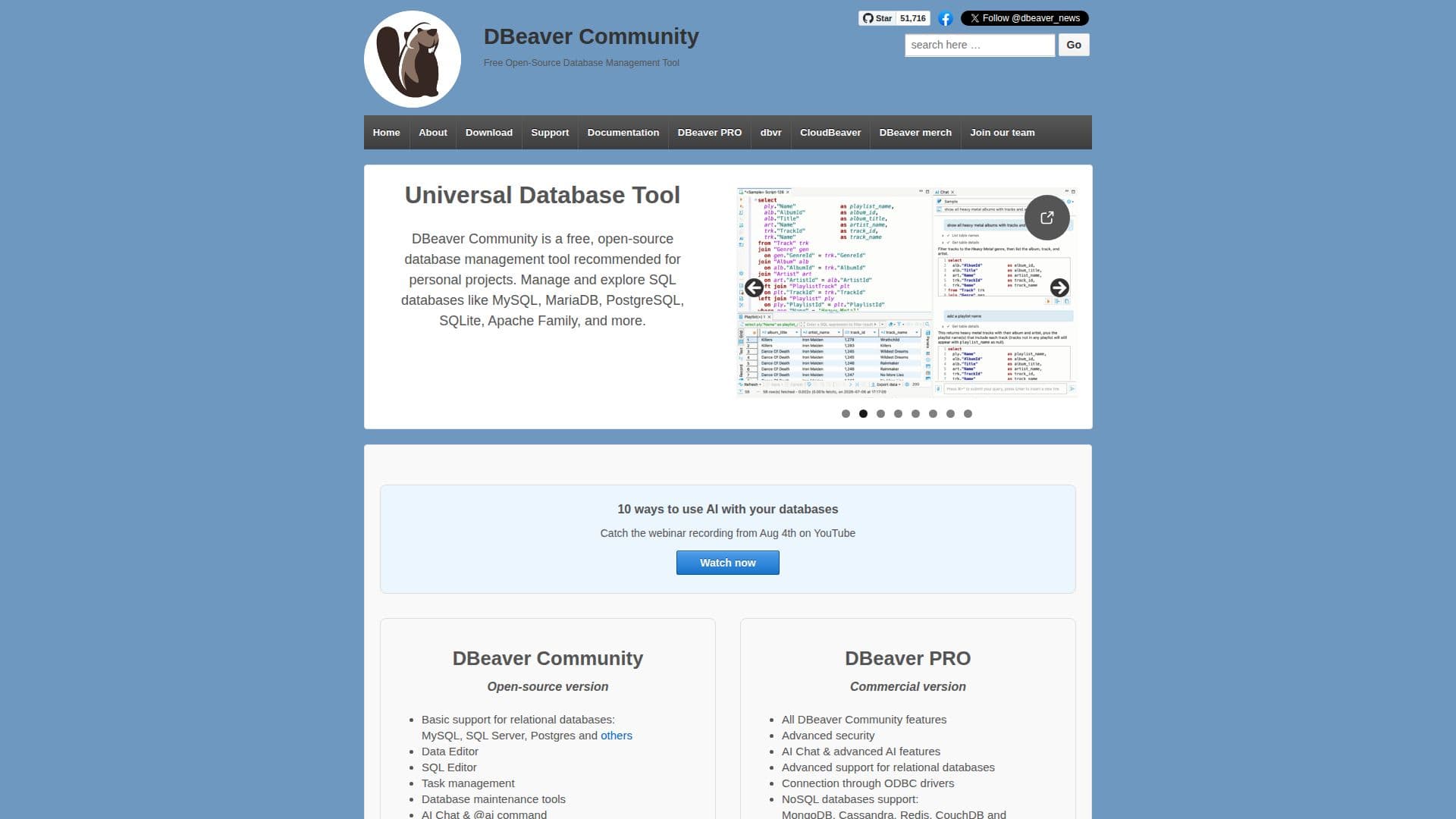
DBeaver Community is a versatile and free open-source database management tool designed for personal projects. It provides users with the ability to manage and explore various SQL databases such as MySQL, MariaDB, PostgreSQL, SQLite, and more. The tool is known for its user-friendly interface and extensive functionality, making it a popular choice among database administrators and developers.
DBeaver Community supports a wide range of databases, including both SQL and NoSQL types. This includes popular databases like MySQL, PostgreSQL, SQL Server, Oracle, and NoSQL databases like MongoDB and Cassandra. The tool also offers cloud database support for platforms such as AWS, Google Cloud, and Azure.
Key features of DBeaver Community include a data editor, SQL editor, task management, and database maintenance tools. It also supports AI-powered assistance, which helps users generate SQL scripts and manage database tasks more efficiently. The tool is multiplatform, running on Windows, macOS, and Linux, and supports any database with a JDBC driver.
DBeaver Community is highly extensible, allowing users to write various plugins to enhance its functionality. It also provides enterprise-grade security features, including SSH tunnels and advanced authentication methods. The tool is distributed under the Apache License version 2, ensuring it remains free and open-source for users worldwide.
DBeaver Community Database Tool's Core Features
Free and open-source
Supports SQL and NoSQL databases
Data editor and SQL editor
Task management and database maintenance
AI-powered assistance
Multiplatform support
Extensible with plugins
Enterprise-grade security features
How to use DBeaver Community Database Tool?
Download: Obtain the software from the official website
Install: Follow the installation instructions for your platform
Configure: Set up database connections and preferences
Use: Manage and explore databases using the provided tools
DBeaver Community Database Tool's Use Cases
- Database Management
- Data Analysis
- Cloud Database Support
- Security Management
- Plugin Development