
Description
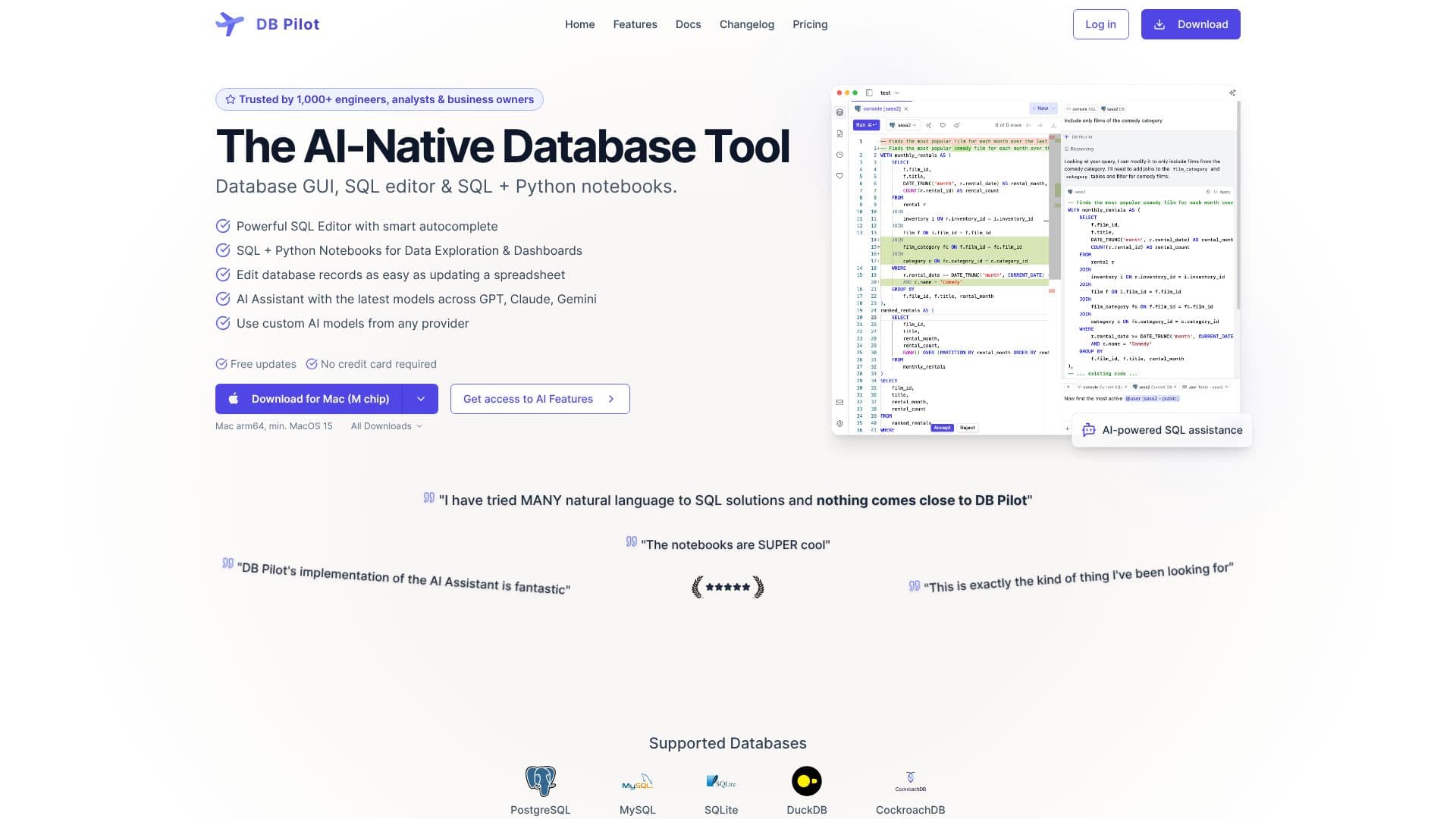
DB Pilot is an AI-native database tool designed to streamline data management and analysis for engineers, analysts, and business owners. It combines a user-friendly database GUI with a powerful SQL editor and versatile SQL + Python notebooks, empowering users to interact with their data more efficiently.
Read More
The platform boasts a robust SQL editor with smart autocomplete, providing context-aware suggestions for tables, columns, keywords, and functions to accelerate query writing. For more advanced data exploration and dashboard creation, DB Pilot offers SQL + Python notebooks. These notebooks allow users to mix and match SQL queries, Python code, input fields, and interactive tables and charts within a block-based interface, similar to Jupyter Notebooks, all running locally on the user's machine.
A key differentiator is DB Pilot's integrated AI Assistant, which leverages the latest models from providers like GPT, Claude, and Gemini. This AI can assist with generating and refining SQL queries from natural language prompts, explaining complex code or database concepts, and even fixing errors with AI-suggested changes. Users can also create and edit charts with AI assistance and tailor AI behavior with custom rules to match specific needs and SQL style preferences.
DB Pilot supports a range of popular databases including PostgreSQL, MySQL, SQLite, DuckDB, and CockroachDB, with more databases planned for future releases. Beyond querying, users can edit database records directly within a table viewer, much like updating a spreadsheet. Data can be exported in various formats such as CSV, JSON, NDJSON, or Markdown. The tool also includes features like a query history, favorites for saving frequently used queries, and a SQL formatter for clean code.
DB Pilot is available with flexible pricing options, including a free tier for basic use and a one-time purchase for unlocking premium features. The company emphasizes local data storage and security, ensuring that all app data and connection credentials remain on the user's computer. This focus on local processing and AI assistance aims to significantly speed up data analysis workflows and make database management more accessible.
- CategoryAI SQL & Database Tools
- Pricing ModelFreemium
- DeploymentRuns locally
- PlatformsMac
DB Pilot's Core Features
AI-powered SQL assistance
SQL Editor with smart autocomplete
SQL + Python Notebooks for data exploration
Interactive dashboards with input fields and charts
Table viewer and editor for record management
Support for PostgreSQL, MySQL, SQLite, DuckDB, CockroachDB
AI Assistant for query generation and explanation
Data export to CSV, JSON, NDJSON, Markdown
Query history and favorites
Local data storage and processing
Jinja Templating for notebook parameterization
Environment Variables configuration
How to use DB Pilot?
Download and Install: Get DB Pilot for Mac (M chip or Intel) from the official website.
Connect Database: Establish a connection to your supported database (e.g., PostgreSQL, MySQL).
Explore Data: Use the SQL editor with smart autocomplete or the table viewer to browse and manage records.
Analyze with Notebooks: Create SQL + Python notebooks to combine code, explore data iteratively, and build dashboards.
Leverage AI Assistant: Use the AI chat or inline assistant for query generation, explanations, and error fixing.
Build Dashboards: Design interactive dashboards with charts and input fields for data visualization.
Export Data: Save your query results or table data in various formats like CSV or JSON.
DB Pilot's Use Cases
- SQL Query Generation
- Data Exploration
- Dashboard Creation
- Database Record Management
- Code Debugging
- Data Transformation
- Reproducible Analysis