Description
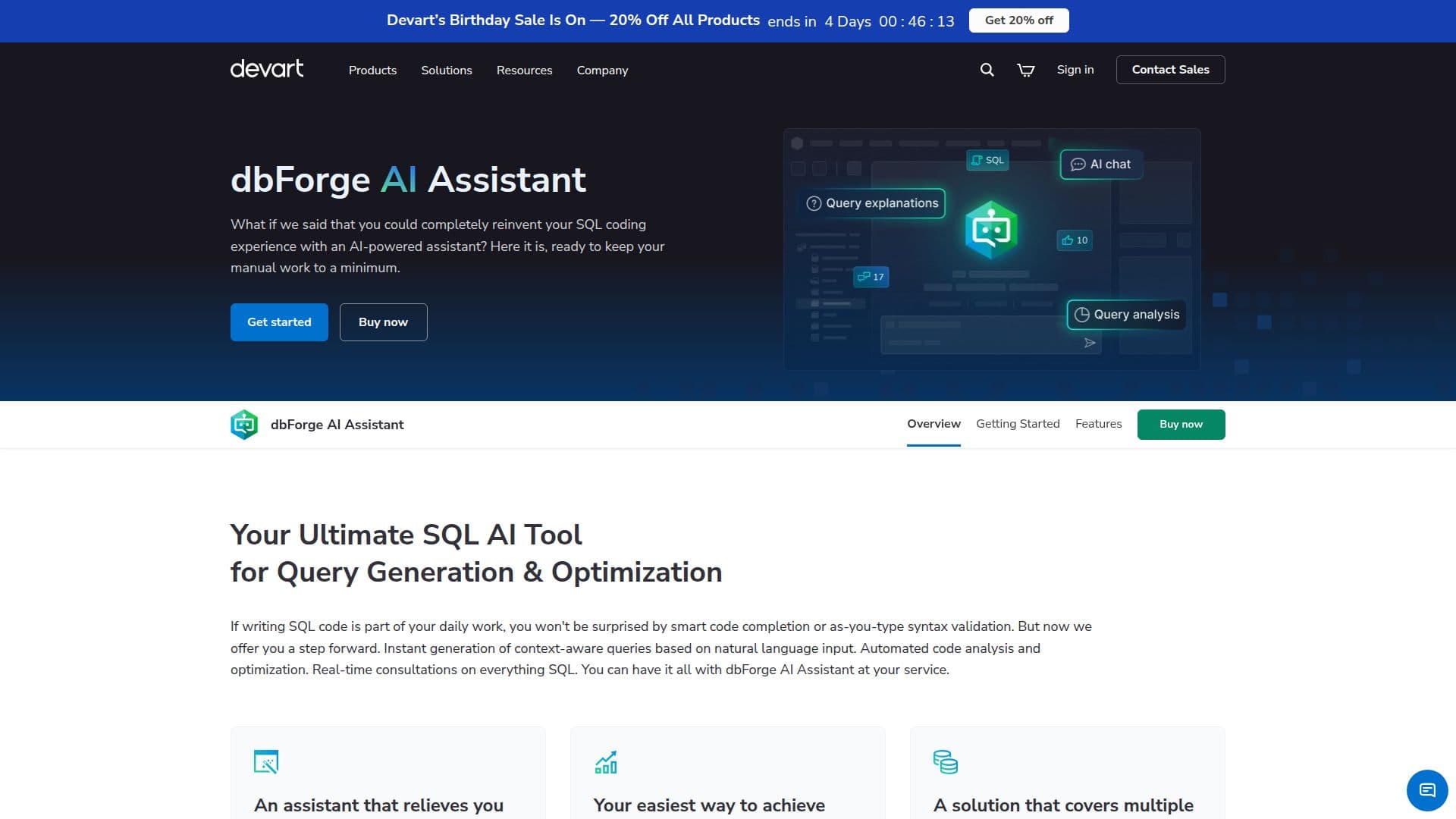
dbForge AI Assistant is your ultimate tool for generating, fixing, and optimizing SQL queries, as well as getting AI-powered guidance on everything SQL. Integrated into multiple dbForge products, it supports SQL Server, MySQL, MariaDB, Oracle, and PostgreSQL databases.
Read More
The Assistant is designed to help users auto-generate error-free queries, optimize manually written queries, and provide consultations on SQL-related issues directly from dbForge products. By utilizing AI, it enhances query writing, allowing users to input queries that the Assistant can analyze, locate errors, and suggest improvements to boost performance.
One of the primary functions of the Assistant is to serve as an AI SQL generator, creating context-aware SQL queries that users can review, modify, and run against their databases. It simplifies the creation of complex queries, making it accessible even for those who may not be well-versed in SQL.
The Assistant also optimizes database performance by providing suggestions for making queries more effective and less resource-intensive. Users can troubleshoot queries with ease, as the Assistant can explain errors and offer actionable fixes in just a few clicks.
For those learning SQL, the Assistant can explain specific queries and general SQL concepts, making it a valuable resource for both novice and experienced users. The integration with dbForge products ensures that users have seamless access to the Assistant's features, enhancing their overall productivity and efficiency in database management.
With a free 14-day trial available, users can explore the capabilities of dbForge AI Assistant before committing to a license. This tool is ideal for database developers, administrators, and data analysts looking to streamline their SQL coding processes and improve their database workflows.
- CategoryAI SQL & Database Tools
- Pricing ModelFreemium
- DeploymentCloud
- PlatformsSQL Server, MySQL, MariaDB, Oracle, PostgreSQL
dbForge AI Assistant's Core Features
Query generation
Conversion of natural language to SQL
Query optimization
SQL explanations
SQL troubleshooting
AI chat
Context-aware query generation
Error detection and auto-fix
AI-assisted SQL unit testing
Transaction and error handling recommendations
How to use dbForge AI Assistant?
Prepare your dbForge product: Ensure you have a valid license for the dbForge product you want to use.
Open the AI Assistant: Launch your dbForge product and access the Assistant from the main toolbar.
Start a trial or purchase: Activate the Assistant for a free 14-day trial or purchase a license.
Attach your database: Connect the relevant database to the Assistant for context.
Input your queries: Ask the Assistant to generate or troubleshoot SQL queries based on your needs.
Review and modify: Analyze the generated queries and make any necessary adjustments.
Execute queries: Run the finalized queries against your database directly from the Assistant.
Utilize guidance: Use the Assistant for explanations and recommendations on SQL-related topics.
dbForge AI Assistant's Use Cases
- Query Generation
- Performance Optimization
- Error Troubleshooting
- Learning SQL
- Database Management