
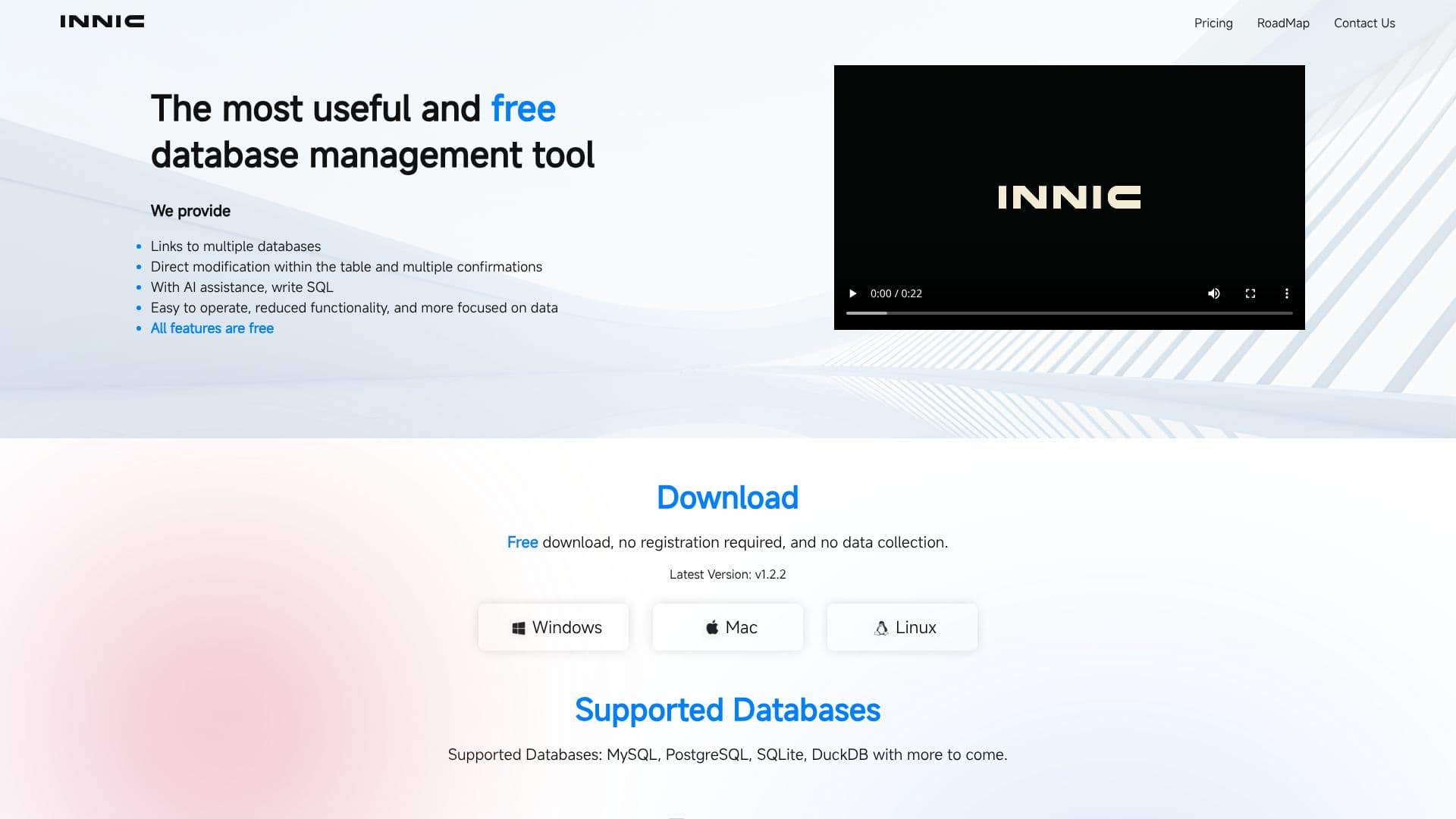
Description
Innic Product stands out as a highly useful and completely free database management tool, simplifying complex data operations for users. It provides direct links to multiple databases, allowing for immediate modification within tables, all supported by multiple confirmation steps to ensure data integrity. The tool's core strength lies in its AI assistance, which helps users write SQL queries more efficiently and accurately. This AI capability, powered by GPT-3.5 Turbo and GPT-4 Turbo, analyzes SQL prompts, field information, and table structures to generate better SQL statements, significantly reducing the time and effort required for query writing.
Read More
Designed with a focus on ease of operation, Innic Product features reduced functionality that is more concentrated on essential data management tasks. This focused approach makes it more accessible and less overwhelming for users who need to perform specific database operations without unnecessary complexity. The entire suite of features is available at no cost, with a free download that requires no registration and ensures no data collection, prioritizing user privacy and accessibility.
Key features include an integrated SQL editor with syntax highlighting and auto-complete suggestions for tables and columns, streamlining the SQL writing process. The AI Assistant further enhances this by providing intelligent suggestions and completions. Innic Product boasts full compatibility with DuckDB, allowing for seamless integration and utilization of its unique features. For users working with common data formats, it offers quick selection of CSV, JSON, or EXCEL files for editing. Table data can be edited efficiently with a preview option, and data can be exported to CSV or SQL files, either for individual tables or an entire database. Additionally, a Dark Mode is available to reduce eye strain during prolonged use, without altering the tool's functionality.
- CategoryAI SQL & Database Tools
- Pricing ModelFree
- DeploymentCloud
- PlatformsWindows, Mac, Linux
Innic Product's Core Features
Free database management tool
Direct table modification with confirmations
AI-assisted SQL query writing
SQL editor with syntax highlighting and auto-completion
Support for MySQL, PostgreSQL, SQLite, and DuckDB
Seamless integration with DuckDB features
Quick import of CSV, JSON, and EXCEL files
Efficient table data editing with preview
Export data to CSV or SQL format
Dark mode for eye protection
No registration required for download
No data collection policy
How to use Innic Product?
Download: Get the latest version of Innic Product.
Install: Install the application on your Windows, Mac, or Linux system.
Connect: Link to your desired database (MySQL, PostgreSQL, SQLite, DuckDB).
Edit Data: Directly modify table data with preview options.
Write SQL: Use the built-in editor with AI assistance for query generation.
Export Data: Export tables or entire databases to CSV or SQL files.
Innic Product's Use Cases
- Database Management
- SQL Query Writing
- Data Editing
- Data Export
- DuckDB Integration
- File Data Import
- Developer Tooling