Description
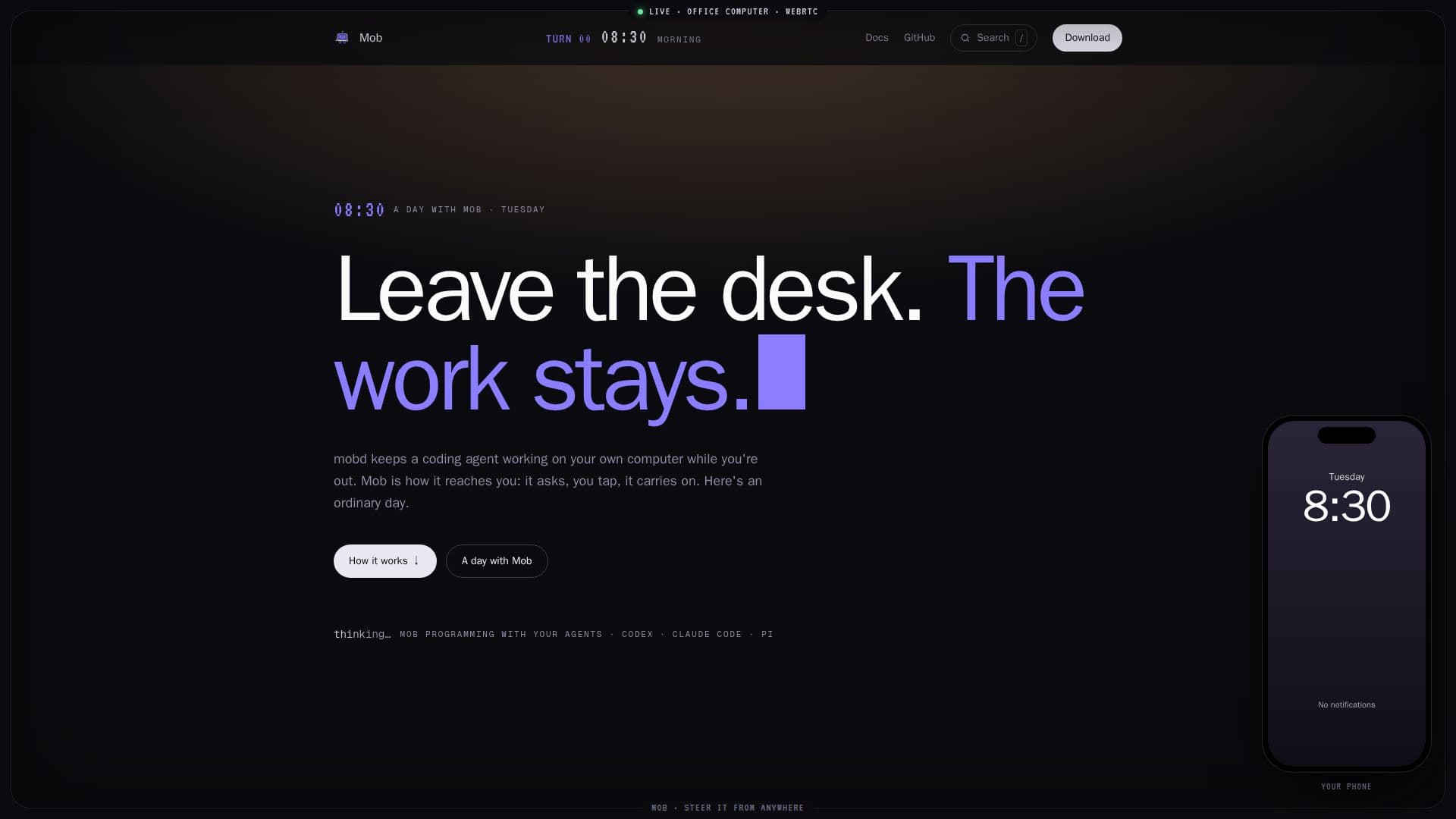
Mob is a unique system designed to integrate AI coding agents into a remote work setup, allowing users to manage their AI agents from anywhere. The system comprises two main components: 'mobd' which runs on your office computer (macOS or Linux), and 'Mob' applications for your laptop (macOS) or mobile devices (iPhone, iPad, Android).
Read More
The core concept behind Mob is inspired by mob programming, where a team collaborates on a single computer. In this context, the 'team' consists of you and your AI agents. Mobd hosts agents like Codex, Claude Code, or Pi directly on your machine, leveraging your existing code, tools, and logins. It provides a dedicated screen for the agent to work on, which can be the Mac's own screen or a virtual desktop per conversation on Linux.
Users interact with their agents through the Mob app on their personal devices. This enables a range of functionalities, including sending new tasks, responding to questions or decisions the agent needs, and watching the agent's screen live. For situations requiring direct intervention, such as a sign-in, captcha, or a click the agent can't perform, users can temporarily take control of the office computer's mouse and keyboard remotely.
Mob supports working from anywhere, whether on the office network or remotely via services like Tailscale or Cloudflare. On Linux, it allows multiple conversations to run simultaneously, each with its own desktop, enhancing productivity. The system is designed with privacy in mind; your devices connect directly to your computer, with no intermediate Mob servers. Furthermore, Mob is open source and MIT licensed, offering transparency and control over the software.
- CategoryAI Coding Assistants
- Pricing ModelFree
- DeploymentSelf-hosted
- PlatformsmacOS, Linux, iPhone, iPad, Android
Mob's Core Features
Remote AI Agent Steering from Phone or Laptop
Runs Codex, Claude Code, and Pi AI Agents
Live Desktop View of Agent's Work
Remote Control for Human Intervention (Mouse/Keyboard)
Send Tasks and Answer Agent Questions Remotely
Supports macOS and Linux Office Computers
Mob Desktop App for macOS
Mob Mobile App for iPhone, iPad, and Android
Multiple Concurrent Conversations on Linux with Dedicated Desktops
Works on Office Network or via Tailscale/Cloudflare for Remote Access
Private Direct Device-to-Computer Connection (No Mob Servers)
Open Source with MIT License
Conversation History and Edits Synced Across Devices
Configurable Agent Models, Effort, and Permissions
How to use Mob?
Install mobd: Set up mobd on your macOS (13+ Apple Silicon) or Linux (Ubuntu 22.04/24.04, Debian 12/13 amd64/arm64) office computer.
Configure Agents: Install and set up your chosen AI agents (Codex, Claude Code, or Pi) on the office computer, including API keys or accounts.
Pair Devices: Run `mobd link` on your office computer and scan the generated QR code with the Mob app on your laptop or mobile device.
Enable Remote Access (Optional): Configure Tailscale or Cloudflare if you need to access your office computer from outside its local network.
Start a Conversation: Initiate a new conversation in the Mob app and assign a task to your AI agent.
Monitor and Interact: Watch the agent's live screen, respond to its questions, and take control when human input is required.
Mob's Use Cases
- Remote Code Development
- Automated Task Execution
- Collaborative AI Programming
- Off-Desk Productivity
- Debugging and Error Resolution
- Live Desktop Monitoring
- Secure Remote Access
- Multi-Agent Workflows