Description
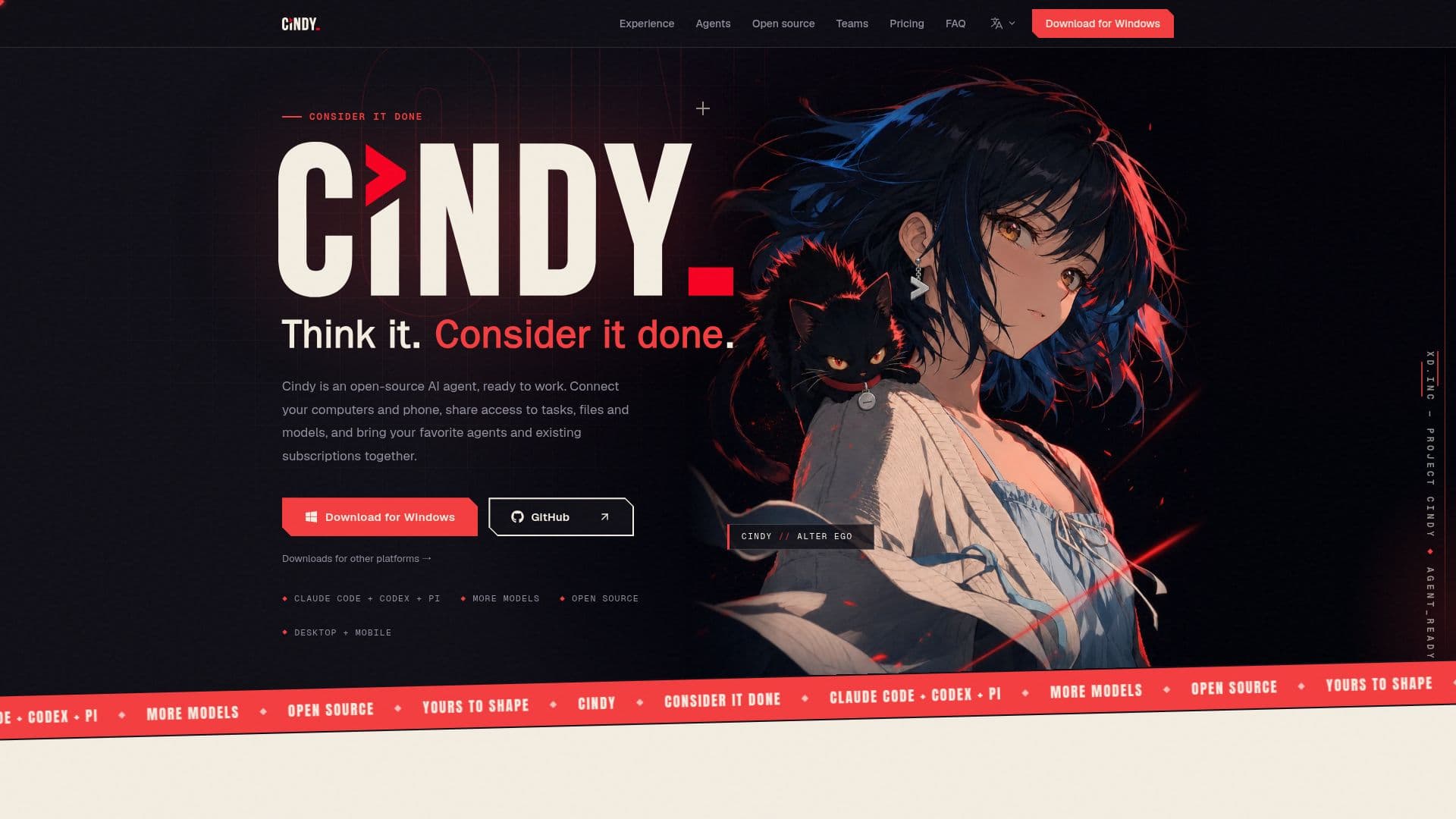
Cindy is an open-source AI agent that unifies your digital workspace by connecting all your devices, from work computers and home machines to laptops and phones. This allows for seamless access to tasks, files, and AI models across different environments without losing context. Users can switch between screens while maintaining their current task, retrieve conversations and files, and utilize models configured on other connected devices, eliminating the need for repetitive setup.
Read More
The platform supports a variety of model providers, including Claude Code, Codex, Pi, ChatGPT, SuperGrok, Kimi Code, MiniMax, and GitHub Copilot, allowing users to integrate their existing subscriptions and API keys. Cindy also offers its own managed model service as an optional choice. A key feature is its built-in remote desktop, enabling users to view and operate connected computers directly from their phone, providing full control when needed. All project files and execution records are stored locally on the user's computers, ensuring data privacy and control without requiring a backend server to deploy or rent.
Cindy is designed for flexibility and extensibility. Users can choose from multiple model providers and customize their workflow with extensions and skills. It facilitates team collaboration by allowing multiple agents to work within the same task, assigning different harnesses and models for roles like research, implementation, or review. This architecture supports parallel work, independent reviews, and efficient context sharing, reducing the need to restart tasks or copy information.
The open-source nature of Cindy (Apache-2.0 licensed) means it's not only transparent but also changeable. Users can contribute improvements, teach new methods, and add capabilities, shaping the agent to fit their specific working style. It offers features like persistent roles with memory and skills, routines for recurring tasks, and integration with chat channels for new task assignments. The platform also supports plugins and connections to everyday tools and internal systems, enhancing its utility within existing environments.
For teams and enterprises, Cindy provides centralized configuration for models, permissions, credits, and skills, streamlining setup for multiple users. It offers shared identity, usage controls, and the option for self-hosted or Cindy-managed enterprise gateways. The software itself is free, with optional managed model services available through pay-as-you-go credits or monthly plans, allowing users to choose between using their own provider keys or Cindy's transparently priced services.
- CategoryAI Agent Builders
- Pricing ModelFreemium
- DeploymentLocal-first, Cloud (optional managed service)
- PlatformsmacOS, Windows, Linux x64, Android, iPhone, iPad
Cindy's Core Features
Connects computers and phones for unified access
Access tasks, files, and AI models across devices
Built-in remote desktop for computer control from phone
Supports multiple AI model providers and existing subscriptions
Open-source (Apache-2.0) and extensible architecture
Local storage of project files and execution records
No server deployment or rental required
Model sharing across connected devices
Customizable with skills, plugins, and methods
Team collaboration with multiple agents in one task
Centralized configuration for teams and enterprises
Transparent pricing for managed model services
Ability to use own API keys and subscriptions
Supports local models (beta)
Role-based agent responsibilities with memory
How to use Cindy?
Download & Install: Choose the appropriate Cindy client for macOS, Windows, Linux, Android, or iOS.
Connect Devices: Install the client on your computers and phone to link them to your Cindy account.
Authorize Models: Connect your existing AI model subscriptions or API keys, or opt for Cindy's managed model service.
Configure Agents: Define roles, responsibilities, memory, and skills for your AI companions.
Start Tasks: Assign tasks to Cindy, leveraging cross-device access to files and models.
Monitor & Control: Use remote desktop to oversee computer tasks, inspect code changes, and manage permissions.
Customize & Extend: Install skills and plugins from the marketplace, or develop your own to enhance capabilities.
Cindy's Use Cases
- Cross-Device Task Management
- Remote Desktop Access
- Unified AI Model Access
- Collaborative AI Development
- Automated Routines & Reports
- Personalized AI Companion
- Secure Local Workflows
- Integrating Existing Tools
- Team Workflow Standardization
- Rapid Prototyping & Design