
Description
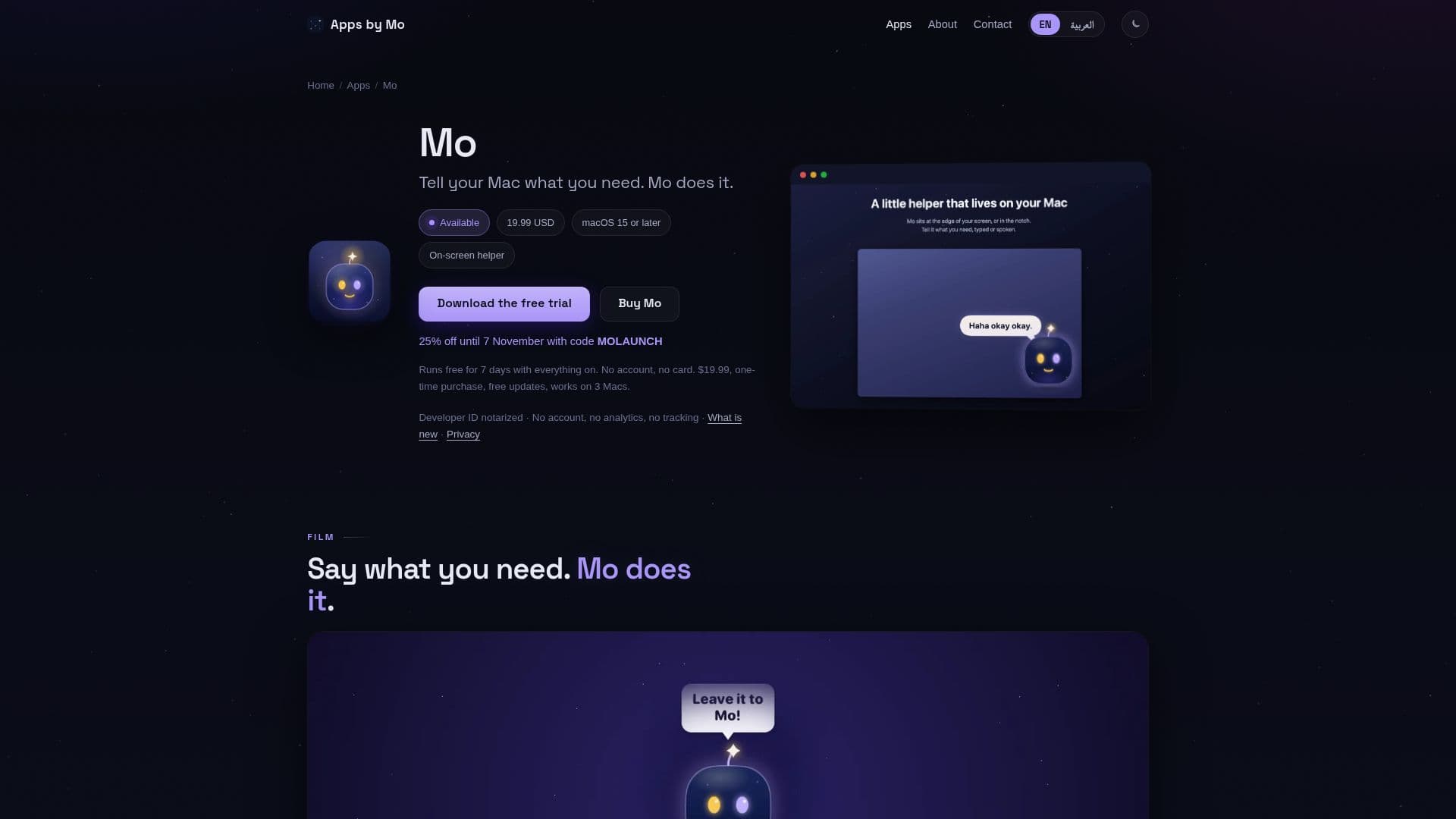
Mo is a versatile on-screen helper designed to live on your Mac's screen, either at the edge or within the notch. Users can interact with Mo using natural language, through typed commands or spoken words, and it responds by performing a wide array of everyday Mac tasks. These tasks include tidying up files in the Downloads folder, finding duplicate files, merging PDFs, making PDFs searchable, planning your day based on calendar, reminders, and mail, finding free slots in your schedule, showing pending emails, drafting replies, checking website safety, recording the screen, converting currency, and many more. If a specific task doesn't fit a predefined skill, Mo can work it out step-by-step.
Read More
A core principle of Mo is user control and privacy. It never makes changes without explicit permission; every proposed action is previewed, and users must confirm before anything is altered. Files are moved to the Trash rather than being permanently deleted, and nothing is sent without user consent. A comprehensive history of all changes allows for easy undoing of any action. Mo prioritizes privacy by processing requests on your Mac with Apple Intelligence or a local model, ensuring data does not leave your device unless a web-dependent task (like weather or search) specifically requires it. When using a personal Claude, ChatGPT, or Gemini key, requests go directly to the chosen provider, never to the developer. There are no accounts, analytics, or tracking involved.
Mo offers flexible options for its underlying intelligence. It can operate using Apple Intelligence, a free local model via Ollama or LM Studio, or integrate with your existing Claude, ChatGPT, or Gemini keys. Even without any external AI model, Mo can still handle most everyday tasks effectively. It also integrates seamlessly with other AppsByMo studio applications like What Happened, Cue, Chute, Scry, and Jot, enhancing its capabilities across various aspects of your Mac usage. Mo is available for a one-time purchase of USD 19.99, includes free updates, and a single license can be used on up to three Macs running macOS 15 or later. A 7-day free trial is available without requiring an account or credit card.
- CategoryAI Personal Assistants
- Pricing ModelOne-time purchase
- DeploymentRuns locally
- PlatformsmacOS 15+
Mo's Core Features
Natural language interaction (typed or spoken)
On-screen presence (edge or notch)
Task execution with actionable cards
Preview and confirmation for all changes
Comprehensive undo history for actions
Daily planning from calendar, reminders, and mail
Customizable routines based on schedule or events
File management (tidy, find duplicates, merge PDFs)
Email assistance (find pending, draft replies)
Screen recording and currency conversion
Website safety checks
Local processing with Apple Intelligence or local models
Integration with Claude, ChatGPT, or Gemini keys
Compatibility with other AppsByMo studio apps
Privacy-focused with no account, analytics, or tracking
How to use Mo?
Install Mo: Download and install the Mo application on your Mac (macOS 15 or later).
Launch Mo: Mo will appear on your screen, either at the edge or in the notch.
Ask a question: Type or speak your request in natural language to Mo.
Review action: Mo will present a card showing the proposed action and ask for your confirmation.
Confirm or undo: Approve the action to proceed, or use the history to undo any changes.
Set up routines: Define routines in plain words to automate tasks on a schedule or event trigger.
Integrate apps: Grant permission for Mo to work with other AppsByMo applications for extended functionality.
Mo's Use Cases
- File Organization
- Daily Planning
- Email Management
- Automated Routines
- System Diagnostics
- Content Creation
- Quick Information
- Enhanced File Actions
- Screenshot Search