Description
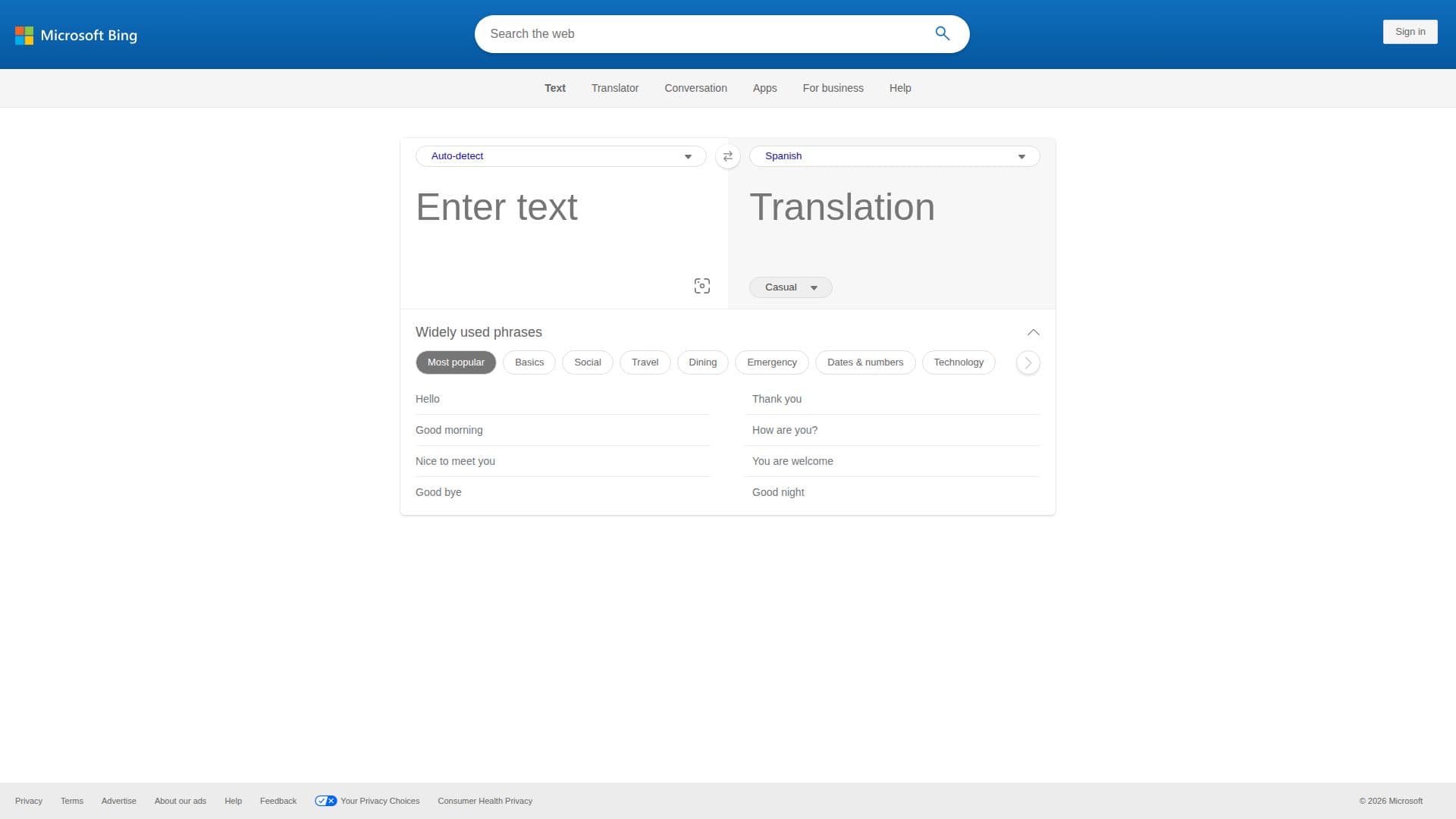
Microsoft Translator is a comprehensive translation tool designed to break language barriers by offering translation services for text, speech, and documents. It supports over 100 languages, allowing users to translate words and phrases quickly and efficiently. The tool is available across multiple platforms, including iOS, Android, Windows, and web, making it accessible for a wide range of users.
Read More
One of the key features of Microsoft Translator is its multi-device conversation capability, which enables real-time translated conversations across different devices. This feature is particularly useful for both personal and business interactions, facilitating communication in various languages such as Spanish, French, Chinese, and Japanese.
For users who require translation services without internet access, Microsoft Translator offers offline translation packs. These packs can be downloaded in advance, allowing users to translate content while off the grid. This feature is ideal for travelers and individuals in areas with limited connectivity.
In addition to personal use, Microsoft Translator provides solutions for educational and business environments. It supports accessible classroom learning with live captioning and cross-language understanding, helping students and educators communicate more effectively. Businesses can leverage Microsoft Translator's text and speech translation technology to globalize their operations and connect with customers worldwide.
The tool also offers customization options through the Custom Translator feature, allowing users to tailor the translation models to better suit their specific needs. This is particularly beneficial for businesses that require specialized vocabulary or industry-specific terminology.
Overall, Microsoft Translator is a versatile and powerful tool that caters to a wide range of translation needs, from casual conversations to professional business communications.
- CategoryAI Translators
- Pricing ModelFree
- DeploymentCloud
- PlatformsiOS, Android, Windows, Web
Microsoft Translator's Core Features
Supports over 100 languages
Real-time conversation translation
Offline translation packs
Multi-device compatibility
Custom Translator for tailored models
Text and speech translation
Document translation via REST API
Integration with educational and business environments
How to use Microsoft Translator?
Download: Select your platform and download the app
Configure: Set up language preferences and download offline packs
Use: Start translating text, speech, or documents
Optimize: Customize translations with Custom Translator
Microsoft Translator's Use Cases
- Travel
- Education
- Business Communication
- Customer Support
- Web Localization