
Description
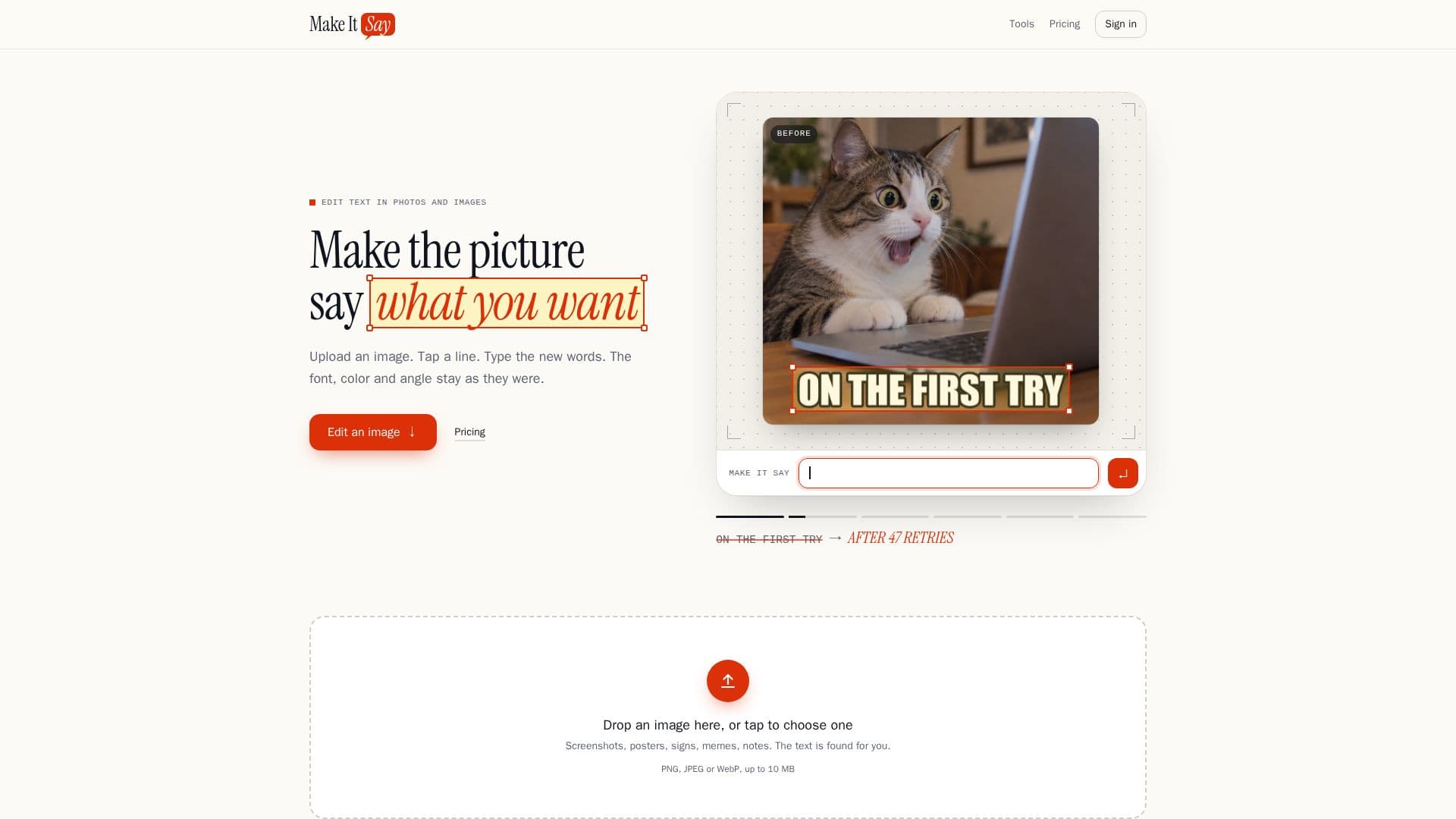
Make It Say provides a unique solution for editing text directly within images, photos, screenshots, posters, and signs. Unlike traditional image editors that add new text layers, Make It Say modifies the existing pixels, ensuring the new words seamlessly integrate with the original background and style. This means the old text is completely replaced, and the new text matches the original font, weight, color, outline, and slant without requiring users to identify or select fonts.
Read More
The process is straightforward: users upload an image, and the tool automatically identifies text lines. They then type the desired new words for each line, and Make It Say redraws only the affected areas. This capability is particularly useful for correcting typos in AI-generated images, updating dates or prices on posters, changing names in screenshots, or even translating text in an image while maintaining its original appearance. It supports up to 20 lines of text per image for a single credit.
The platform is accessible via browser on both desktop and mobile devices (iPhone and Android), allowing users to upload from their camera roll and perform edits on the go. Make It Say is designed for a wide range of applications, from personal use like editing handwritten notes to professional tasks such as updating design files when the original source is unavailable. It handles text photographed at angles, system fonts in screenshots, and even handwriting, ensuring the new text blends perfectly.
Make It Say offers a freemium pricing model. New accounts receive one free, smaller, watermarked preview edit after email confirmation. Full-size, watermark-free edits can be unlocked for one credit. Additional credits can be purchased in packs (e.g., 6 edits for $3, 40 for $10) or through a monthly Pro subscription (120 edits for $20/month). Credits from packs do not expire, while Pro credits renew monthly and expire at month-end. The service explicitly refuses to edit official documents like ID cards, passports, or invoices to prevent forgery, ensuring ethical use of the tool. Images are kept in private storage for 30 days before deletion, with options for immediate deletion by the user.
- CategoryAI Photo Editors
- Pricing ModelFreemium
- DeploymentCloud
- PlatformsWeb, iOS, Android
Make It Say's Core Features
Edit text in photos and images
Preserves original font, color, and angle
Replaces existing pixels, not adding layers
Supports up to 20 lines per image edit
Works on slanted signs and handwriting
Compatible with Latin, Chinese, Japanese, Korean, and Arabic text
Browser-based access on iPhone and Android
Free preview available for edits
Full-size, watermark-free PNG downloads
API available for programmatic text editing
Refuses to edit official documents (ID cards, passports, etc.)
Image storage for 30 days with user deletion option
Credits do not expire for purchased packs
Automatic credit return for failed edits
How to use Make It Say?
Upload Image: Upload your PNG, JPEG, or WebP image to the platform.
Identify Text: The tool automatically finds and boxes the text within the image.
Type New Words: Click on a text box and type the desired replacement words.
Download Result: Receive a PNG with the new text in the original style within seconds.
Make It Say's Use Cases
- Correcting AI Image Text
- Updating Event Details
- Editing Screenshots
- Altering Product Information
- Translating Image Text
- Modifying Logos
- Personalizing Handwritten Notes
- Creating Meme Variations
- Blurring Sensitive Information