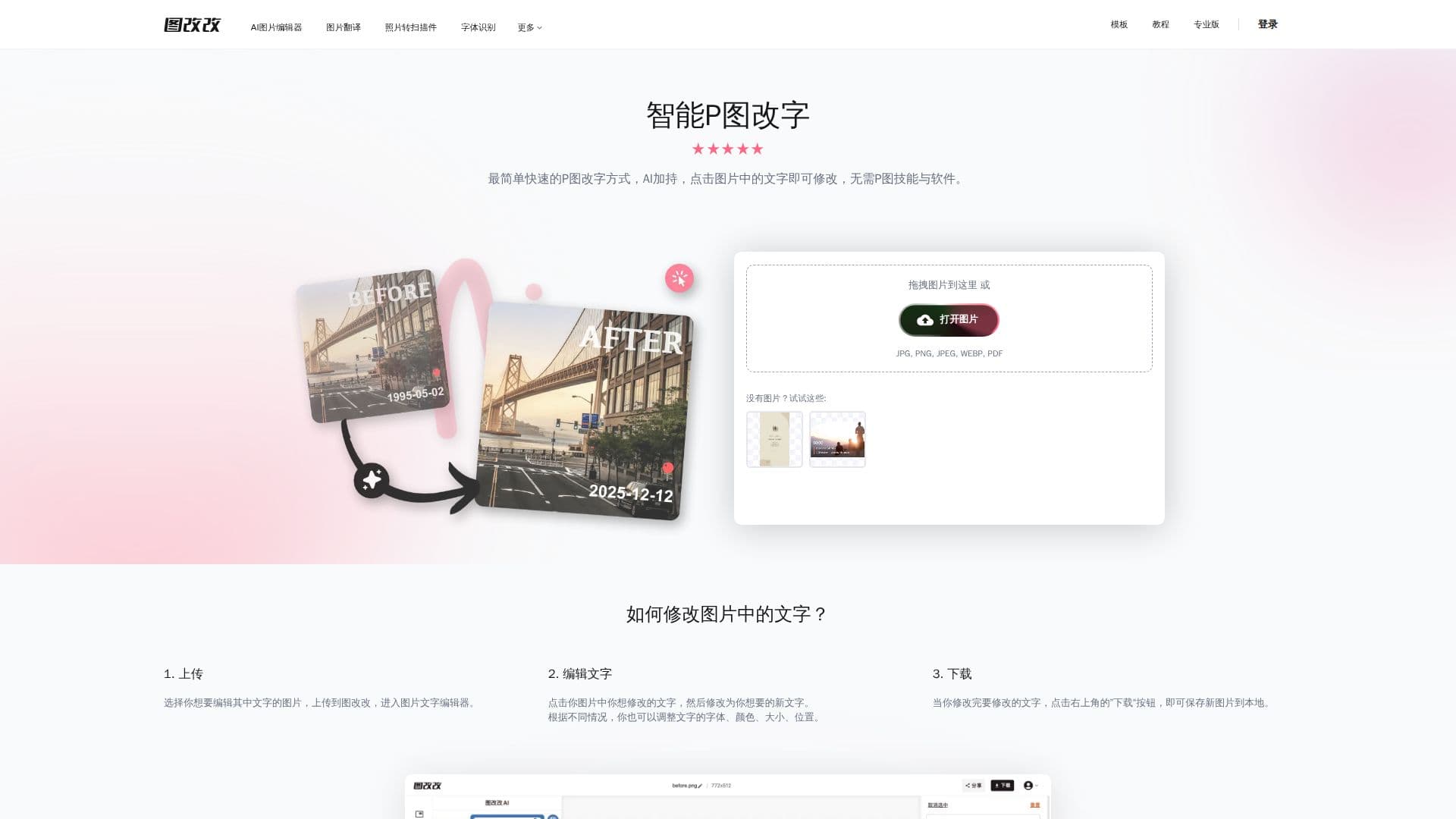
Description
PhoText, known in Chinese as Tugaigai (图改改), is an AI-powered tool for editing the text within images without traditional photo-editing software like Photoshop. Users upload a picture, click directly on the text to edit it, and download the result, making it easy to correct typos, change dates, or update wording in documents, receipts, tables, certificates, chat bubbles, posters, and screenshots.
Read More
The tool focuses on producing seamless, natural results. It uses AI font matching to identify and reproduce the original typeface, seamlessly restores the background where old text is removed, and replicates the original style so edited text blends in. It also includes high-precision OCR text recognition, watermark adding and removal, and image translation. A conversational AI editing mode lets users make changes by describing them, which avoids background spots that can appear with manual edits. Supported input formats include JPG, PNG, JPEG, WEBP, and PDF.
PhoText is designed for simple, fast use across desktop and mobile, and the editor can be embedded into other pages via URL parameters and an iframe, with a postMessage API to open images and retrieve edited results. The site states it supports free commercial use, offers a multilingual interface (including English, Chinese, Japanese, Korean, and others), and emphasizes privacy with automatic deletion of user images after a period.
- CategoryAI Photo Editors
- Pricing ModelFree
- DeploymentCloud
- PlatformsWeb
PhoText's Core Features
AI text editing to change, add, or remove words in an image
AI font matching to reproduce the original typeface
Seamless background restoration after removing text
Original style replication for natural-looking edits
High-precision OCR text recognition
Conversational AI editing by describing changes
Watermark adding and removal, plus image translation
Embeddable editor with URL parameters and iframe API
How to use PhoText?
Upload: Drag an image (JPG, PNG, JPEG, WEBP, or PDF) into the editor.
Edit text: Click on the text to change it, or use conversational AI to describe the edit.
Match and restore: Let the tool match the original font and restore the background seamlessly.
Download: Save the edited image.
PhoText's Use Cases
- Correcting document text
- Editing screenshots
- Poster and graphic updates
- Removing or adding watermarks
- Embedded image editing