Description
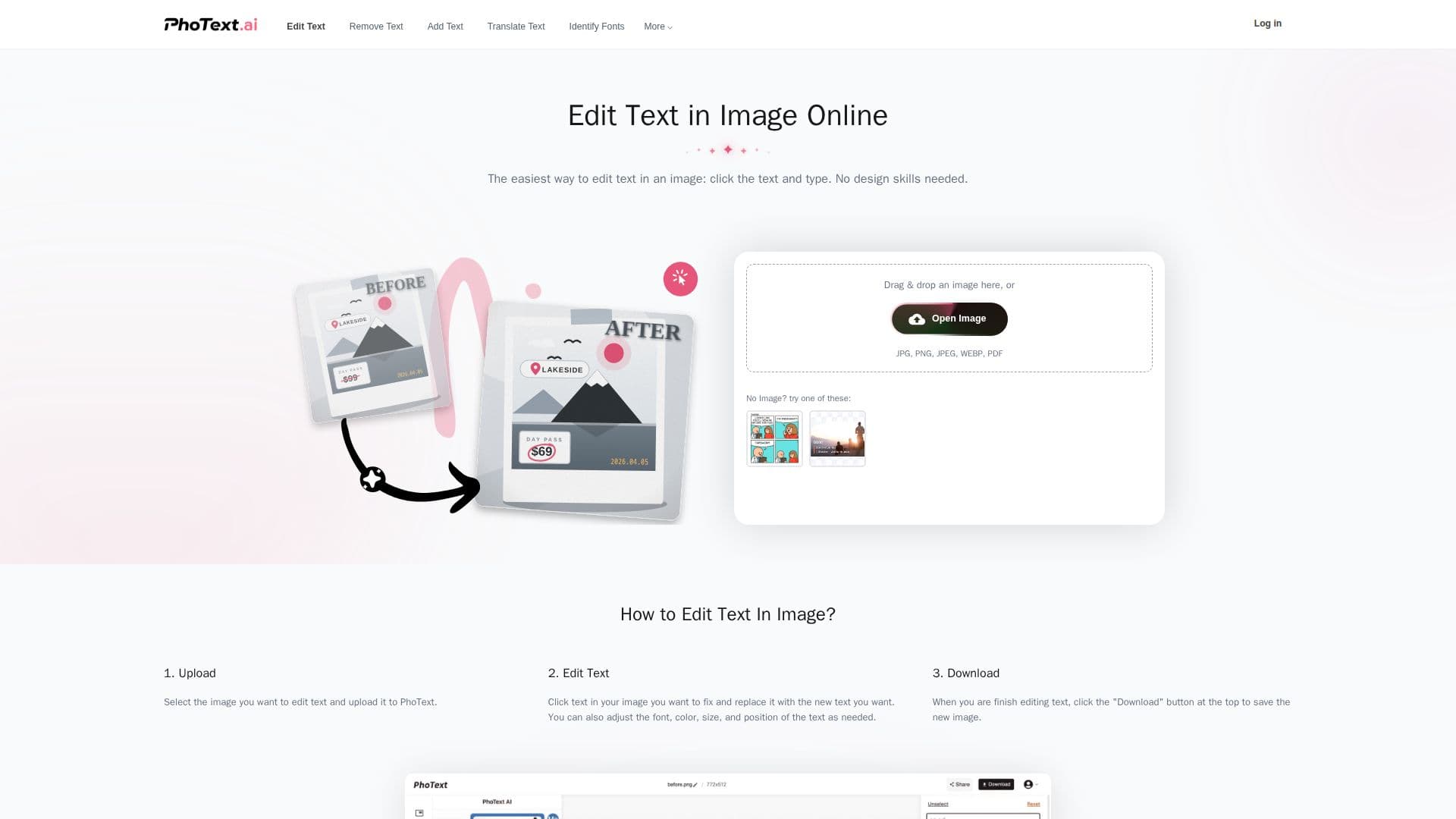
PhoText is an innovative online tool designed to simplify the process of editing text within images. By leveraging advanced AI technology, PhoText allows users to modify, erase, and replace text in images without the need for mastering complex professional software like Photoshop. This tool supports a wide range of image formats, including JPG, PNG, JPEG, WEBP, and BMP, making it versatile for different user needs.
Read More
One of the standout features of PhoText is its high-precision OCR (Optical Character Recognition) capability, which accurately recognizes text within images. This is complemented by AI font matching, which helps users identify and match similar fonts seamlessly. The tool also offers background seamless restoration, ensuring that any changes made to the text blend perfectly with the original image background.
PhoText is designed with a minimalist user experience in mind, allowing users to complete professional-grade image edits in seconds. The process is straightforward: users simply upload an image, edit the text, and download the final product. This simplicity is enhanced by AI conversational editing, which provides a smarter and easier editing experience.
Privacy and security are prioritized, with PhoText ensuring that users' original and edited images are automatically and permanently deleted from their servers after a set period. This commitment to privacy, along with the tool's free commercial use policy, makes it an attractive option for both personal and commercial projects.
PhoText is ideal for users who need to edit text in images quickly and efficiently, without the hassle of learning complex software. Whether for personal creativity or commercial projects, PhoText provides a reliable and user-friendly solution.
- CategoryAI Photo Editors
- Pricing ModelFree
- DeploymentCloud
- PlatformsWeb
PhoText's Core Features
AI Text Editing
AI Font Matching
Background Seamless Restoration
High-Precision OCR
Powerful Image Editing
Minimalist Experience
Privacy & Security
Free for Commercial Use
How to use PhoText?
Upload: Drag and drop an image
Edit Text: Modify, erase, or replace text
Identify Font: Use AI to match fonts
Download: Save the edited image
PhoText's Use Cases
- Image Text Editing
- Font Matching
- Background Restoration
- Commercial Projects
- Privacy-Sensitive Editing