


Description
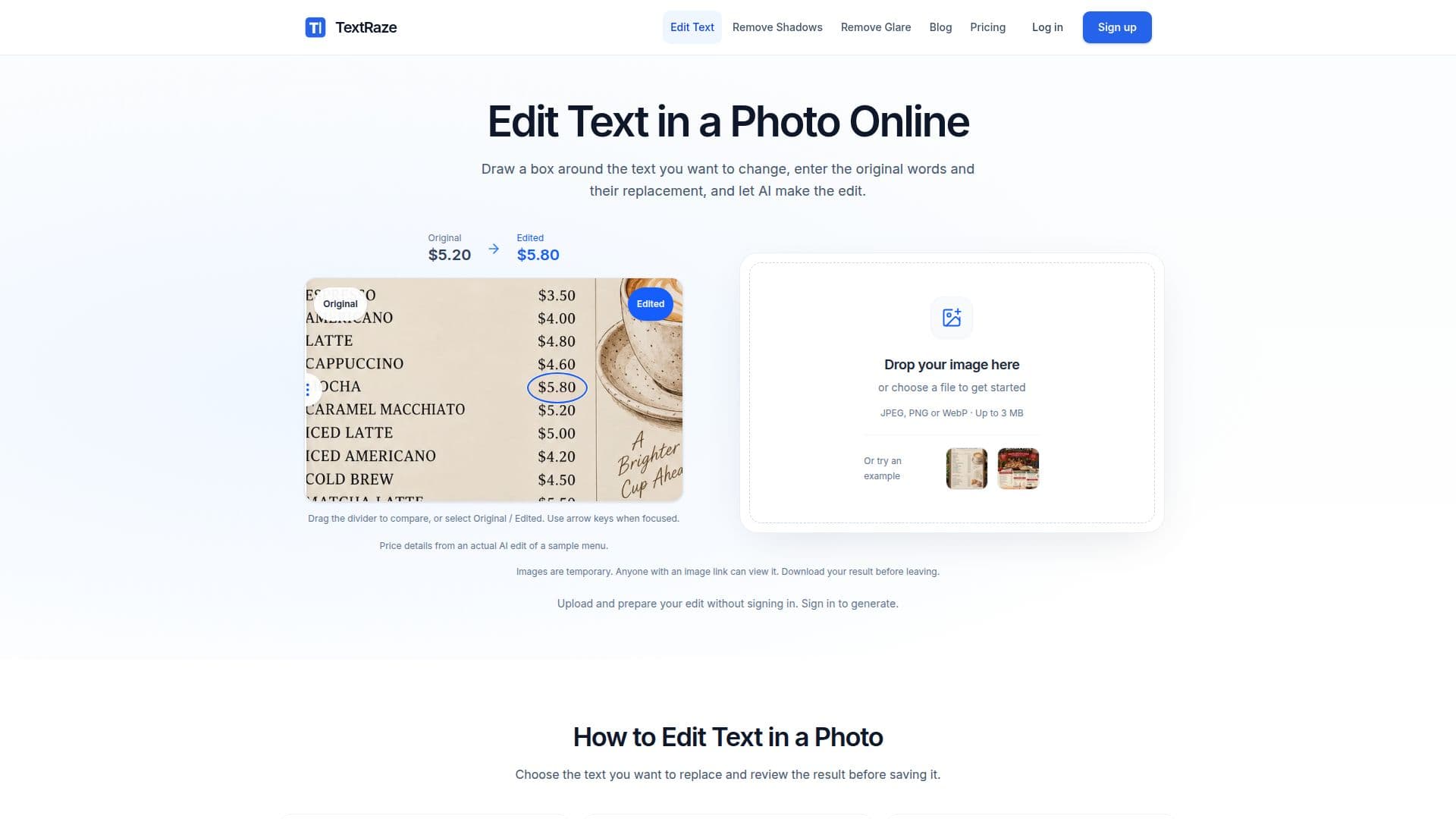
TextRaze is an online AI photo editor designed for creators, shop owners, and small businesses. It allows users to make precise text updates to existing images, such as posters, menus, and product graphics, without needing the original design file. Users can select a text area, input the original and replacement text, and generate an edited image. The tool supports JPEG, PNG, and WebP formats, with uploads up to 3 MB.
Read More
TextRaze offers a flexible pricing model with one-time credit packs starting at $4.99 and monthly subscriptions. Each successful edit uses 10 credits, and users can choose from various credit packs or subscriptions based on their needs. The platform also provides tools for removing shadows and glare from photos, all using the same account and credit balance.
The AI editing process involves selecting the text area, entering the original and new text, and generating the edit. Users can compare the edited image with the original before downloading it. TextRaze ensures that downloads maintain the original pixel dimensions of the source image.
While TextRaze provides powerful AI-assisted text styling and background blending, users are advised to review AI-generated results before publishing, as AI edits can sometimes alter unintended details. Images are stored temporarily and can be accessed via public URLs until deletion, so users should download their results promptly.
- CategoryAI Photo Editors
- Pricing ModelCredit-based
- DeploymentCloud
- PlatformsWeb
TextRaze's Core Features
AI-assisted text editing
Manual text-area selection
Supports JPEG, PNG, WebP
Original-dimension downloads
Credit-based pricing model
Shadow and glare removal tools
Temporary image storage
Public URL access for images
How to use TextRaze?
Upload: Choose a JPEG, PNG, or WebP image
Select: Draw a box around the text to change
Enter: Type the original and new text
Generate: Sign in and let AI make the edit
Compare: Review the edited image
Download: Save the result at original dimensions
TextRaze's Use Cases
- Menu Updates
- Event Posters
- Product Labels
- Shop Signs
- Promotional Graphics