Description
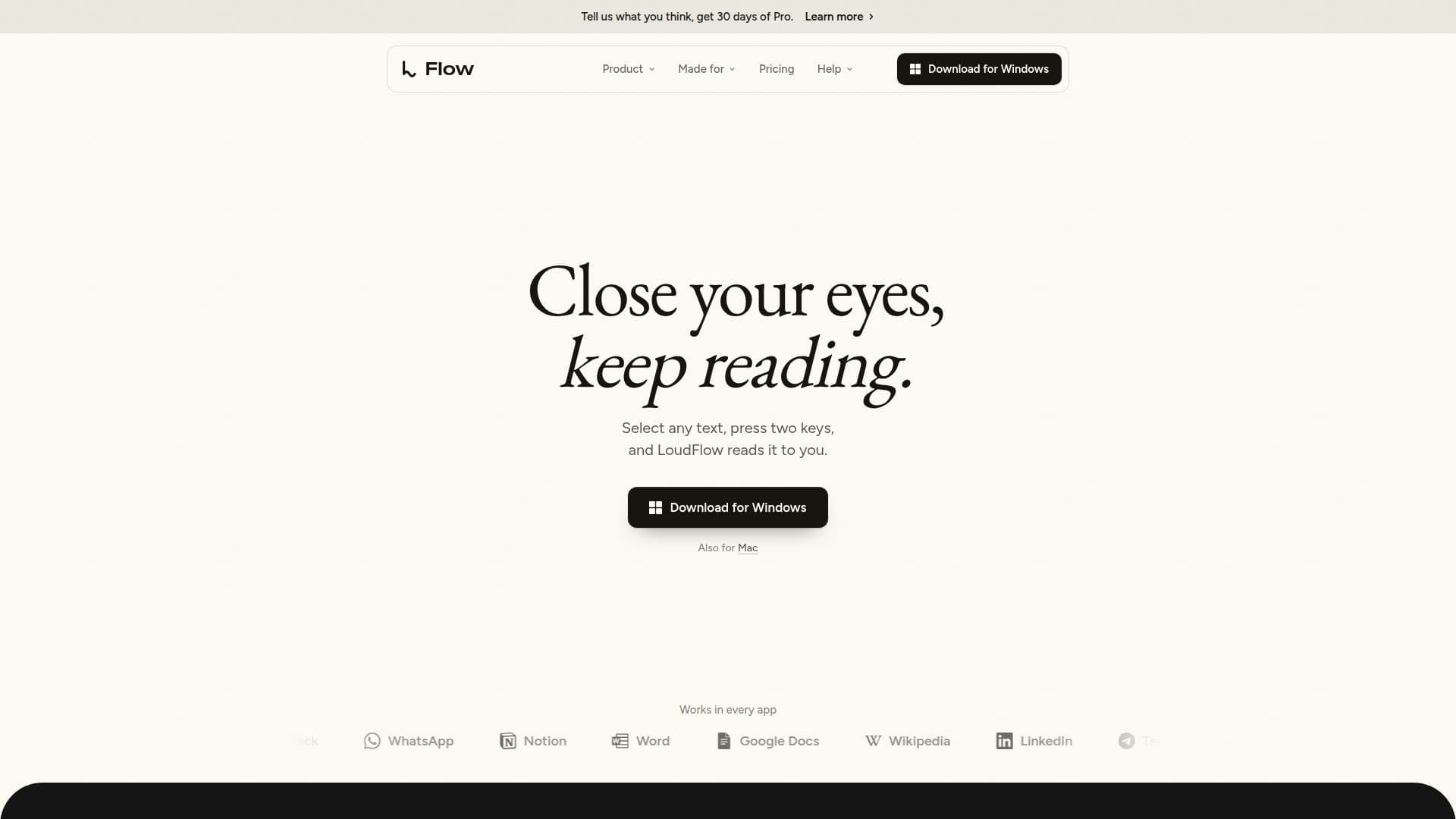
LoudFlow is a free AI text-to-speech application available for Windows and Mac, developed in the Canton of St. Gallen, Switzerland. It enables users to select text in any application—such as emails, PDFs, websites, or chat clients—and have it read aloud by a natural-sounding voice with a simple keyboard shortcut (Ctrl + Space on Windows, Option + Space on Mac).
Read More
The application is designed to enhance accessibility and productivity, particularly for individuals who prefer listening over reading, including those with dyslexia. LoudFlow processes text intelligently, cleaning up 'messy' content by skipping full links and emojis, and correctly interpreting times, prices, and dates into natural speech. For example, it will read "1945" as "nineteen forty-five" and "350°F" as "three hundred and fifty degrees Fahrenheit."
Key features include support for 86 languages, with 43 languages offering their own native voices on Windows (using Quality 3.5 Light) and ten on Mac; other languages are translated and read in the user's chosen voice. Users can also create a personalized voice clone from just 15 seconds of their own speech or design a custom voice by describing it in words. LoudFlow offers three distinct sound profiles: Turbo 3.2 Flash for quick starts, Quality 3.5 Light for a balanced experience, and Quality 3.2 Pro for the most natural sound.
The free version provides 1,000 words per day and access to all library voices, along with the ability to create up to five custom voices. For unlimited listening and voice cloning, a Pro plan is available for $12 a month or $8 a month when paid yearly. Users can try the Pro plan for a free month without requiring a credit card. LoudFlow prioritizes user privacy, ensuring that all texts are processed locally and never stored or seen by the company.
LoudFlow is compatible with Windows 11 (64-bit) and macOS 14 or later (including Intel Macs with 13.4). It requires 8 GB of free space on Windows. The application updates automatically, and users need a free account to use it, though no password is required. It is suitable for users aged 16 or older. While a team plan is not yet available, the company invites inquiries for future development.
- CategoryText to Speech
- Pricing ModelFreemium
- DeploymentCloud
- PlatformsWindows, Mac
LoudFlow's Core Features
Text-to-speech for any application on Windows and Mac
Natural AI voices for reading text aloud
Supports 86 languages for text input
Ability to clone user's own voice from 15 seconds of speech
Option to describe and design custom voices
Intelligent text processing: skips links and emojis, reads numbers, times, and dates naturally
Three distinct sound profiles: Turbo 3.2 Flash, Quality 3.5 Light, Quality 3.2 Pro
Keyboard shortcuts for quick activation (Ctrl + Space on Windows, Option + Space on Mac)
Works in background while user works in other apps
Privacy-focused: texts are not stored or seen by LoudFlow
Adjustable reading speed (Slower, Normal, Faster)
Automatic updates for the application
Free tier with 1,000 words per day and 5 custom voices
Pro tier with unlimited listening and voice cloning
How to use LoudFlow?
Install LoudFlow: Download and install the application on your Windows PC (Windows 11, 64-bit) or Mac (macOS 14+).
Create Account: Sign up for a free account; no password is required.
Select Text: Open any application (browser, email, PDF, chat) and select the text you wish to hear.
Activate Reading: Press Ctrl + Space (Windows) or Option + Space (Mac) to have LoudFlow read the selected text aloud.
Customize Voice: Go to settings to clone your own voice from 15 seconds of talking or describe a custom voice.
Adjust Settings: Change reading speed or select a different sound profile (Turbo 3.2 Flash, Quality 3.5 Light, Quality 3.2 Pro) in the application settings.
LoudFlow's Use Cases
- Reading Emails Aloud
- Reviewing Documents and PDFs
- Listening to Websites and Articles
- Catching Up on Chats
- Accessibility for Dyslexia
- Learning New Languages
- Hands-Free Information Consumption