Description
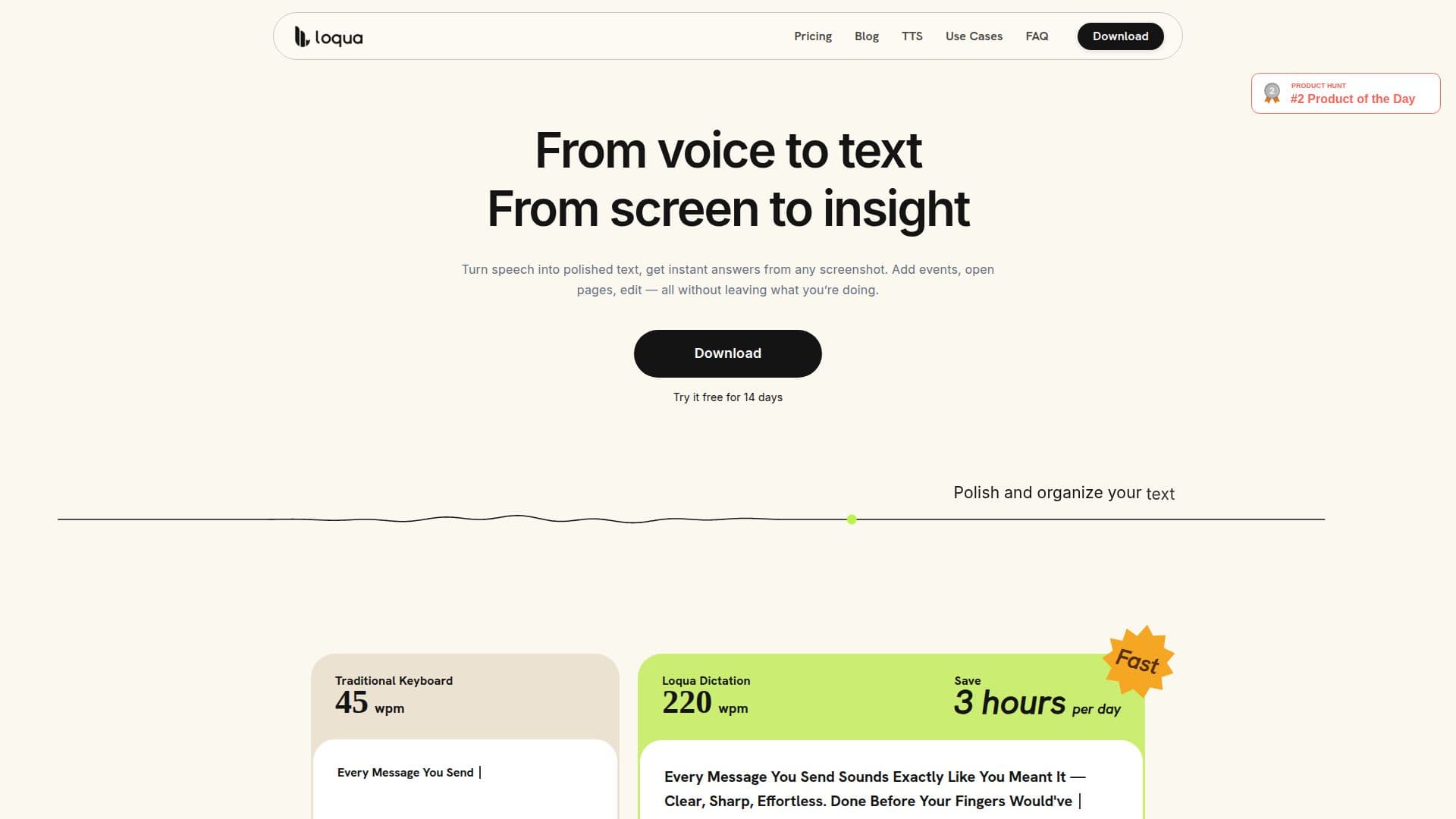
Loqua is an AI-powered voice typing and dictation software tailored for Mac and Windows users. It offers context-aware voice typing that not only transcribes speech into text but also refines it by removing filler words and repetitions. This ensures that the output is polished and ready for use across various applications such as email, Slack, and Notion.
One of Loqua's standout features is its ability to understand the structure of spoken content, automatically formatting it into lists, headings, and other hierarchical structures. This eliminates the need for users to dictate formatting commands, streamlining the workflow significantly.
Loqua supports nearly 100 languages, making it a versatile tool for multilingual communication. Users can speak in one language and receive text in another, facilitating seamless cross-language interactions.
The software also includes a 'Capture to Ask' feature, allowing users to capture parts of their screen and ask questions about the content. This feature provides instant answers, analyses, translations, or summaries without the need to switch between applications.
Loqua offers a freemium pricing model, with a free plan that includes a weekly word limit of 5,000 words and basic context detection. Users can upgrade to the Pro plan for unlimited dictation and advanced features like full context intelligence and unlimited screen capture queries.
Designed for professionals who prefer speaking over typing, Loqua is ideal for writers, engineers, and anyone who needs to produce structured text quickly. Its hands-free command hub allows users to perform tasks like setting reminders, opening apps, and sending texts through voice commands, enhancing productivity and reducing the need for manual input.
Loqua's Core Features
Context-aware voice typing
Real-time filler word removal
Automatic text structuring
Multilingual translation support
Screen capture and query
Voice command hub
Freemium pricing model
GDPR compliant data handling
How to use Loqua?
Download: Install Loqua on Mac or Windows
Configure: Set up microphone and accessibility permissions
Use: Start dictating in any app
Optimize: Upgrade to Pro for unlimited features
Loqua's Use Cases
- Voice Typing
- Multilingual Communication
- Screen Capture Queries
- Hands-Free Commands
- Text Structuring