
Description
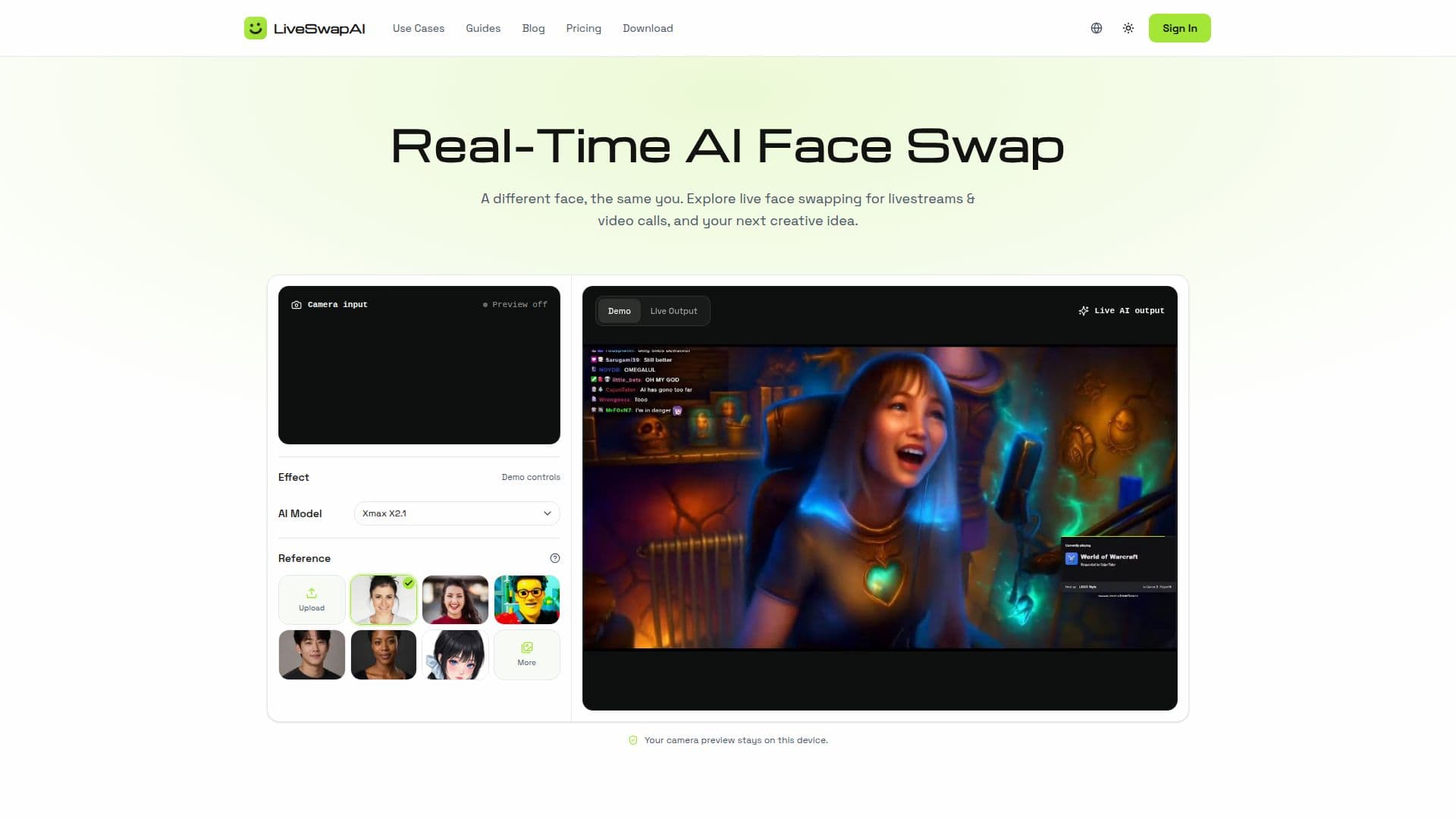
LiveSwapAI provides a real-time AI face swapping solution designed for enhancing livestreams, video calls, and various creative content. This innovative tool allows users to transform their on-camera appearance by applying a reference face to their live camera feed, offering a dynamic way to explore new personas, streaming looks, and character transformations.
Read More
The core functionality of LiveSwapAI involves applying a chosen reference face to moving camera footage, distinguishing it from traditional photo or video editing that replaces faces in static images or finished videos. To get started, users need a clear, front-facing portrait with even lighting. The process involves selecting a portrait, previewing the camera to ensure good lighting and framing, and then planning how a new persona will fit into their next stream, call, or creative performance.
LiveSwapAI caters to a diverse audience, including individuals who want to explore creative on-camera looks for video calls and meetings, streamers and VTubers aiming to build recognizable and consistent personas, and content creators looking to introduce various characters or change the mood of a scene for comedy or sketches. It also supports podcasts and brand personas by enabling a consistent visual identity across episodes or content series.
Currently, the platform offers a quick browser preview where users can watch demos, choose a preset, or upload their own JPEG, PNG, or WebP portrait up to 10 MB. This preview allows users to check their original video feed without any installation. While live AI processing and virtual-camera integration are still in development, the desktop application for Windows 11 x64 is available, providing a more integrated workflow. The desktop app allows users to sign in, open their camera, select a face swap effect and reference image, and start a live session. It also supports virtual camera output for compatible streaming tools like OBS Studio and meeting apps such as Zoom or Google Meet, though this integration is not yet available in the browser preview.
LiveSwapAI operates on a one-time payment model for credits, which never expire. A free trial for 3 days is also available to allow users to experience the live AI effects. The platform emphasizes user privacy, stating that the camera preview stays on the user's device. Factors like lighting, camera angle, movement, the quality of the reference portrait, and internet connection can influence the live face swap result, so users are advised to check their setup before going live.
- CategoryVideo Generation & Editing
- Pricing ModelOne-time payment
- DeploymentDesktop app
- PlatformsWindows Desktop, Web Browser
LiveSwapAI's Core Features
Real-time AI face swapping
Live camera feed integration
Reference portrait application
Browser-based preview
Desktop application for Windows 11 x64
Virtual camera output (desktop app)
Support for OBS Studio, Zoom, Google Meet (desktop app)
Custom portrait upload (JPEG, PNG, WebP up to 10 MB)
Preset face swap effects
Free trial available
One-time credit payment model
Credits never expire
Local camera preview for privacy
Change reference or effect during session
How to use LiveSwapAI?
Download Desktop App: Get the Windows 11 x64 ZIP, extract, and run the MSI installer.
Sign In: Open LiveSwapAI, select Sign in, and complete authorization in your browser.
Open Camera: Select Open camera, allow access, and choose Face Swap with a reference image (preset or upload).
Start Face Swap: Ensure an AI model is available, then select Start Face Swap and wait for live output.
Integrate Virtual Camera: Select LiveSwapAI Camera in compatible meeting or streaming apps like OBS Studio or Zoom.
Stop Session: Select Stop when finished; use Close camera to turn off the camera preview.
LiveSwapAI's Use Cases
- Streaming Personas
- Video Call Creativity
- Character Transformations
- VTuber Identity
- Podcast Visuals
- Brand Personas