
Description
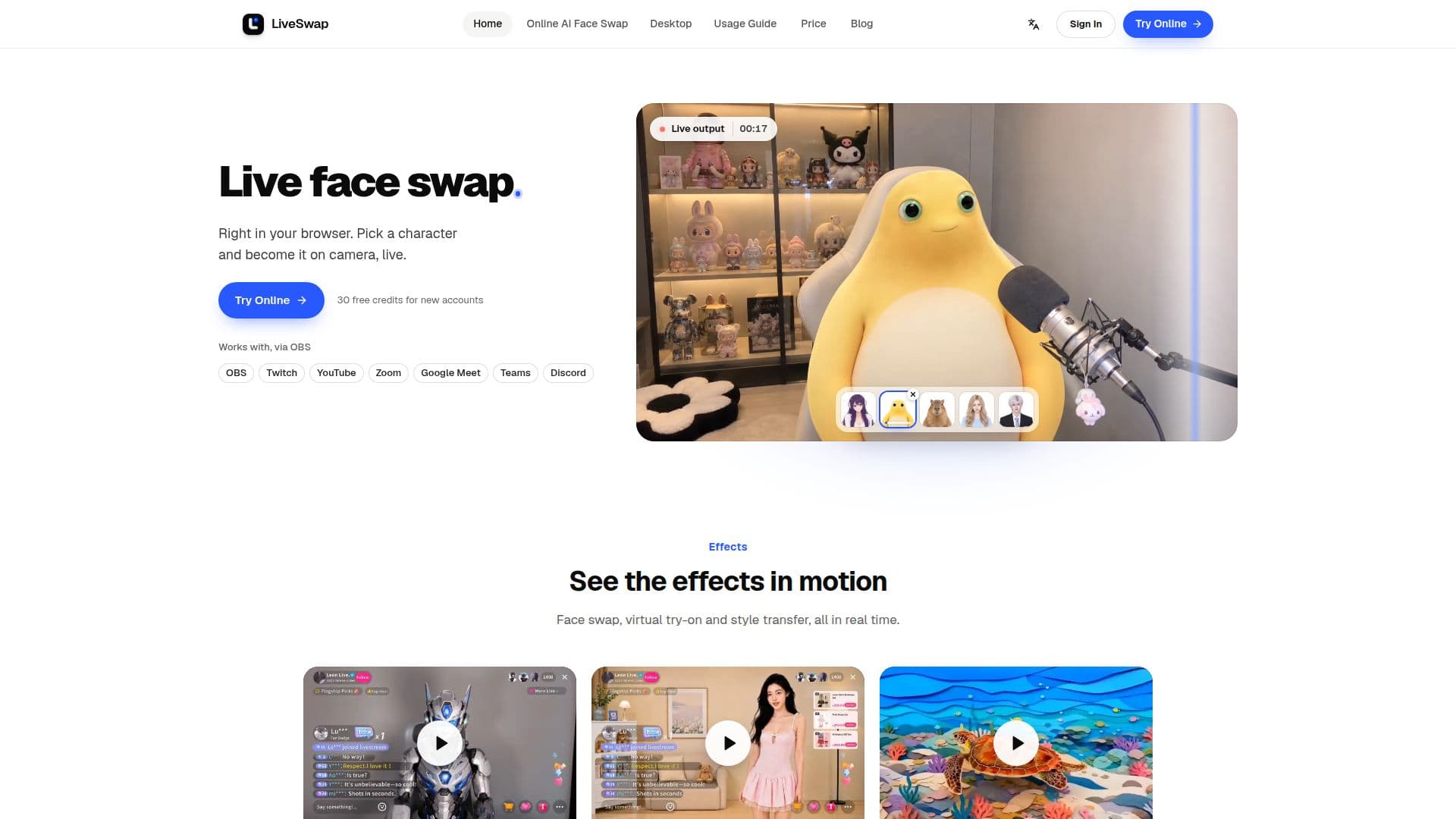
LiveSwap.ai provides a unique real-time face swapping and virtual transformation experience, accessible directly through a web browser or a dedicated Windows desktop application. This tool allows users to select a character and instantly transform their camera feed to become that character in real time, making it ideal for a variety of digital interactions.
Read More
The platform supports integration with popular streaming and video conferencing applications. Users can seamlessly incorporate LiveSwap.ai into OBS, Twitch, YouTube, Zoom, Google Meet, Microsoft Teams, and Discord. For browser-based use, the output window can be captured in OBS for streaming or the OBS Virtual Camera can be used for video calls. The Windows desktop app further simplifies this by installing a dedicated LiveSwap Camera, which can be directly selected within these applications.
LiveSwap.ai is designed for ease of use, requiring only a recent browser, a camera, a stable internet connection, and an account. While mobile support depends on the device and browser, the service aims to deliver optimal results when the user is alone in the frame, facing the camera with even lighting. The service emphasizes privacy, stating that camera previews remain local and are not saved. Generation sends the stream and reference to a configured model provider, and private references are stored encrypted on the service.
New users receive 30 free credits to explore the platform's capabilities. The service operates on a credit-based system, with different AI models like X-Max 2.1 (0.5 credit/s) and Lucy 2.6 (3 credits/s) consuming credits at varying rates. Credits are reserved at the start of a session, and unused credits are returned. Various pricing plans are available, including one-time credit packs and recurring subscriptions (monthly or quarterly) that offer different credit allowances and member benefits. Subscription credits carry over for a month, while permanent packs never expire.
LiveSwap.ai caters to a diverse audience, including streamers, VTubers, content creators for skits and short videos, professionals using video calls, and those in fashion or live selling looking to create stylized content. The platform offers features like live restyle and live virtual try-on, expanding beyond simple face swaps to provide comprehensive real-time visual transformations.
- CategoryAI Avatar Generators
- Pricing ModelFreemium
- DeploymentCloud, Desktop app
- PlatformsWeb, Windows
LiveSwap.ai's Core Features
Real-time Face Swap in Browser
Windows Desktop Application
Integration with OBS, Twitch, YouTube
Compatibility with Zoom, Google Meet, Microsoft Teams, Discord
Live Restyle and Virtual Try-on
Credit-based Usage System
30 Free Credits for New Accounts
Multiple AI Models (X-Max 2.1, Lucy 2.6)
Subscription and One-time Credit Packs
Unused Credits Carry Over (Subscription)
Permanent Credit Packs (Never Expire)
Privacy-focused (Local Camera Preview)
Encrypted Storage for Private References
No Brand Name on Output (Paid Plans)
How to use LiveSwap.ai?
Open Camera: Allow camera access and check framing/lighting in the local preview.
Choose Effect & Reference: Select face swap, restyle, or try-on, then pick a character or upload an image.
Start Generation: Choose an available model and begin; the result appears live.
Integrate with Apps: For streaming, capture the output window in OBS or use OBS Virtual Camera for video calls. For desktop, select LiveSwap Camera in other apps.
LiveSwap.ai's Use Cases
- Streaming & VTubing
- Skits & Short Videos
- Video Calls
- Fashion & Live Selling
- Stylized Content Creation
- Online Identity Transformation
- Virtual Try-on