Description
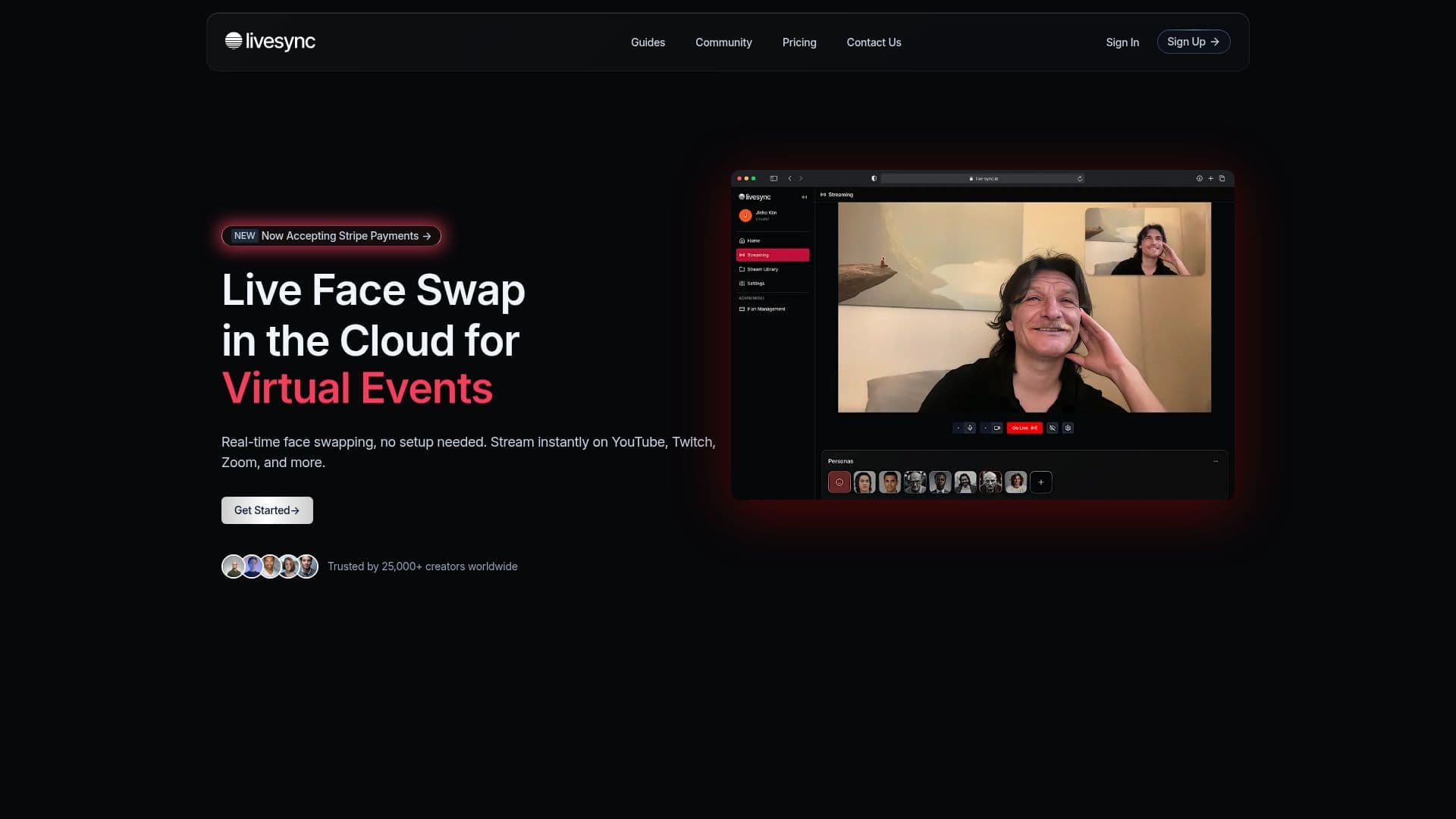
Livesync is a cloud-based platform for real-time face swapping during live streams and video calls. Because processing runs in the cloud, it requires no GPU or complex local setup, and works from a computer, phone, or tablet. Users select an avatar or persona with a single click to transform their appearance instantly.
Read More
The tool is designed to integrate with common broadcasting and conferencing software, including OBS, Zoom, and YouTube, so creators can stream on platforms like Twitch and YouTube with a face swap applied live. Recorded live streams can be saved as video files for later editing and repurposing, and enterprise clients can customize workflows through an API.
Livesync emphasizes real-time performance and cost efficiency by using multiple GPUs in the cloud, along with strong encryption and ethical-use commitments to prevent deepfake misuse. Pricing is credit based, where one credit equals one minute of streaming, ranging from a free tier through creator and professional plans up to studio, business, and enterprise tiers with higher quality, longer sessions, and priority queues.
- CategoryAI Avatar Generators
- Pricing ModelFreemium
- DeploymentCloud
- PlatformsWeb
Livesync's Core Features
Real-time face swapping during live streams and video calls
Cloud-based processing with no GPU or setup required
One-click avatar and persona selection
Integration with OBS, Zoom, and YouTube
Works on computer, phone, or tablet
Recording of live streams as reusable video files
API for enterprise workflow customization
Encryption and ethical-use safeguards
How to use Livesync?
Choose an avatar: Select a persona or avatar with a single click.
Connect your platform: Integrate Livesync with OBS, Zoom, or YouTube.
Go live: Start streaming or your call with the face swap applied in real time.
Record and reuse: Save recorded sessions as video files for editing.
Livesync's Use Cases
- Live streaming
- Video calls
- VTuber content
- Content repurposing
- Enterprise integration