
Description
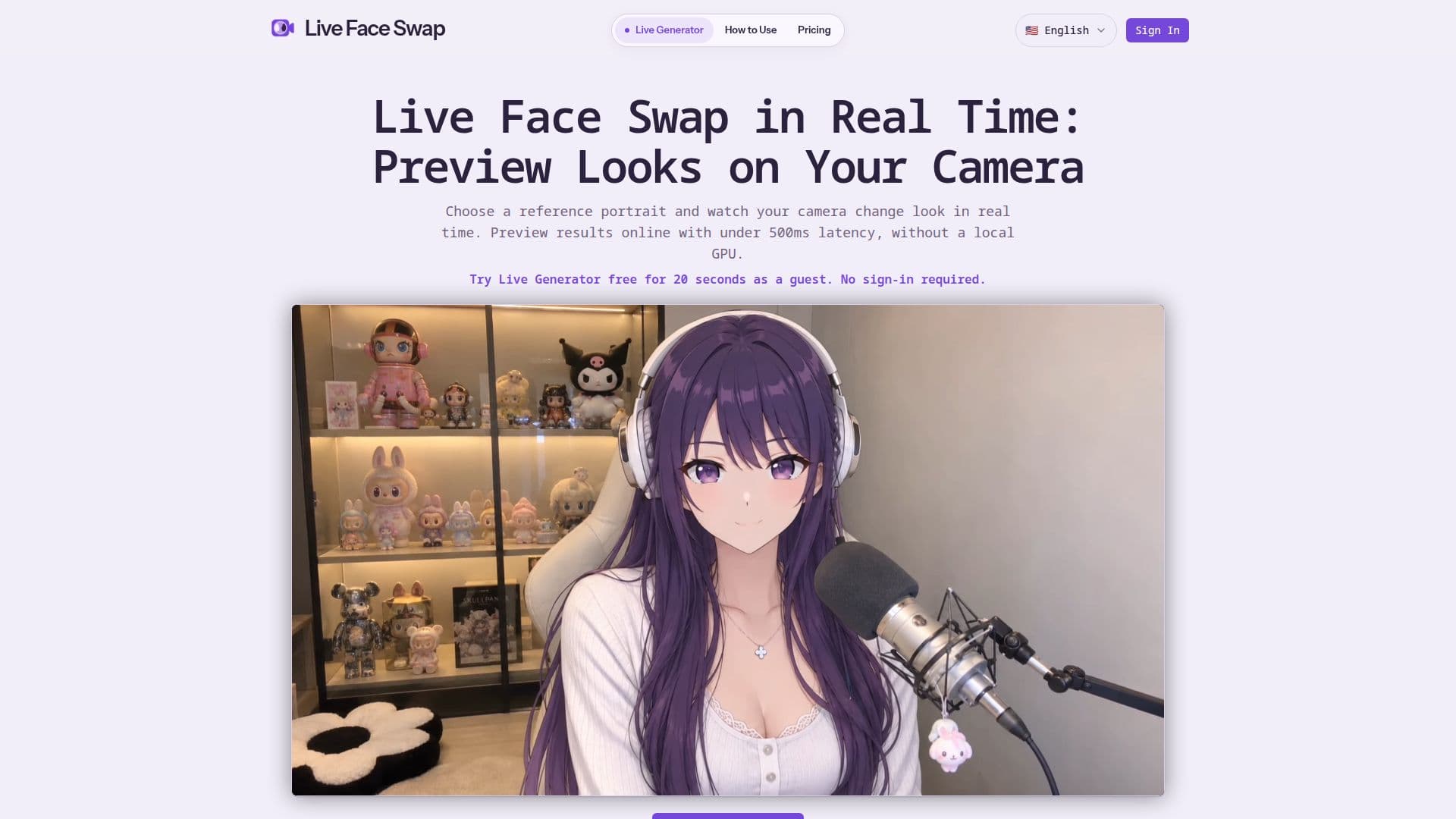
Live Face Swap offers a real-time face swapping and visual restyling experience directly through your web browser. This innovative tool utilizes cloud-based AI processing, eliminating the need for any app installation or a high-performance local GPU. Users simply grant camera access, select a reference portrait from a gallery or upload their own, and watch as their live webcam feed is transformed with under 500ms latency.
Read More
The platform provides various creative modes, including Live Generator for real-time look swaps, Virtual Try-On for experimenting with different styles, and Live Restyle for visual transformations. Users can explore advanced options like Custom Prompt and Character Interaction to further personalize their experience. The tool ensures privacy by not automatically recording camera feeds; recording only begins when explicitly initiated by the user, and saved content is stored in "My Creations."
Beyond basic face swapping, Live Face Swap includes unique features like Theme Quest, which guides users through four expression prompts to create a multi-panel story, and Reaction Studio, allowing users to remix captured photos with captions and stickers. Mini Theater mode enables users to act out short scenes as two different characters, with the AI output changing roles in real time. These features enhance creative possibilities, letting users generate memes, short skits, or themed photo strips.
Live Face Swap operates on a freemium model. New users receive a 20-second guest trial without needing to sign in, plus 40 starter credits upon account signup, valid for 30 days. These credits are sufficient for up to 40 seconds of live use. For extended use, paid plans are available, starting from $9.5/month when billed yearly. The service is designed for ease of use, requiring only a camera, browser permission, and a stable internet connection to deliver a responsive and engaging real-time AI experience.
- CategoryImage Generation & Editing
- Pricing ModelFreemium
- DeploymentCloud
- PlatformsWeb Browser
Live Face Swap's Core Features
Real-time webcam face swap
Under 500ms latency for AI output
Browser-based, no installation required
Cloud AI processing, no local GPU needed
Virtual Try-On mode
Live Restyle mode
Custom Prompt mode
Character Interaction mode
Ability to save photos and video clips to My Creations
Theme Quest for multi-panel story creation
Reaction Studio for photo remixing with captions and stickers
Mini Theater for two-character scene acting
Optional microphone audio recording for videos
Download saved creations
Guest trial available without sign-in
How to use Live Face Swap?
Allow Camera Access: Grant your browser permission to access your webcam.
Choose Reference: Select a gallery preset or upload a clear, front-facing portrait you have permission to use.
Select Effect: Choose a desired effect like Face Swap, Try-On, or Restyle.
Start Session: Begin the live session to see your camera view transformed by the AI output.
Create Content: Take photos or record videos of your transformed look.
Save & Download: Access saved photos and clips in My Creations for review or download.
Live Face Swap's Use Cases
- Virtual Try-On
- Content Creation
- Character Impersonation
- Visual Restyling
- Meme Generation
- Storytelling
- Pre-Call Look Planning