
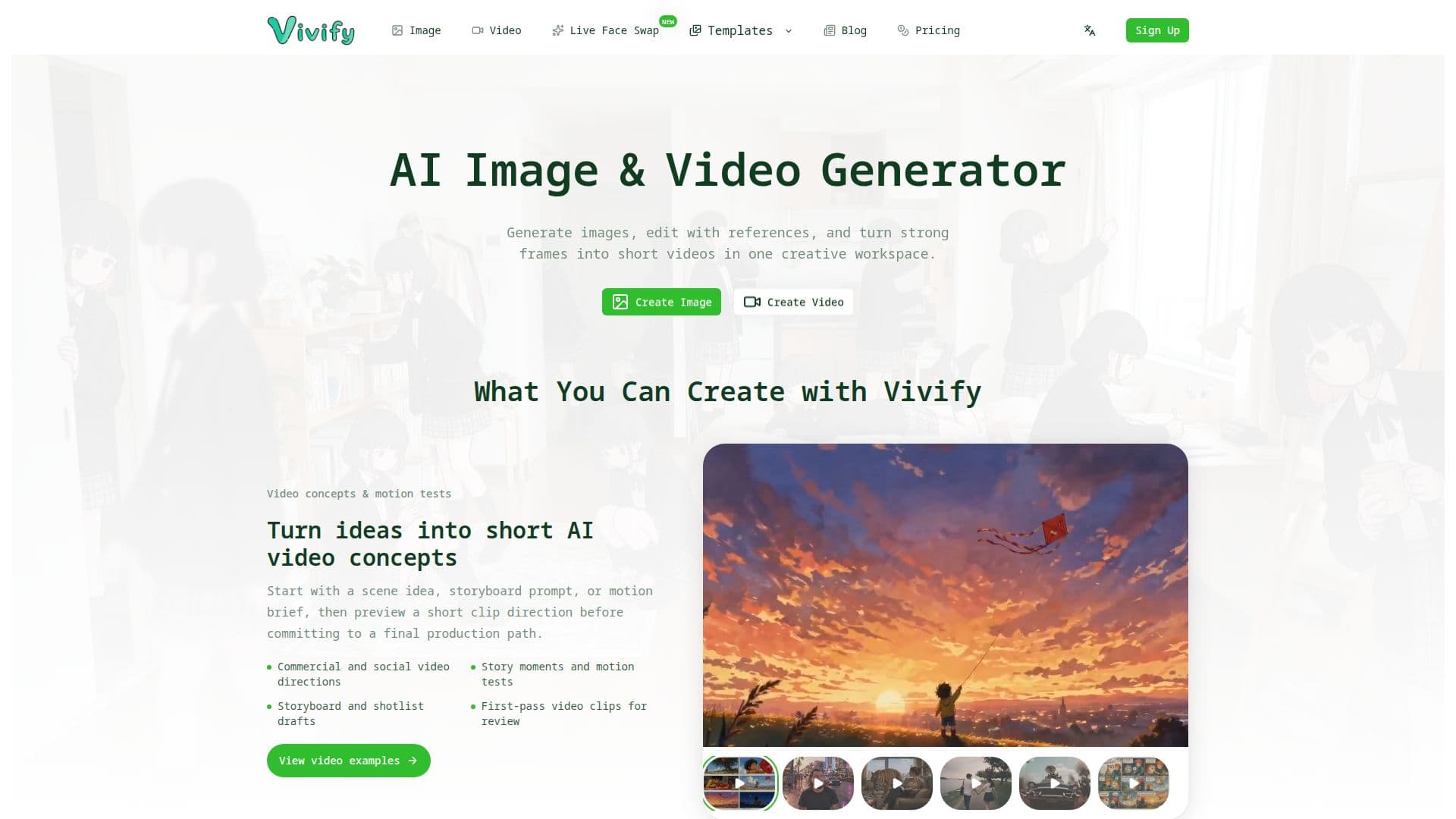
Description
Vivify is an innovative AI application designed for creators who want to transform their creative processes. It offers a comprehensive suite of tools for AI image and video generation, reference-based editing, and real-time face swapping. Users can generate images and videos from prompts or references, making it a versatile tool for various creative tasks.
Read More
One of the standout features of Vivify is its ability to perform live webcam transformations directly in the browser. This includes live face swap, outfit try-on, and restyle features, allowing users to see their transformations in real-time without recording or saving the camera feed. The tool is designed to keep up with users' expressions and movements, providing a seamless experience.
Vivify also offers a desktop Live Client for Windows and Apple Silicon Macs, which turns the output into a 'Vivify Camera' that can be used with popular platforms like OBS, Zoom, Teams, Google Meet, and Discord. This integration makes it an excellent choice for streamers, content creators, and professionals who need dynamic video content.
The pricing model includes a paid subscription at 12 USD per month, with new accounts receiving a free trial. Users can start with 12 signup credits and earn daily check-in rewards, making it accessible for those who want to explore its capabilities before committing to a subscription.
Vivify's AI capabilities extend to text-to-image, image-to-image, text-to-video, and image-to-video generation, providing users with a wide range of creative possibilities. The platform is designed to help creators, marketers, and teams turn rough ideas into production-ready visuals with less friction, making it a valuable tool for anyone involved in creative projects.
- CategoryAI Video Generators
- Pricing ModelSubscription
- DeploymentCloud
- PlatformsWeb, Windows, macOS
Vivify's Core Features
AI image generation
Reference-based image editing
Text-to-video generation
Image-to-video generation
Real-time face swap
Outfit try-on
Restyle features
Desktop Live Client for Windows and macOS
How to use Vivify?
Pick a reference: Choose a reference image or prompt.
Enable the camera: Allow access to your webcam.
Start: Begin the transformation process.
Use Vivify Camera: Integrate with OBS, Zoom, or other platforms.
Vivify's Use Cases
- Live Streaming
- Video Conferencing
- Content Creation
- Marketing Campaigns
- Character Design