
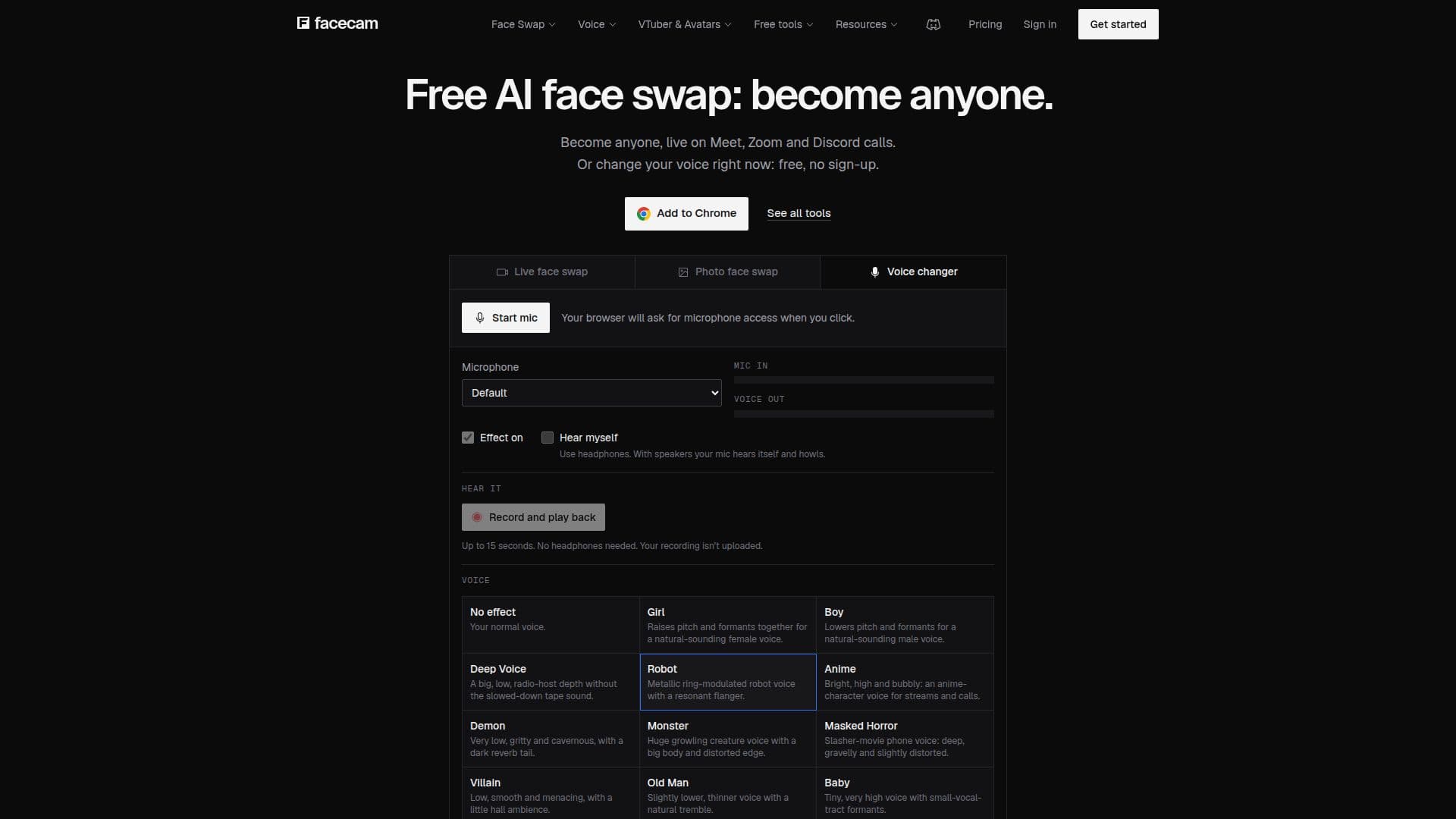
Description
Facecam is an innovative platform that provides AI-driven tools for face swapping and voice changing during video calls and streams. Users can transform their appearance in real-time on popular platforms such as Google Meet, Zoom, Microsoft Teams, and Discord. The service is accessible through a browser extension for Chrome, allowing seamless integration without the need for additional software.
Read More
Facecam offers a variety of features, including live face swap, photo face swap, and video face swap. Users can also change their voice in real-time or apply voice changes to recordings. The platform supports a range of avatars and character generation, enabling users to create unique digital personas for their online interactions.
The pricing model includes three tiers: Starter, Premium, and Pro, with monthly fees of $10, $20, and $50, respectively. Each plan provides a set number of credits that can be used for various tools, such as live face swaps or AI voice changers. Free tools are available without an account, including voice changers, PNGTuber and VTuber makers, and webcam effects.
Facecam is designed for a wide audience, from casual users looking to have fun with face swaps to professionals who require advanced tools for streaming and video production. The platform emphasizes privacy, ensuring that user data is not recorded or stored. With its user-friendly interface and comprehensive feature set, Facecam is a versatile solution for enhancing online communication and entertainment.
- CategoryVideo Generation & Editing
- Pricing ModelFreemium
- DeploymentWeb
- PlatformsChrome
Facecam's Core Features
Live face swap for video calls
Photo and video face swap
Real-time voice changer
AI character and avatar generation
Chrome extension for easy integration
Free and paid plans with credits
Privacy-focused with no data storage
Compatible with Meet, Zoom, Teams, Discord
How to use Facecam?
Install: Add the Facecam extension to Chrome
Configure: Choose a face or voice preset
Use: Join a call and select Facecam Virtual Camera
Optimize: Adjust settings for best performance
Facecam's Use Cases
- Live Streaming
- Video Conferencing
- Content Creation
- Social Media
- Online Gaming