
Description
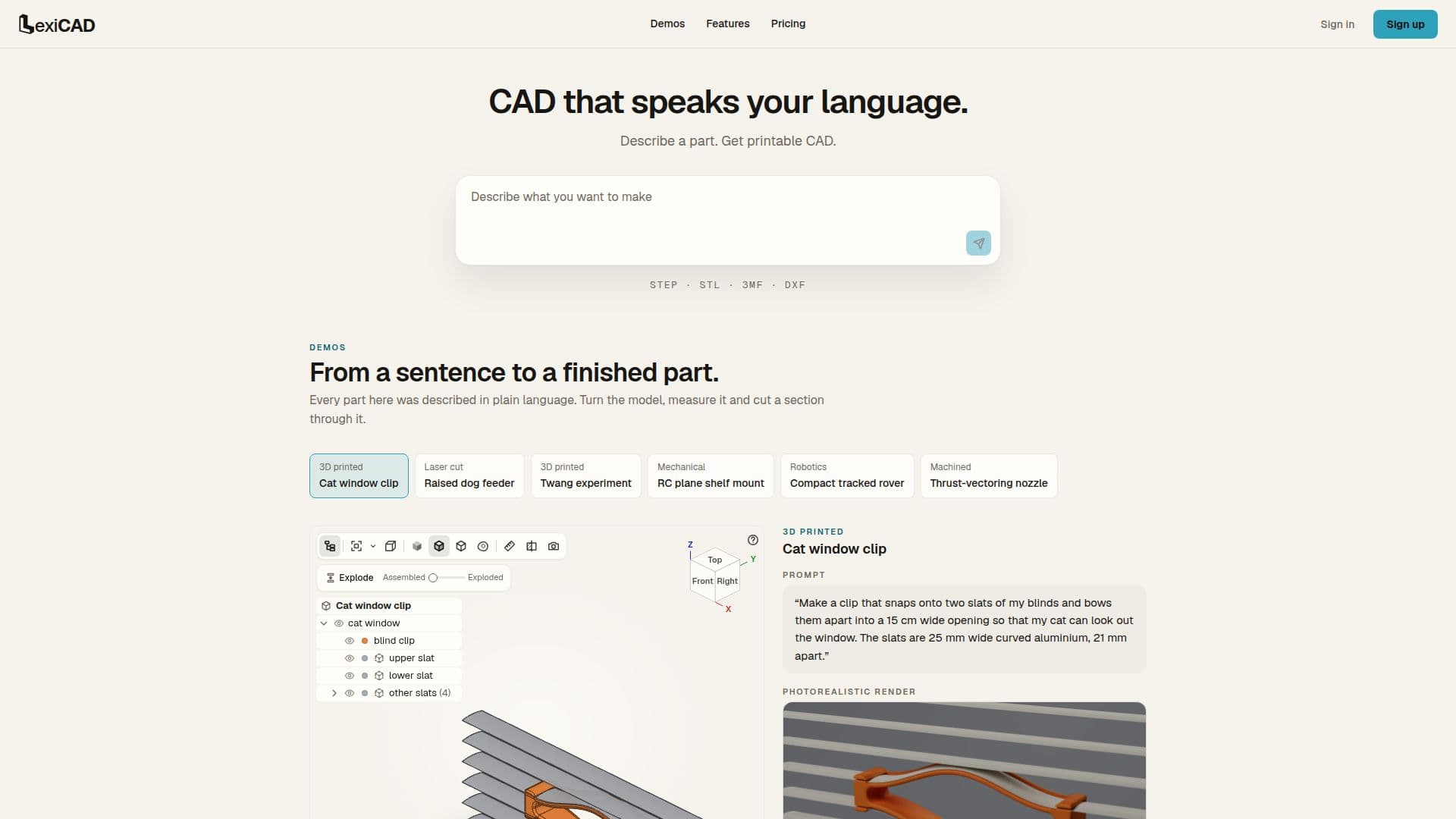
LexiCAD is an innovative AI agent designed to bridge the gap between natural language descriptions and manufacturable CAD designs. Users can describe a part in plain language, much like briefing a human designer, including dimensions, fits, standards, or just a conceptual idea. The AI agent then takes this input, asks for any necessary clarifications, builds the 3D model, and rigorously checks its own work by measuring the result against the user's specifications until the design is accurate and robust.
Read More
This platform goes beyond simple model generation by incorporating engineering intelligence. LexiCAD considers how the part will be made, analyzing factors such as load paths, optimal wall thickness, potential weak points, and the best orientation for manufacturing. It explains its design decisions in clear, understandable terms, ensuring that the resulting part is not only geometrically correct but also strong and printable. It provides warnings if instructions might lead to a fragile part and offers features like quick load-path analysis and support-free orientation for 3D printing.
LexiCAD supports a wide range of design capabilities, including parts for 3D printing (brackets, enclosures, replacement parts), moving assemblies (gears, hinges, snap fits), and standard components like threads and knurls. It can also generate designs from existing sketches, photos, or models, and incorporate engraved or raised text. For laser cutting, it handles finger-jointed and slot-together designs, laying out pieces efficiently on stock material with anisotropic-stress and grain-direction labels.
Beyond AI-driven design, the application offers traditional CAD functionalities. Users can perform parametric edits, changing values to rebuild models instantly. It includes tools to inspect models, such as measuring, sectioning, exploding views, and checking walls and overhangs. Every version of a design is saved, allowing users to revert or branch from previous iterations. LexiCAD exports files in multiple formats, including 3MF, STL, STEP, DXF, SVG, and PDF. Users can share designs via view-only links, with options to enable downloads and chat. The platform also provides photorealistic renders and animations, allowing for detailed visualization of parts and mechanisms. Pricing is credit-based, with purchased credits never expiring and unlocking all generated files.
- CategoryAI Interior & Architecture Design
- Pricing ModelCredit-based
- DeploymentCloud
- PlatformsWeb
LexiCAD's Core Features
Plain language part description input
AI agent-driven CAD design
Automated design refinement and validation
Export editable CAD (STEP) files
Export print-ready meshes (3MF, STL, DXF)
Load path analysis and wall thickness optimization
Support-free orientation for 3D printing
Warnings for fragile designs
Laser-cut specific design features (finger-jointed, slot-together)
Parametric editing of models
3D model inspection tools (measure, section, explode)
Version history and branching
Photorealistic renders and animations
Credit-based pricing model
Email notifications for build completion
How to use LexiCAD?
Describe Part: Use plain language to brief the AI agent with your design idea, including dimensions or specific requirements.
Agent Designs: The LexiCAD agent will ask clarifying questions, build the model, and refine it against your specifications.
Review and Refine: Inspect the generated 3D model using built-in tools, make parametric edits, or provide further instructions for refinement.
Download Files: Once satisfied, download the design in various formats like STEP for editing or STL/3MF for 3D printing.
LexiCAD's Use Cases
- 3D Print Brackets
- Create Enclosures
- Design Moving Assemblies
- Generate Replacement Parts
- Laser-Cut Furniture
- Technical Drawings
- Photorealistic Renders
- Design from Sketches
- Custom Threads and Knurls
- Cat Window Clip Design