Description
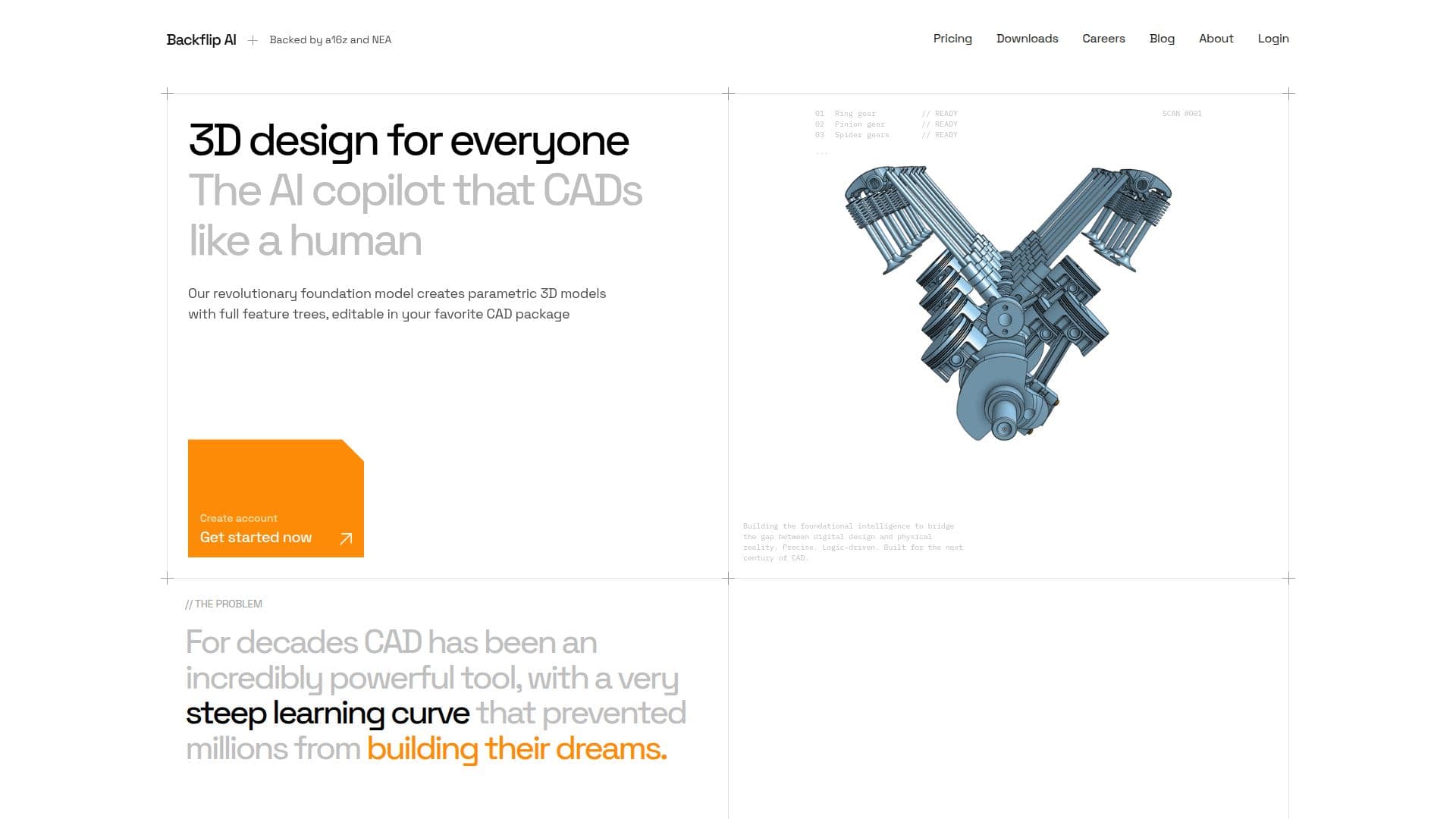
Backflip AI is an AI copilot that CADs like a human, built to accelerate CAD and 3D modeling workflows for hardware and mechanical engineers. Its core tool converts 3D scans and mesh files into editable CAD geometry, producing fully parametric models with a familiar feature tree, sketch constraints, and external references in seconds rather than hours of manual rebuilding.
Read More
Backflip is built on what the company describes as the first foundation model for CAD, an AI trained to understand 3D geometry and how engineers construct it. Rather than just producing geometry that looks like CAD, it reasons through a construction strategy using operations engineers actually use, such as Extrude, Revolve, Pattern, Chamfer, and Fillet. It works inside existing CAD software, currently via an add-in to Autodesk Fusion and a standalone web app, with plug-ins for Onshape and other tools planned.
The platform emphasizes enterprise-grade security, encrypting customer data in transit and at rest, separating access by organization, and never using enterprise data to train its models. Backflip offers a free trial with credits, and paid Builder, Pro, Business, and Enterprise plans with monthly credits, where Fast Mode and Thinking Mode jobs consume different credit amounts.
- Category3D Model Generators
- Pricing ModelFreemium
- DeploymentCloud
- PlatformsWeb
Backflip AI's Core Features
3D scan and mesh to editable CAD geometry
Fully parametric models with feature tree and sketch constraints
Foundation model trained to reason in CAD operations
Works inside existing CAD via Autodesk Fusion add-in and web app
Fast Mode and Thinking Mode generation
Enterprise-grade data encryption and access separation
No use of enterprise data for model training
Planned plug-ins for Onshape and other CAD tools
How to use Backflip AI?
Create an account: Sign up to get free trial credits.
Import a scan: Bring in a 3D scan or mesh file.
Convert to CAD: Let Backflip generate parametric CAD geometry.
Choose a mode: Use Fast Mode or Thinking Mode depending on the job.
Continue in CAD: Edit the feature tree in your existing CAD software.
Backflip AI's Use Cases
- Scan to CAD
- Reverse engineering
- Faster CAD workflows
- Hardware design