Description
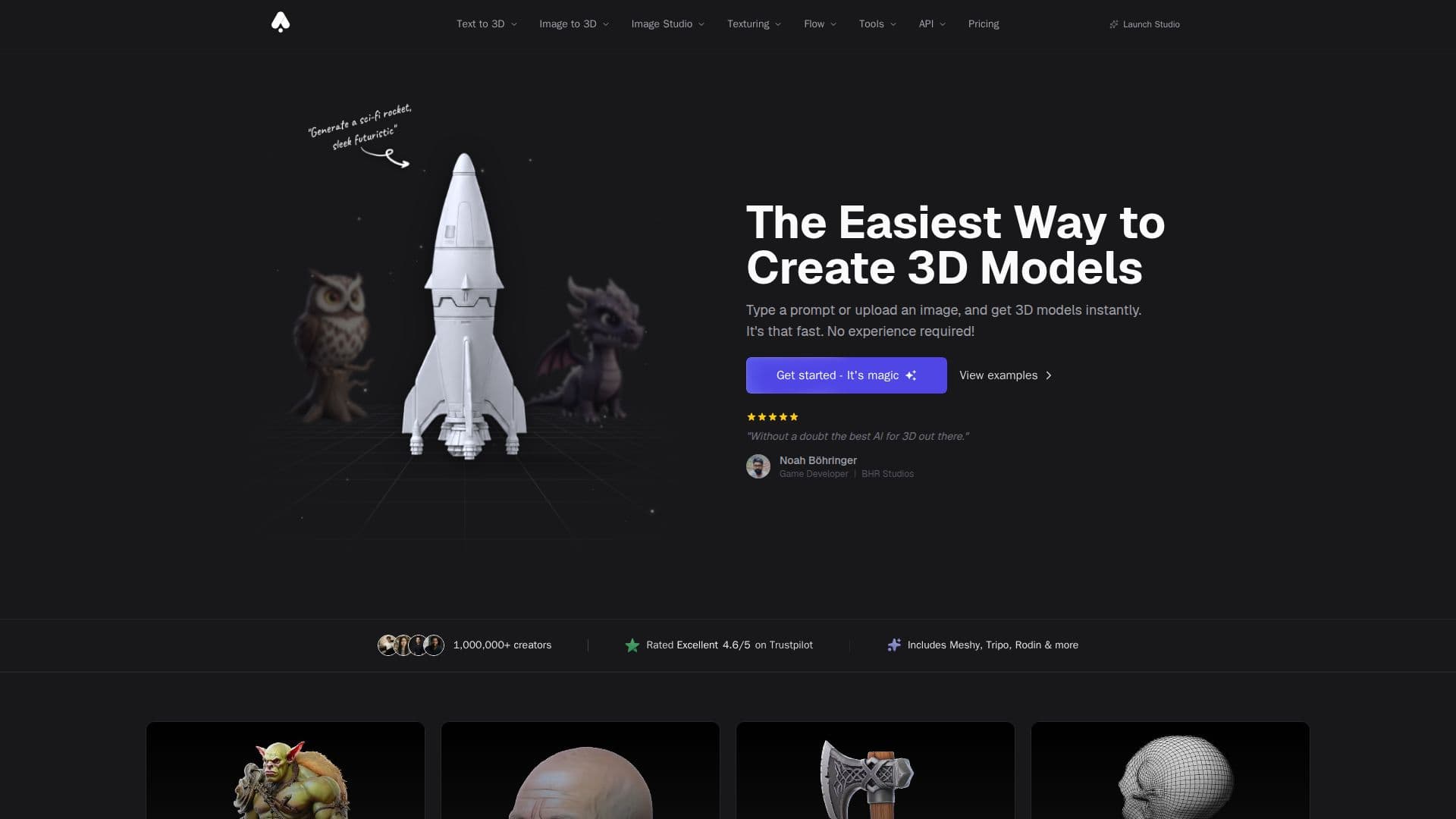
3D AI Studio is an innovative AI toolkit designed to help users effortlessly create high-quality 3D assets from text or images. With its user-friendly interface, 3D AI Studio caters to both beginners and professionals, enabling anyone to generate stunning 3D models in just seconds. The platform supports various input methods, including Text to 3D, where users can describe their desired model using a text prompt, and Image to 3D, which converts images into detailed 3D models. This flexibility allows for a wide range of creative possibilities, making it an ideal tool for artists, game developers, and designers alike.
Read More
The generation times vary depending on the model used. Fast models like Prism Turbo and Forge Sketch typically complete in under 90 seconds, while higher quality generations using Prism 3 may take 2-4 minutes. Users can export their models in industry-standard formats such as GLB, FBX, OBJ, USDZ, STL, and more, ensuring compatibility with popular software like Unity, Unreal Engine, and Blender. All generated models are private to the user's account and can be used commercially, providing full ownership of the assets created.
3D AI Studio operates on a credit system, where different tasks have varying credit costs. For instance, generating a 3D model costs 20 credits, while image generation costs between 2-4 credits. Users can start with free credits to explore the platform's capabilities before committing to a subscription plan. The service also offers an API for developers looking to integrate 3D generation into their applications, providing programmatic access to the full suite of tools available on the platform. With its powerful features and ease of use, 3D AI Studio is transforming the way creators approach 3D modeling.
- Category3D Model Generators
- Pricing ModelFreemium
- DeploymentCloud
- PlatformsWeb
3D AI Studio's Core Features
Text to 3D generation
Image to 3D conversion
Supports JPG, PNG, WebP formats
Export in GLB, FBX, OBJ, USDZ, STL
Commercial use of generated models
API available for integration
Fast generation times (under 90 seconds)
User-friendly interface for beginners
How to use 3D AI Studio?
Choose input method: Select either Text to 3D or Image to 3D.
Describe or upload: Enter a text prompt or upload an image.
Select model: Choose from various AI models for generation.
Generate model: Click the generate button and wait for the model to be created.
Export model: Download your 3D model in the desired file format.
Use commercially: Utilize the generated model in your projects.
3D AI Studio's Use Cases
- Game Development
- 3D Printing
- Product Visualization
- Film Production
- Education