
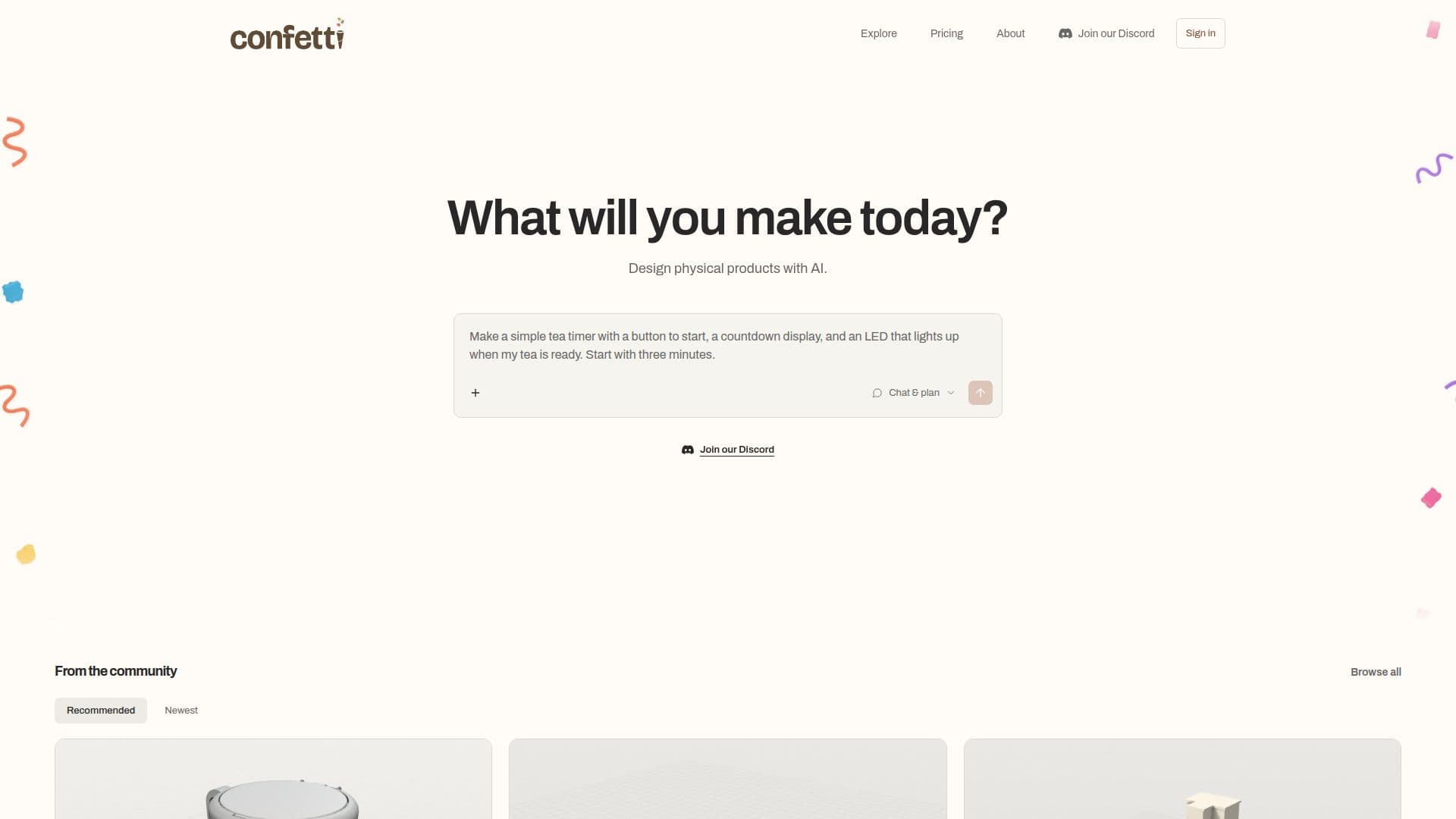
Description
Confetti is an innovative AI design platform that empowers users to create physical hardware projects using simple English descriptions. It bridges the gap between an idea and a tangible product by generating essential design and manufacturing files, including CAD designs (STEP or STL), editable CAD source, parts plans, and comprehensive build instructions. For supported electronics projects, it can even include firmware.
Read More
The platform simplifies the often complex and time-consuming process of hardware development. Users begin by describing their desired product, specifying dimensions, functionality, and any necessary components. Confetti intelligently asks clarifying questions and proposes a build brief for approval before proceeding with the design generation. This iterative approach allows for precise control and refinement of the design.
Once a design is delivered, users can inspect the files within the workspace and request revisions by describing desired changes. All completed revisions are saved as versions, enabling users to track progress, review earlier iterations, and download project files at any stage. While Confetti handles the AI design, it also facilitates the next steps by providing fabrication files for personal use with a 3D printer or manufacturer. For supported projects, it can even offer printing quotes and ordering options, though physical parts, printing, and shipping are separate costs.
Confetti operates on a credit-based system with various plans, including a Free tier. Credits are used for AI design requests, with different actions consuming varying amounts. For instance, a project's first standard build costs 25 credits, while small modifications might cost 5 credits. The platform emphasizes transparency in its pricing, ensuring users understand how credits are charged. Projects created on Confetti are private by default, giving users control over whether to publish and share their designs with the community.
The founders, Tianyi and Lucas, envision a future of personal hardware where objects are tailored to individual habits, spaces, and needs. Confetti aims to make this vision a reality by removing the traditional barriers of complex wiring, coding, industrial design, and manufacturing logistics, making product creation accessible to aspiring makers and untalented gardeners alike.
- Category3D Model Generators
- Pricing ModelFreemium
- DeploymentCloud
- PlatformsWeb
Confetti's Core Features
Plain English to CAD Design: Convert textual ideas into detailed CAD files.
Automated Fabrication File Generation: Receive STEP or STL files for manufacturing.
Parts Plans Creation: Get comprehensive lists and plans for necessary components.
Build Instructions Generation: Obtain step-by-step guides for assembly.
Public Project Remixing: Start new projects by modifying existing community designs.
Version History: Track and revert to previous design iterations.
Private Projects: Keep designs confidential unless explicitly published.
AI Credit System: Manage design requests through a flexible credit model.
Multiple Pricing Plans: Choose from Free, Maker, Studio, Pro, and Enterprise tiers.
Monthly Credit Rollover: Unused credits can accumulate based on plan.
Research Data Sharing Opt-Out: Control participation in data sharing for paid plans.
Priority Request Queue: Benefit from faster AI generation with paid subscriptions.
Assembly Instructions Included: Receive visuals and manuals with each build.
Correction for Missed Requirements: Get included revisions if a paid delivery misses agreed requirements.
Download Fabrication Files: Use generated files with personal printers or manufacturers.
How to use Confetti?
Describe your idea: Detail what you want to make, including dimensions, functionality, and required parts. Attach reference images or files.
Approve the build brief: Confetti will ask questions and propose a brief for your approval before starting construction.
Review delivered files: Inspect the generated CAD files, parts plans, and instructions in your workspace.
Revise your design: Describe any changes you want to make; revisions are saved as new versions.
Plan your build: Download fabrication files for your own use or explore printing quotes and ordering options through Confetti.
Confetti's Use Cases
- Custom Desk Accessories
- Electronic Enclosures
- Home & Garden Gadgets
- Prototyping New Products
- Educational Projects
- Personalized Gifts
- Remixing Community Designs
- Small Mechanical Parts