Description
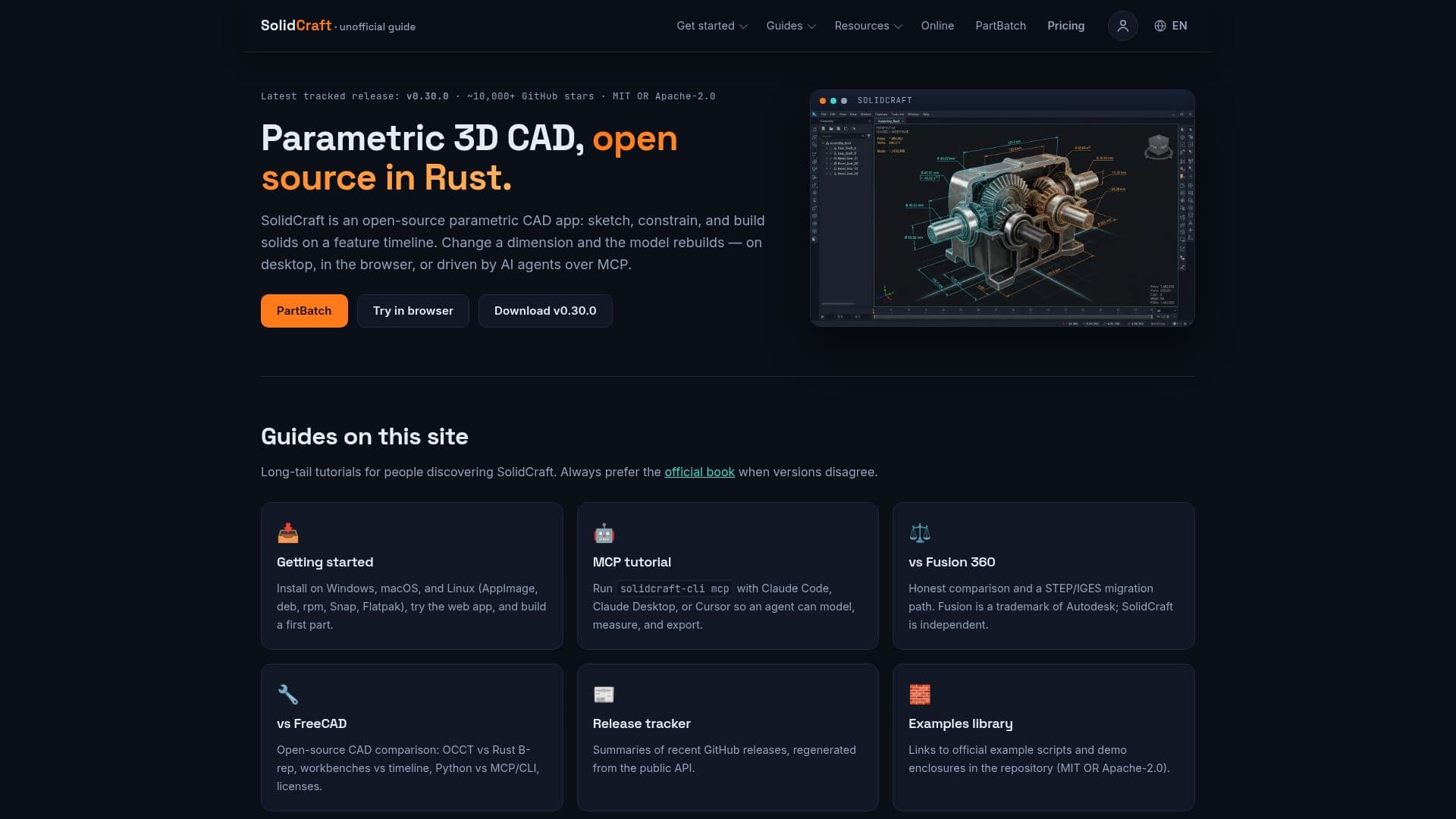
SolidCraft is an open-source parametric 3D CAD software designed for creating and modifying three-dimensional parts. It offers a flexible design environment that can be accessed through a web editor, requiring no installation for browser-based use, or via dedicated desktop applications for Windows, macOS, and Linux. The software emphasizes a parametric timeline, allowing users to define and adjust parameters to drive design changes, ensuring adaptability and precision.
Read More
A core feature of SolidCraft is PartBatch, which facilitates the automated generation of multiple design variants from a single template. Users can define parameters in a CSV file, and PartBatch will rebuild the design for each row, exporting various parts like mounting plates, brackets, and enclosures. This functionality is particularly useful for rapid prototyping, mass customization, and producing families of parts with consistent design logic.
SolidCraft supports a wide range of import and export formats, including STEP, IGES, 3MF, STL, and OBJ, making it compatible with other CAD software and 3D printing workflows. It also offers specific integrations for FreeCAD and Rhino via cadmpeg on desktop, browser, and CLI. For assemblies, it supports URDF with joints. The software is continuously developed, with new features and improvements regularly released, and its open-source nature under MIT OR Apache-2.0 licenses allows for commercial use.
The platform also integrates with AI agents through its MCP (Model-Code-Prompt) client, allowing tools like Claude Code, Claude Desktop, Codex, and Cursor to control SolidCraft via `solidcraft-cli mcp`. This enables advanced automation and generative design possibilities, where AI agents can interact with the CAD environment to create or modify designs based on prompts. The in-app Agent chat panel further supports coding agents, offering a flexible environment for AI-driven design.
SolidCraft provides a free tier for its web editor and PartBatch, allowing up to 3 variants per batch without requiring a login. For larger batch processing needs, prepaid credits are available, offering cost-effective options without a subscription model. This tiered approach makes SolidCraft accessible for individual designers and small businesses, while also scaling for more extensive projects. The community guide, solidcraft.pro, provides comprehensive tutorials, comparisons with other CAD software like Fusion 360 and FreeCAD, and tracks releases, serving as an unofficial resource for users.
- CategoryAI Graphic Design Tools
- Pricing ModelFreemium
- DeploymentWeb, Desktop
- PlatformsWindows, macOS, Linux, Browser
SolidCraft's Core Features
Parametric 3D CAD design
Web editor (no installation required)
Desktop applications for Windows, macOS, Linux
PartBatch for automated design variant generation
Support for STEP, IGES, 3MF, STL, OBJ import/export
Integration with AI agents via MCP client (Claude, Cursor, Codex)
In-app Agent chat panel for coding agents
Open-source under MIT OR Apache-2.0 license
Commercial use allowed for software and designs
Offline functionality for web app after first visit
Support for multiple languages in user interface
3D printing workflow support (STL/3MF export, Send to Slicer)
Parametric timeline for design history
Self-host option via Docker image
Command-line interface (CLI) for advanced use
How to use SolidCraft?
Access SolidCraft: Open solidcraft.io/app in your browser for the web editor, or download and install the desktop application for Windows, macOS, or Linux.
Model a Part: Use the parametric design tools to sketch, dimension, extrude, fillet, and add holes, defining parameters for adaptable designs.
Generate Variants with PartBatch: Prepare a CSV file with desired parameter changes, then use PartBatch to automatically rebuild and export multiple design variations.
Export for 3D Printing: Export your designs as STL or 3MF files, with options to send directly to a slicer or open with EasyPrint for web-based slicing.
Integrate with AI Agents: Connect AI agents like Claude or Cursor via the `solidcraft-cli mcp` command or the in-app Agent chat panel to control design processes.
Manage Files: Save designs as .sc files to your chosen folder (Chrome, Edge, Opera) or download them from browser storage (Firefox, Safari) for offline access and sharing.
Customize Settings: Adjust preferences such as language, graphics API, and AI agent configurations through the application's settings menu.
SolidCraft's Use Cases
- Parametric Part Design
- Batch Design Generation
- 3D Printing Prototyping
- AI-Assisted CAD
- Assembly Design
- Cross-Platform CAD
- Educational CAD
- Open-Source Hardware Development