
Description
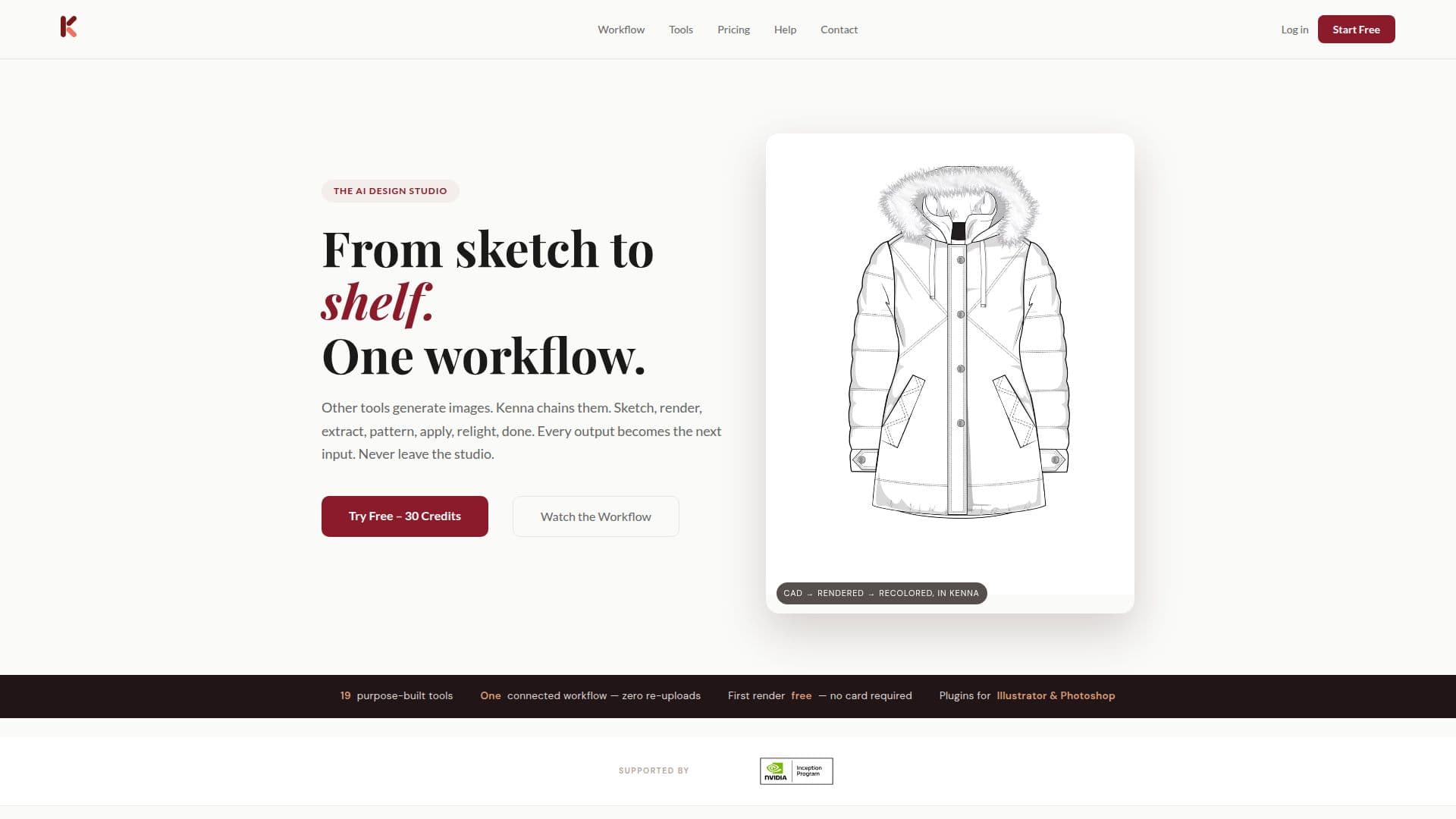
Kenna AI Design Studio is a revolutionary platform designed for fashion designers and teams looking to streamline their creative processes. Based in New York City, Kenna offers a suite of AI-powered tools that transform sketches into photorealistic products, apply patterns, visualize garments, and more. The platform is designed to handle every aspect of the design process, from initial sketches to production-ready outputs, all within a single workflow.
Kenna stands out by chaining tools together, allowing each output to become the next input, eliminating the need for re-uploads and maintaining context throughout the design process. This seamless integration is particularly beneficial for creating production-grade designs, such as sneakers and ready-to-wear garments, by offering features like multi-view angles, colorway matrices, and seamless pattern generation.
The platform also excels in rendering materials true to their real-life counterparts, such as leathers and hardware, and provides tools for creating packaging and die lines. Kenna's integration with Adobe Illustrator and Photoshop allows designers to render artwork photorealistically without leaving their preferred design environment.
Kenna AI offers a freemium pricing model, starting with a free tier that includes 30 credits, allowing users to try every workflow. Additional plans include Starter, Pro, and Team, each offering varying levels of access and support. The platform is designed for fashion design teams, offering collaborative features like live cursors and comments, enabling teams to build and review lines before samples are created.
Overall, Kenna AI Design Studio is an invaluable tool for fashion designers seeking to enhance their creative capabilities and streamline their workflows with the power of AI.
Kenna AI Design Studio's Core Features
Sketch to photorealistic render
Pattern application and visualization
Garment visualization on models
Seamless integration with Adobe
Multi-view angle generation
Colorway matrix creation
Material rendering
Collaborative design boards
Precision recolor with hex and Pantone
Packaging and die line creation
Virtual try-on capabilities
Background and relight tools
Free tier with 30 credits
Team management features
Self-serve cancellation
How to use Kenna AI Design Studio?
Configure: Set up your design environment
Use: Start with a sketch and transform it
Optimize: Apply patterns and visualize garments
Integrate: Use Adobe plugins for seamless workflow
Kenna AI Design Studio's Use Cases
- Fashion Design
- Pattern Application
- Garment Visualization
- Material Rendering
- Collaborative Design