
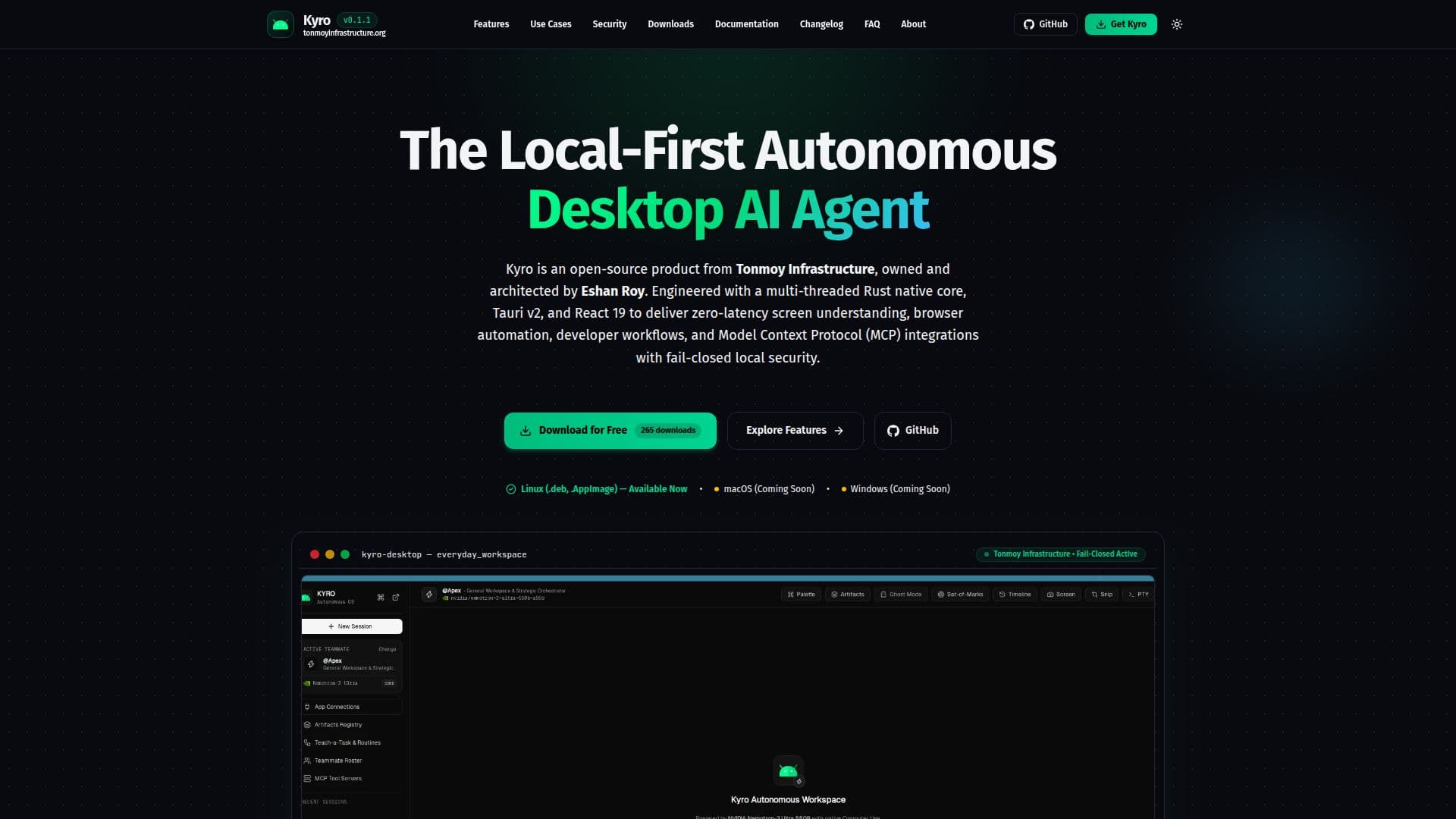
Description
Kyro is an open-source, local-first autonomous desktop AI agent developed by Tonmoy Infrastructure and architected by Eshan Roy. It is designed to operate entirely on your local machine, ensuring privacy and security by eliminating cloud dependencies. Built with a Rust native core and Tauri v2, Kyro provides a robust platform for both everyday users and developers.
Read More
For everyday users, Kyro offers features such as safe reversible file organization, local document parsing, and multimodal screen explanations. These tools help manage files, extract critical information from documents, and provide visual diagnostics without the need for cloud services.
Developers benefit from Kyro's Developer Workbench, which includes project discovery, managed development servers, git-aware code checkpoints, automated compiler build triage, and visual regression auditing. The platform supports multi-agent git worktrees, allowing for parallel feature development without merge conflicts.
Kyro's security features include a zero-trust centralized authorization engine, fail-closed container sandboxing, and hardware-backed credential storage via the OS Keyring. These ensure that all operations are securely managed and that sensitive data remains protected.
Kyro is 100% free and open source under the MIT License, with the entire codebase available for inspection on GitHub. It supports Linux, macOS, and Windows, making it accessible to a wide range of users. The platform is ideal for knowledge workers and developers seeking a secure, autonomous AI agent that operates entirely offline unless explicitly configured otherwise.
- CategoryAutomation & Agents
- Pricing ModelFree
- DeploymentLocal
- PlatformsLinux, macOS, Windows
Kyro's Core Features
Local-first operation with no cloud dependency
Open-source under MIT License
Built with Rust native core and Tauri v2
Safe reversible file organization
Local document parsing and analysis
Developer Workbench with git-aware tools
Zero-trust centralized authorization engine
Fail-closed container sandboxing
How to use Kyro?
Install: Download and install Kyro on your desktop
Configure: Set up your preferences and security settings
Use: Access Everyday Mode for file management and document analysis
Develop: Utilize Developer Workbench for coding and project management
Kyro's Use Cases
- File Organization
- Document Analysis
- Developer Tools
- Security Management
- Autonomous Tasks