Description
Krita AI Diffusion is an innovative plugin designed to integrate the power of Stable Diffusion, a state-of-the-art AI model for image generation, into Krita, the popular open-source digital painting software. This plugin allows artists to leverage text prompts and selection tools to inpaint, outpaint, refine, and generate new artwork directly within their familiar Krita workspace. It offers both local and cloud-based processing options, providing efficient and flexible AI-assisted creative workflows.
The plugin supports a range of features including inpainting, which allows users to mark an area and remove or replace existing content in the image using simple text prompts. Outpainting extends the canvas, filling blank areas with content that seamlessly blends into the existing image. Artists can also generate new images from scratch by describing them with words or existing images, supporting models like SD1.5 and SDXL.
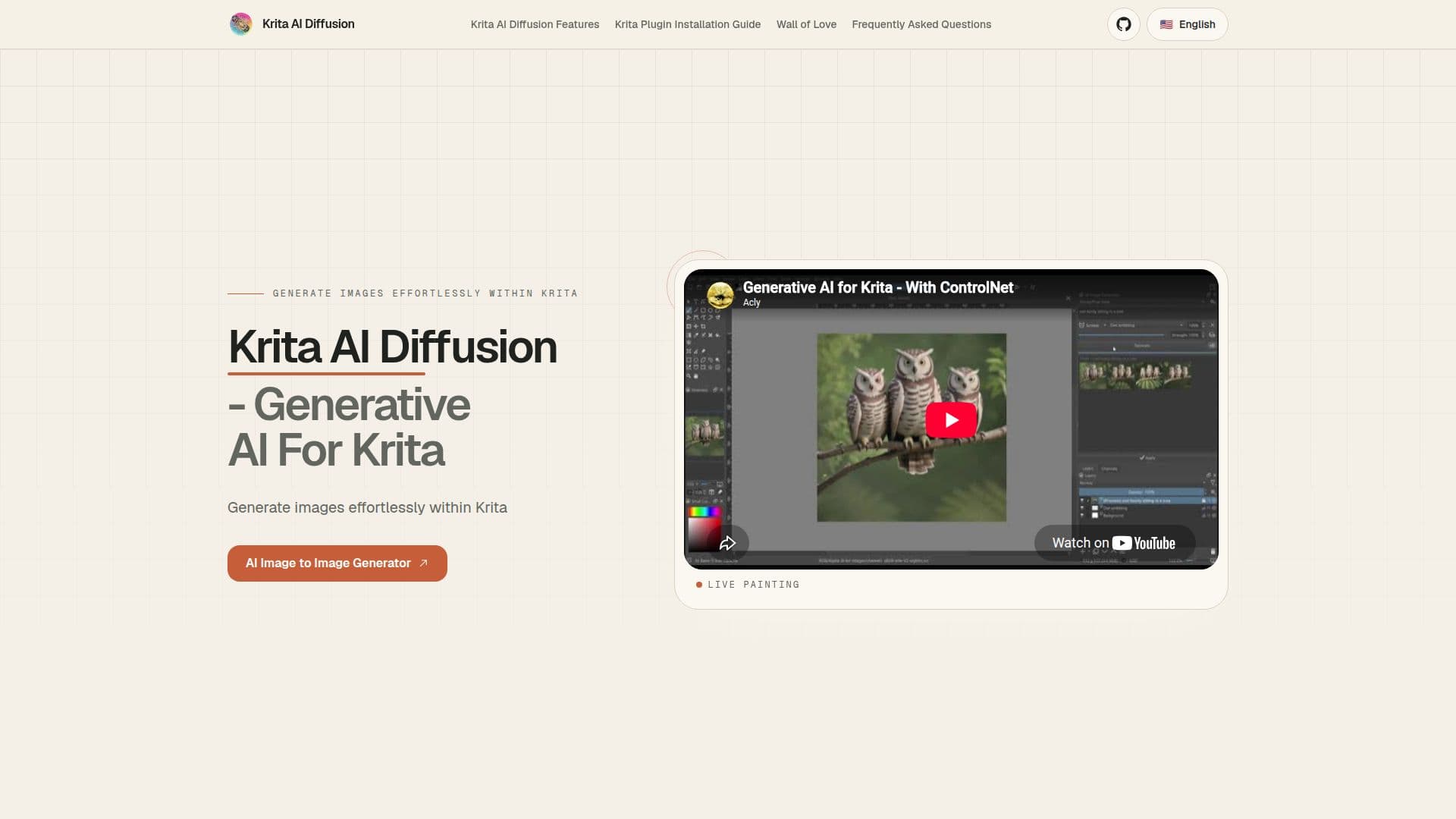
Refinement is another key feature, enabling users to adjust the strength of the AI's effect on existing content, allowing for subtle modifications or more extensive enhancements. Live painting offers real-time AI interpretation of the canvas for immediate feedback. The plugin also provides control over image creation with sketches or line art, using depth or normal maps from existing images or 3D scenes.
Krita AI Diffusion supports upscaling to 4k, 8k, and beyond, ensuring high-quality image output without overwhelming system resources. The job queue feature allows users to manage image generation tasks efficiently, and a history function lets them preview results and browse previous generations and prompts. The plugin is customizable, allowing users to create their own presets by selecting a Stable Diffusion checkpoint, adding LoRA, and tweaking samplers.
Installation is straightforward, requiring Krita version 5.2.0 or newer. The plugin supports Windows, Linux, and MacOS, with additional requirements for Linux and MacOS. A powerful graphics card with at least 6 GB of VRAM is recommended for optimal performance. The plugin supports NVIDIA GPUs via CUDA, AMD GPUs via DirectML on Windows and ROCm on Linux, Apple M1/M2 via MPS on macOS, and CPUs, although CPU usage is slower.
Krita AI Diffusion Plugin's Core Features
Inpaint: Remove or replace content using text prompts.
Outpaint: Extend canvas and fill with seamless content.
Generate: Create images from text or existing images.
Refine: Adjust AI effect strength for subtle modifications.
Live Painting: Real-time AI interpretation of canvas.
Control: Guide creation with sketches or line art.
Upscaling: Enhance images to 4k, 8k, and beyond.
Job Queue: Manage image generation tasks efficiently.
History: Preview and browse previous generations.
Customization: Create presets with checkpoints and samplers.
How to use Krita AI Diffusion Plugin?
Install Krita: Ensure version 5.2.0 or newer.
Download Plugin: Get from GitHub.
Install Plugin: Use Krita's import feature.
Restart Krita: Enable plugin docker and configure.
Krita AI Diffusion Plugin's Use Cases
- Digital Painting
- Concept Art
- Illustration
- Graphic Design
- Art Restoration