Description
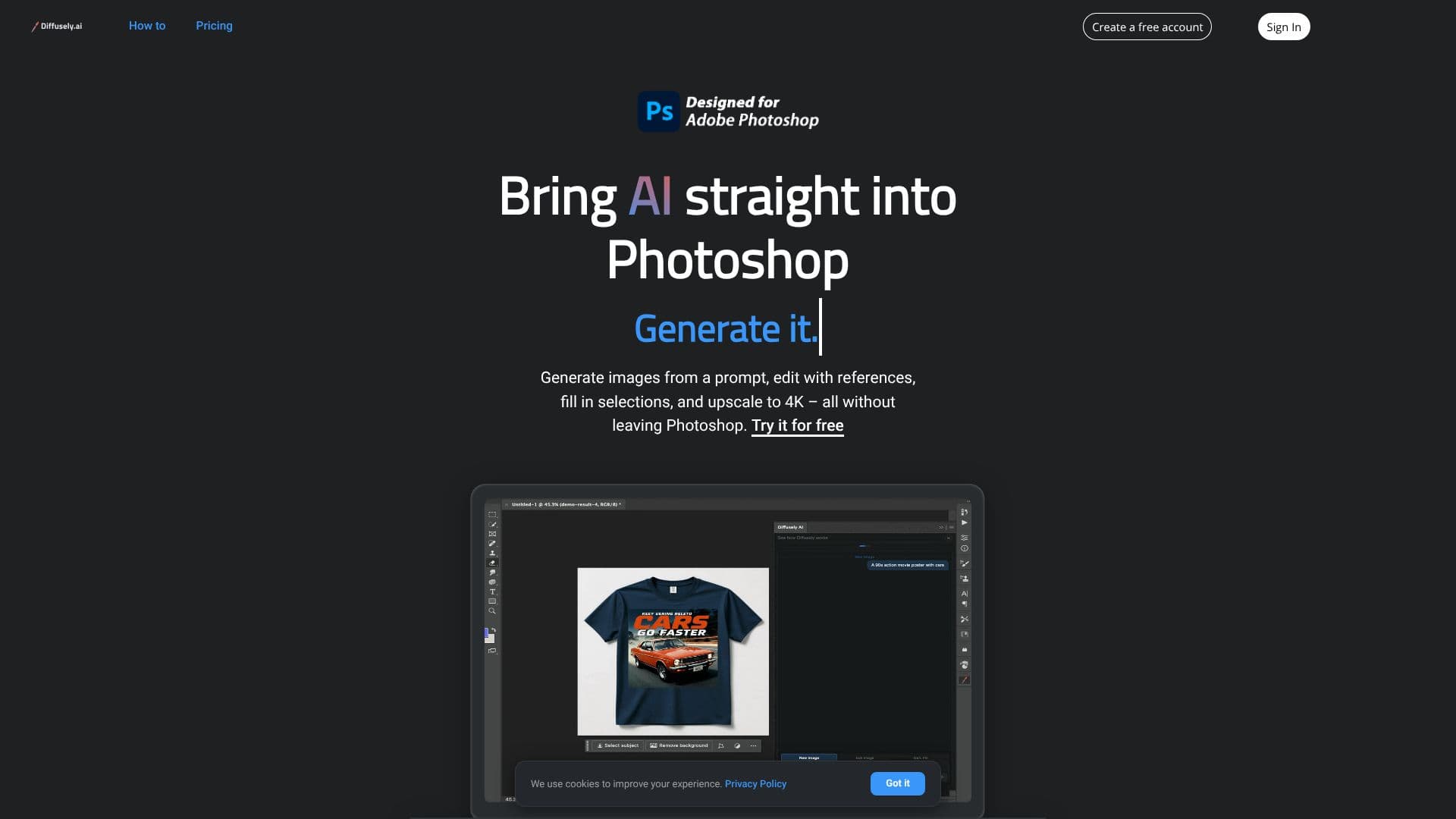
Diffusely AI integrates powerful generative AI tools directly into Adobe Photoshop, streamlining the creative process for digital artists, photographers, and designers. This plugin allows users to generate, edit, fill, and upscale images using natural language prompts, all within the familiar Photoshop environment.
Read More
The core functionality revolves around four key workflows. The 'Generate' feature enables users to describe their desired image and have it created and placed directly onto their canvas, automatically matching document dimensions. The 'Edit' workflow allows for image manipulation by pinning an image and providing prompts for changes, such as swapping backgrounds, restyling objects, or transforming compositions. 'Generative Fill' lets users select an area and describe what should fill it, with the AI intelligently replacing only that region while preserving the rest of the image. Finally, the 'Upscale to 4K' feature uses an AI upscaler to enhance images up to 4K resolution with a simple prompt.
Getting started with Diffusely AI is designed to be quick and easy. Users can install the plugin directly from the Adobe Marketplace by searching for 'Diffusely'. Account creation is free and can be done using Google or email, with no credit card required. New users receive a bonus of 10 images on their first day, in addition to the standard 3 free images provided daily. Once installed and signed in, users can select a mode, type their prompt, and the AI-generated image appears as a new layer on their Photoshop canvas.
Diffusely AI is targeted at creative professionals who want to leverage AI to accelerate their work. It eliminates the need to switch between different applications, saving time and maintaining creative flow. The plugin supports high-resolution output up to 4K and offers fast generation times, typically under 10 seconds. This makes it an invaluable tool for rapid ideation, complex editing tasks, and enhancing image quality.
- CategoryAI Image Generators
- Pricing ModelFreemium
- DeploymentCloud
- PlatformsAdobe Photoshop
Diffusely AI Photoshop Plugin's Core Features
Generate images from text prompts within Photoshop
Edit existing images using text-based instructions
Fill selected areas of an image with AI-generated content
Upscale images to 4K resolution using AI
Seamless integration within the Adobe Photoshop environment
Fast generation times, often under 10 seconds
Supports high-resolution output up to 4K
Free daily image credits
Bonus images for new users
Easy installation from Adobe Marketplace
Account creation without a credit card
How to use Diffusely AI Photoshop Plugin?
Install: Search for 'Diffusely' in Photoshop's plugin marketplace and install with one click.
Sign In: Create a free account using Google or email; no credit card is needed.
Select Mode: Choose from Generate, Edit, Generative Fill, or Upscale workflows.
Enter Prompt: Describe your desired image or edits using text.
Create Image: The AI generates the result as a new layer on your Photoshop canvas.
Diffusely AI Photoshop Plugin's Use Cases
- AI Image Generation
- AI Image Editing
- AI Generative Fill
- AI Image Upscaling
- Workflow Streamlining
- Rapid Prototyping
- Background Replacement
- Object Transformation