Description
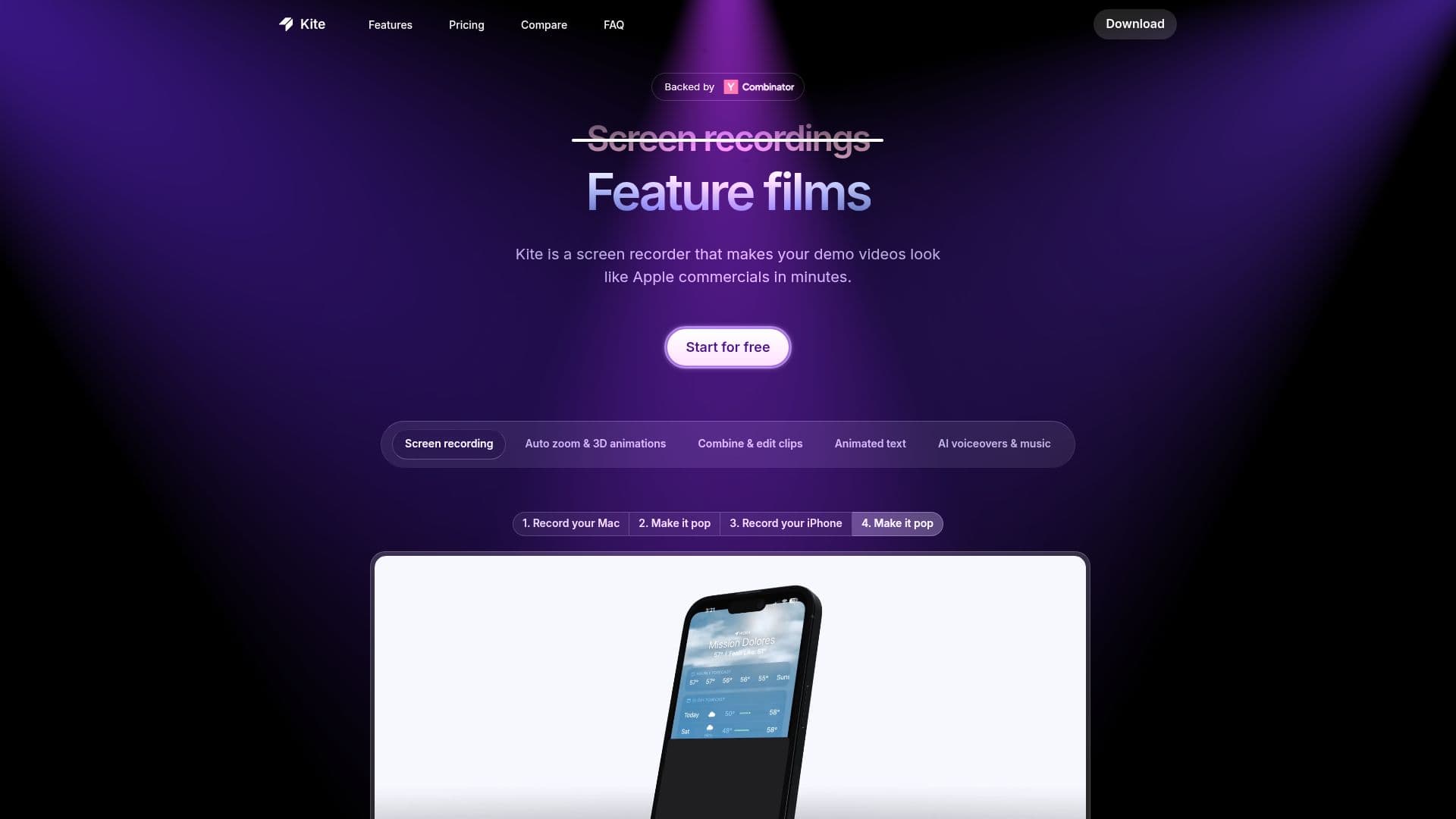
Kite is a screen recording tool that enables users to produce high-quality demo videos resembling professional commercials in minutes. It simplifies the creation of engaging content for various purposes, including product launches, tutorials, sales demonstrations, social media promotions, advertisements, changelogs, and landing pages.
Read More
The platform provides a comprehensive suite of features to enhance video production. Users can showcase their applications within the context of stunning 3D device mockups, such as phones and laptops. Custom cursor styling and movement smoothing ensure videos are professional and easy to follow, drawing attention to key areas with animated 3D callouts. Kite also includes a music library and professionally designed templates that can be customized to match specific brand styles. A Brand Kit feature allows users to save colors, fonts, and logos for consistent on-brand video creation.
One of Kite's standout capabilities is its AI Voiceovers, which generate natural-sounding narration for videos using artificial intelligence voices. The tool also offers an AI Demo Video Agent, designed to transform rough screen recordings into polished product videos with professional 3D animations, animated text, and AI voiceover and music.
Kite offers a tiered pricing structure, starting with a free plan that includes all major features, unlimited exports, and 1,000 sample AI voiceover characters, though exports are watermarked. The Pro plan, priced at $40/month, removes watermarks and provides 10,000 AI voiceover characters per month for one authorized user. For teams, the Team plan costs $55 per seat, billed yearly (minimum 3 seats), and includes everything in Pro, plus cloud project sharing, centralized billing, and 10,000 AI voiceover characters per seat per month. An Enterprise plan is available for custom solutions, offering Single Sign-On, enterprise-grade security, API-driven videos, and custom integrations.
Kite is available for Mac OS and Windows (beta). It is a local-first application with optional cloud features that can be disabled for enhanced privacy. Media files and project files are stored locally by default, with options for cloud upload when creating shareable links, collaborating on Team plans, or utilizing AI-powered features that require server processing. The platform emphasizes data privacy and security, offering settings to turn off analytics and crash reporting, and cloud features. Industry-standard encryption and security practices are used for data in transit and at rest, with a Trust Center available for review.
- CategoryVideo Generation & Editing
- Pricing ModelFreemium
- DeploymentRuns locally
- PlatformsMac OS, Windows (beta)
Kite's Core Features
Screen recording for demo videos
Auto cursor follow and movement smoothing
Animated zooms
Text scenes and animated text
3D device mockups (phones, laptops)
AI Voiceovers for natural narration
Music library integration
Professionally designed templates
Brand Kit for consistent branding (colors, fonts, logos)
Animated 3D callouts
Unlimited video exports (with watermarks on Free plan)
Cloud project sharing (Team plan)
Centralized billing (Team plan)
AI Demo Video Agent for polishing recordings
API-driven videos (Enterprise plan)
How to use Kite?
Download and Install: Get the Kite application for Mac OS or Windows (beta).
Record Screen: Capture your app's screen activity with automatic cursor following and movement smoothing.
Enhance Video: Add 3D device mockups, text scenes, animated callouts, and select music from the library.
Customize Branding: Apply your brand's colors, fonts, and logos using the Brand Kit or choose from templates.
Generate Voiceover: Utilize AI Voiceovers to create natural-sounding narration for your demo.
Export and Share: Export your finished video for various uses like launch videos, tutorials, or sales demos.
Kite's Use Cases
- Launch Videos
- Tutorials
- Sales Demos
- Social Media Content
- Advertisements
- Changelogs
- Landing Pages
- App Showcases