Description
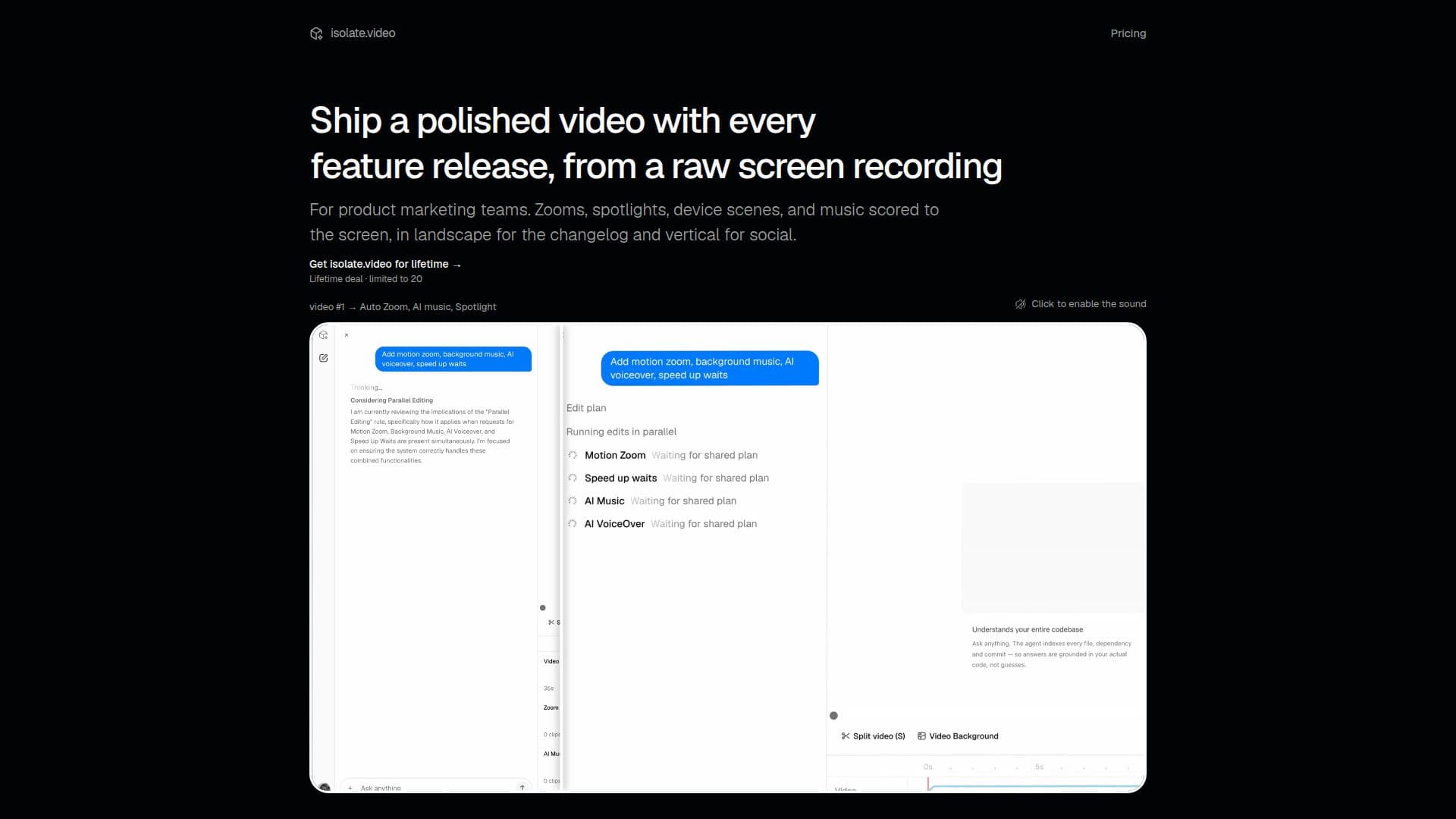
Isolate.video is an AI-powered product video editor designed to help product marketing teams create professional-looking videos from screen recordings. The platform automates various editing tasks, allowing users to quickly produce polished content for feature releases, changelogs, and social media.
Read More
The core functionality revolves around transforming raw screen recordings into engaging product demonstrations. Key features include automatic motion zoom, which intelligently highlights important areas, and AI-generated music that scores to the screen activity. Spotlight effects draw attention to specific elements, enhancing the viewer's focus. Users can also drop their screen recordings into realistic device scenes, such as laptops, phones, or monitors in a room, giving the final video a more cinematic and less like a simple screen grab appearance.
One of Isolate.video's standout capabilities is its ability to perform edits based on natural language descriptions. Users can simply describe the video they want, and the AI will handle cuts, zooms, music integration, and even voiceovers. While the AI automates a significant portion of the editing process, a simple timeline-based editor is available for fine-tuning and making precise adjustments to ensure the video meets exact specifications.
Isolate.video offers a tiered pricing structure, including a free option to try out the service. The free plan provides 10 AI credits, premade video effects, 1 render minute per month, up to 720p @ 30 fps, and 60-second watermarked exports. Paid plans, such as the Creator and Studio tiers, offer more AI credits, render minutes, higher resolution exports, and unlimited export length without watermarks. A limited-time Lifetime deal is also available, providing 60 AI credits and 200 render minutes per month, up to 4K @ 60 fps, and unlimited, watermark-free exports for a one-time payment.
- CategoryAI Video Editors
- Pricing ModelFreemium
- DeploymentCloud
- PlatformsWeb
Isolate.video's Core Features
Automatic motion zoom
AI-generated music
Spotlight effects
Device scene integration for screen recordings
Natural language editing commands
Automated video cuts and zooms
Voiceover integration
Timeline-based editor for fine-tuning
Free trial available
Multiple pricing plans (Free, Creator, Studio, Lifetime)
AI credits for custom effects
Render minutes for video processing
Up to 4K @ 60 fps export resolution
Unlimited export length (paid plans)
No watermark (paid plans)
How to use Isolate.video?
Upload Recording: Upload your raw screen recording to the platform.
Drop into Scene: Place your recording onto a virtual device scene like a laptop or phone.
Describe Edit: Describe the desired video edits using natural language (e.g., "zoom here," "add music").
Review AI Edit: Let the AI generate the initial video with automated cuts, zooms, and effects.
Fine-Tune: Use the timeline editor to make any necessary adjustments or nudges.
Export Video: Ship your polished product video for changelogs or social media.
Isolate.video's Use Cases
- Product Feature Releases
- Changelog Videos
- Social Media Marketing
- Product Demonstrations
- Marketing Content Creation
- Sales Enablement