Description
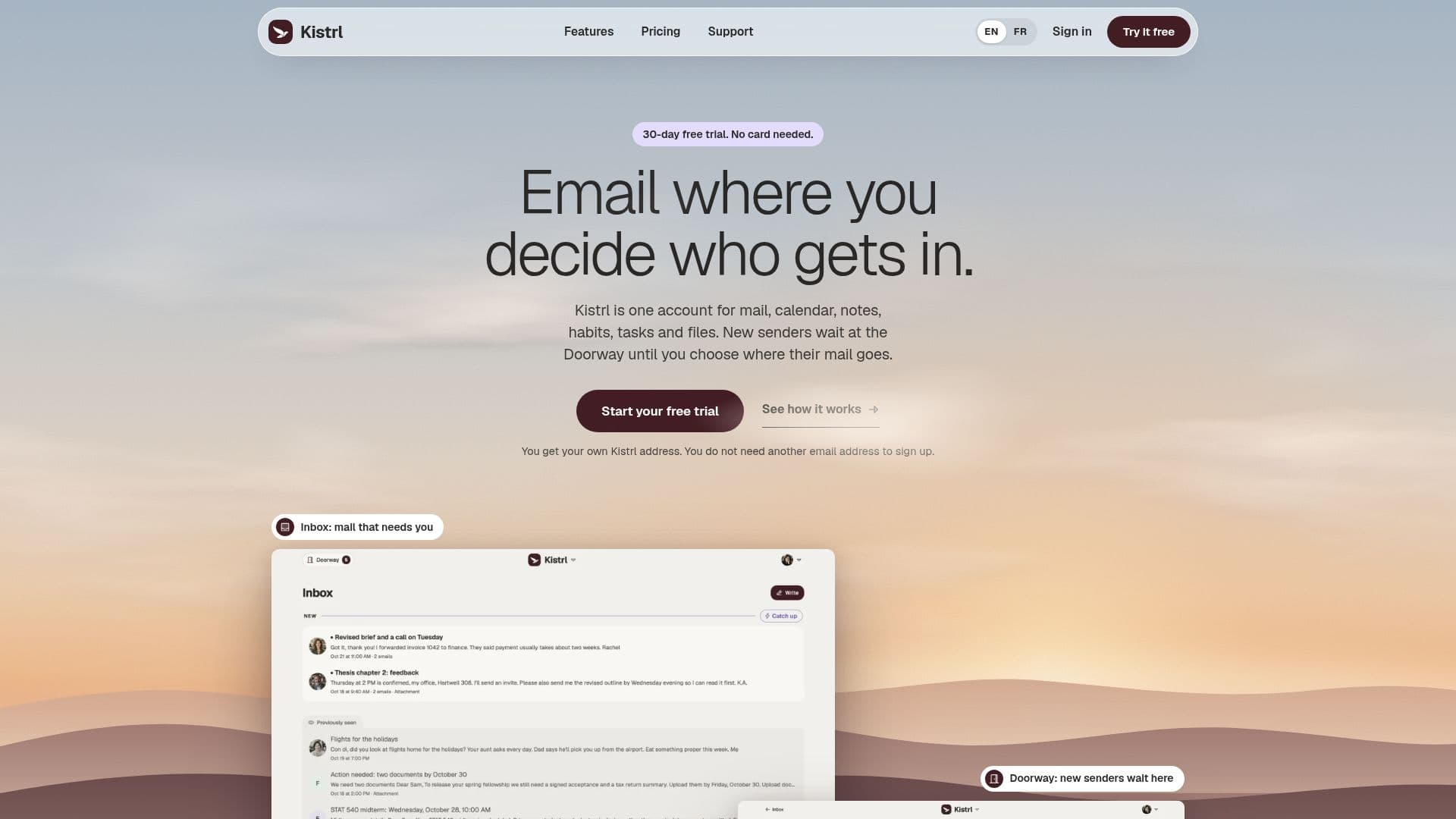
Kistrl provides a comprehensive personal account that integrates mail, calendar, notes, habits, tasks, and files into a single platform. Its core feature is the "Doorway," a unique system where new senders' emails are held until the user decides their destination: Inbox for actionable items, Feed for newsletters and updates, or Paper trails for receipts and statements. This gives users granular control over their incoming communications, reducing clutter and unwanted messages.
Read More
The platform emphasizes privacy and security. It offers privacy addresses, allowing users to generate random email addresses for sign-ups and block them if spam occurs, keeping their main address private. Images from new senders are blocked by default and loaded through a Kistrl image proxy to protect the user's IP address and browser details. Every message opens in a sandboxed frame, preventing scripts, forms, and external requests from running. Kistrl also supports two-factor authentication and ensures data is encrypted at rest, at work, and in transit, though it is not end-to-end encrypted to allow for server-side sorting and searching.
Beyond email management, Kistrl includes a full-featured calendar with countdowns and task planning, Markdown notes that can be published as a personal website, habit tracking, and file storage with 100 GB of space. All attachments from allowed mail are gathered in a library, and users can store their own files, searching both by name and content. Files can also be shared via expiring links.
Kistrl offers optional AI assistance, which remains off until explicitly activated. When enabled, AI features can help organize mail by marking items needing answers and linking receipts to timelines, extracting codes and security notices, and providing writing suggestions for replies and notes. Users can also connect their own AI agents via MCP, with control over what the agent can read and change. The service is available across various platforms, including web browsers, dedicated desktop apps for Mac, Windows, and Linux, and mobile apps for iPhone and Android, ensuring a consistent experience and offline access to recent mail and attachments.
Kistrl operates on a single plan, "Kistrl Personal," which includes all features. It offers a 30-day free trial without requiring a credit card. After the trial, users can subscribe for US$80 per year or US$8 per month. If a subscription ends or payment fails, mail continues to arrive, and the account becomes read-only, allowing users to read, export, and delete content, with full functionality restored upon payment. After a year of paid service, the Kistrl address will continue forwarding new mail to a chosen address indefinitely, even if the subscription is canceled.
- CategoryAI Email Assistants
- Pricing ModelFreemium
- DeploymentCloud
- PlatformsWeb, Mac, Windows, Linux, iPhone, Android
Kistrl's Core Features
Doorway for new senders: Screen and categorize first-time emails
Mail management: Inbox, Feed, Paper trails, Screened out, Spam categories
Privacy addresses: Generate random addresses for sign-ups and block them
Image proxy: Block remote images or load securely through Kistrl
Sealed messages: Emails open in sandboxed frames, blocking scripts and forms
Integrated account: Mail, calendar, notes, habits, tasks, and files in one place
Calendar features: Events, countdowns, task planning, tracked time, holidays
Markdown notes: Notes in folders, daily journal, version history, import/export
Website publishing: Publish pages and posts directly from notes
Habit tracking: Good weeks, quick check-ins, pause for holidays
Task management: Title-based tasks, deadlines, countdowns, convert to events
File storage: 100 GB for mail and files, attachment library, search inside files
Shareable files: Links that expire for sharing any file
Optional AI assistance: Organizing, codes/deadlines extraction, writing help, agent connection
Multi-platform apps: Browser, Mac, Windows, Linux, iPhone, Android
How to use Kistrl?
Sign up: Create a Kistrl account and choose a username, which becomes your Kistrl address.
Manage new senders: When a new sender emails you, their mail waits at the Doorway; choose to send it to Inbox, Feed, Paper trails, or Screened out.
Organize mail: Move senders between Inbox, Feed, and Paper trails at any time, and use marks like Reply later or Set aside for pending actions.
Utilize privacy features: Generate privacy addresses for sign-ups, and control how remote images load to protect your identity.
Plan and track: Use the integrated calendar to plan tasks, set deadlines, track time, and manage habits.
Create and publish notes: Write notes in Markdown, keep a daily journal, and publish selected notes as pages or posts on your own website.
Access files: Store your own files and access attachments from emails, with search functionality and expiring share links.
Enable AI (optional): Turn on AI features in settings for assistance with organizing mail, extracting information, and writing, ensuring it never sends your mail.
Kistrl's Use Cases
- Email Management
- Personal Productivity
- Digital Privacy
- Content Creation & Publishing
- Task & Time Tracking
- File Organization
- Information Extraction
- Writing Assistance