Description
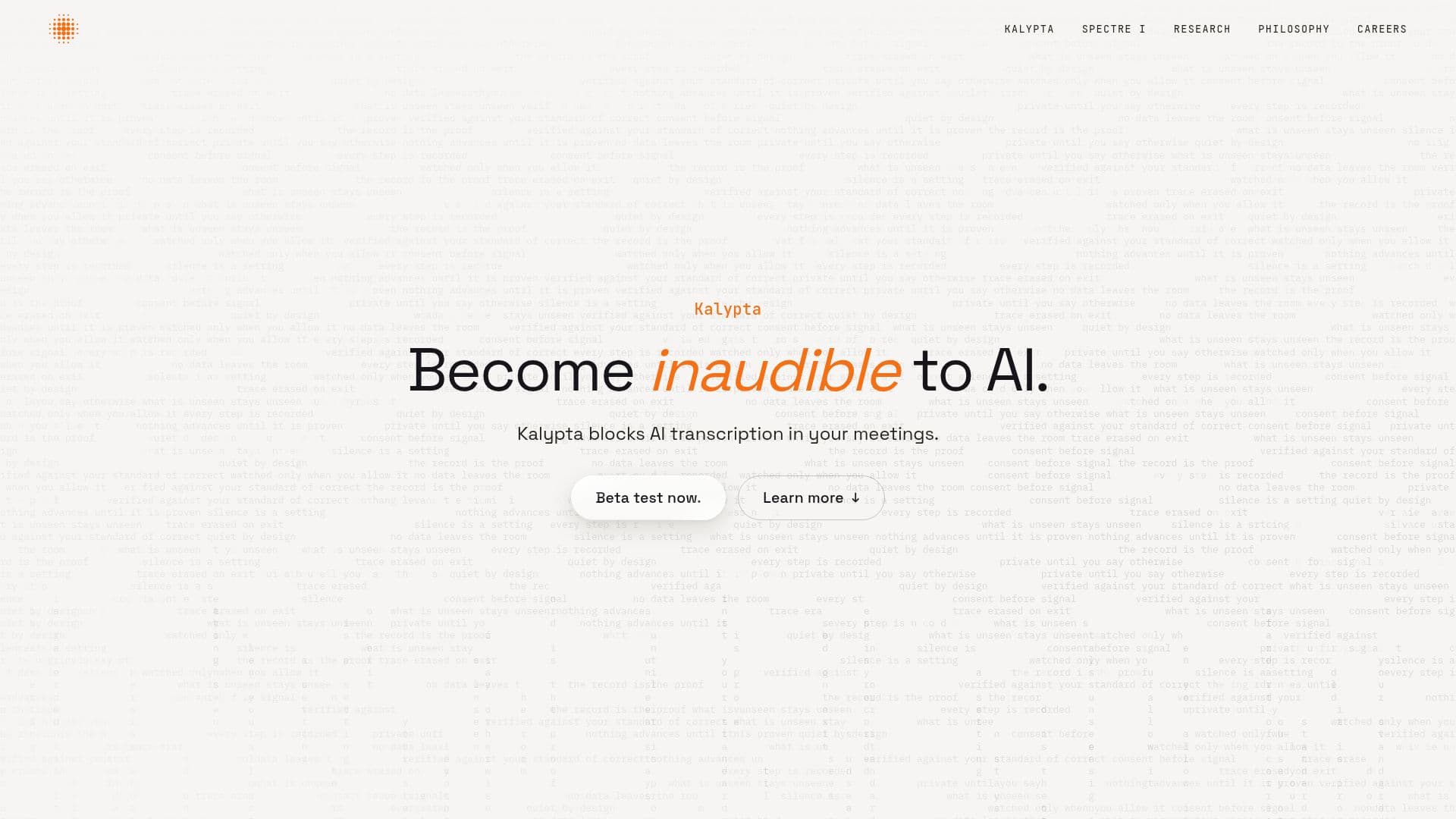
Kalypta is a cutting-edge application developed by Deveillance to protect users from unwanted AI transcription during meetings. It operates by reshaping audio in real-time, making it difficult for AI transcribers to accurately capture spoken words. This innovative tool ensures that while AI systems struggle to transcribe, human listeners can still hear the speaker clearly.
Read More
The application runs a small local model directly on the user's device, ensuring that no audio data is sent to the cloud, thus maintaining user privacy. Kalypta has been tested on popular meeting platforms such as Google Meet, Zoom, and Microsoft Teams, although it currently supports only Apple Silicon macOS devices.
Kalypta's effectiveness is demonstrated through its ability to cause AI transcribers to fail in transcribing approximately two out of every three words. This is achieved without significantly compromising the intelligibility of the audio for human listeners. The tool has been refined using various open-weight transcription models, including Whisper and NVIDIA's voice models.
The development of Kalypta is grounded in extensive research and testing, including human intelligibility studies and word error rate (WER) evaluations. These studies have shown that while certain models can disrupt AI transcribers effectively, they also maintain a level of intelligibility for human listeners.
Deveillance continues to improve Kalypta, with regular updates aimed at enhancing its performance and expanding its compatibility across different platforms. The tool is part of Deveillance's broader mission to prevent involuntary participation in recordings that are fed to black-box systems.
- CategoryAI Privacy Tools
- DeploymentmacOS
- PlatformsGoogle Meet, Zoom, Teams
Kalypta's Core Features
Real-time audio reshaping
Local model execution
Privacy-focused design
Supports Google Meet, Zoom, Teams
Apple Silicon macOS compatibility
Disrupts AI transcription
Human audio clarity
Regular updates
How to use Kalypta?
Install: Download and set up Kalypta on your macOS device
Configure: Select Kalypta Audio as your microphone in meeting apps
Use: Activate Kalypta during meetings to block AI transcription
Optimize: Update regularly for improved performance
Kalypta's Use Cases
- Private Meetings
- Confidential Calls
- Corporate Discussions
- Legal Consultations
- Research Interviews